Search
 Submit

 VSCOPhoto editing, creative community, and tools for photographers
Alternatives to Modelflare
Explore tools compared with Modelflare across categories. Find what fits your workflow.
VSCOPhoto editing, creative community, and tools for photographers CapCutVideo editing and AI creative tools for desktop, mobile, and online projects.
 PhotoroomAI photo and video editing for e-commerce product visuals
Modelflare alternatives, explored
217 alternatives from real comparisons with Modelflare.
VSCO offers mobile and desktop tools for editing photographs, applying presets, and sharing work with a photography community. Its platform also includes portfolio sites, client galleries, and business tools. The iPhone app includes AI Lab tools such as object removal and prompt-based editing, available with eligible memberships.

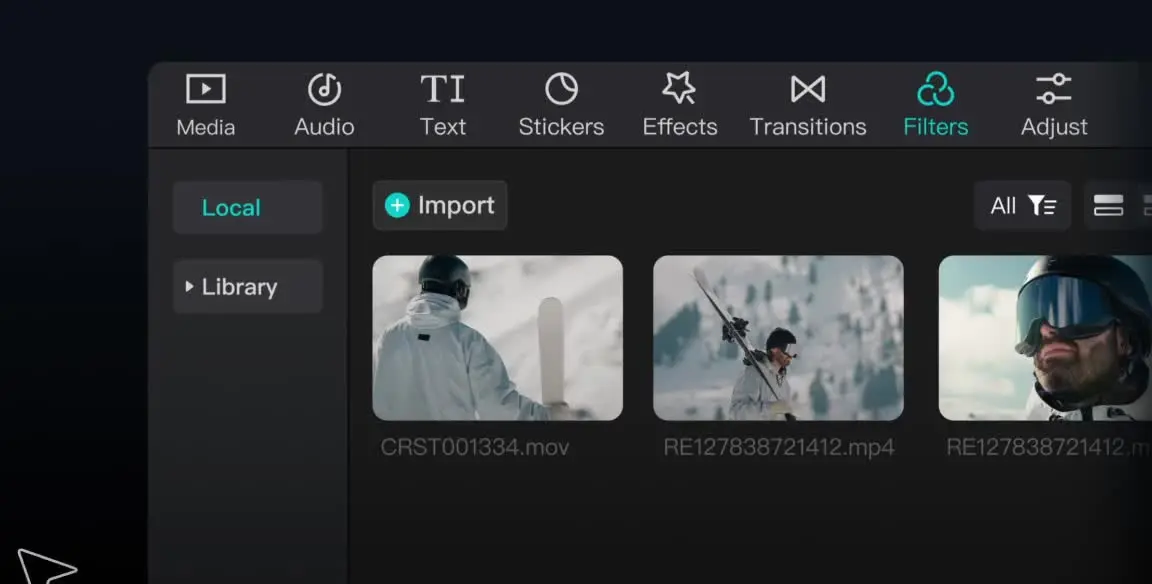
CapCut provides video editing and creative tools across desktop, mobile, and online products. Creators can arrange media on a timeline, work with audio and text, add effects and transitions, and use AI features such as auto captions, text to speech, and background removal. It offers a free plan with basic editing tools and templates, alongside paid plans with premium features and additional AI access.
Photoroom is an AI photo and video editing platform for e-commerce businesses. It removes image backgrounds, creates product visuals, and supports batch processing for catalog images. Teams can use the web and mobile apps or integrate image editing through its API.


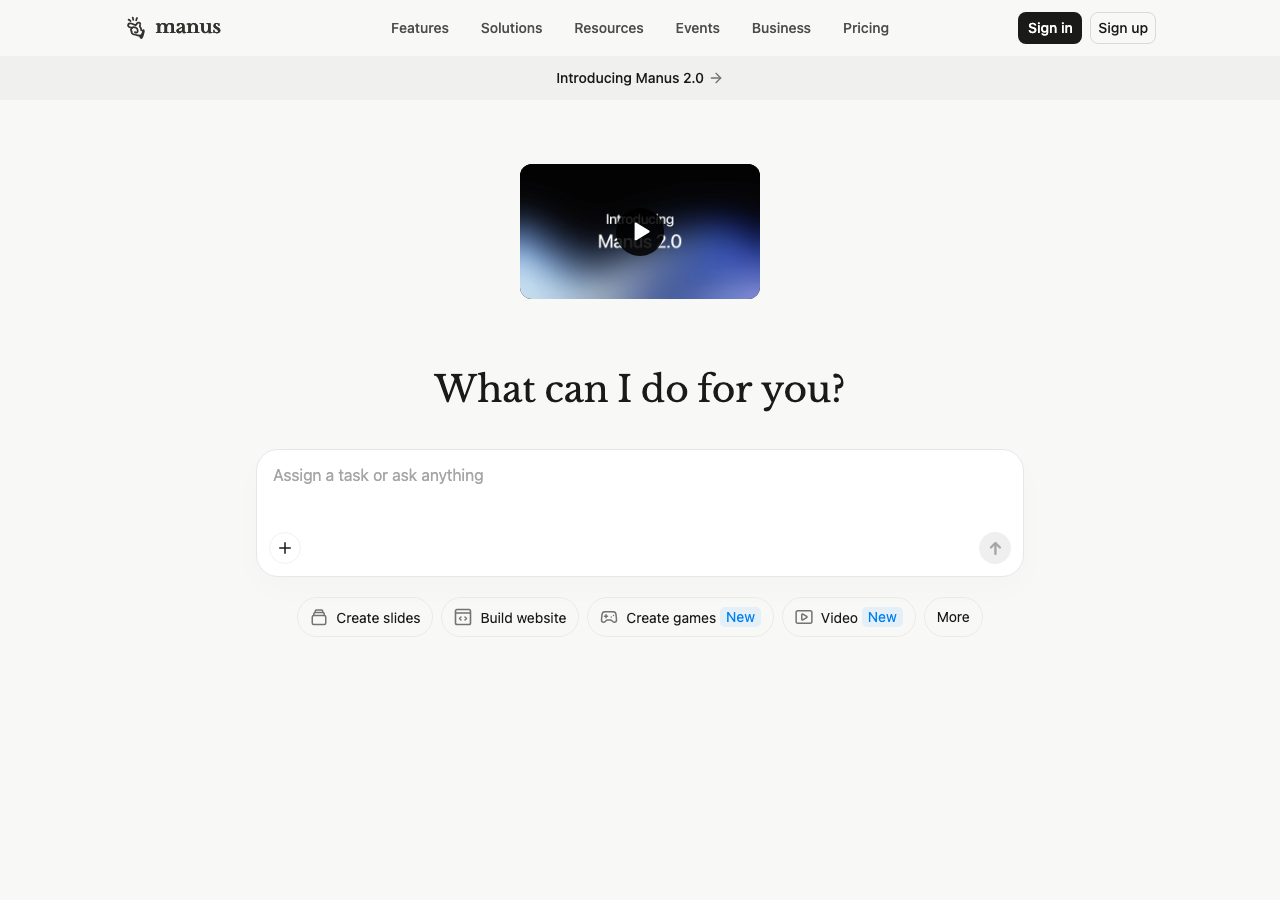
Manus is a hosted AI agent for tasks that end in a deliverable, such as a website, presentation, or research dataset. Give Wide Research a list of vendors and a set of questions, for example, and it assigns separate agents to investigate the entries before collecting their findings. The same workspace can turn a product brief into a first draft of a site or slides for a meeting.

FlipHTML5 AI Ebook Generator turns topic prompts or uploaded documents into ebooks with editable outlines and AI-designed pages. Users can choose a publication type and language, refine the outline, and publish the result as an interactive flipbook. A free plan includes AI points, while paid plans provide higher limits and additional editing and publishing options.


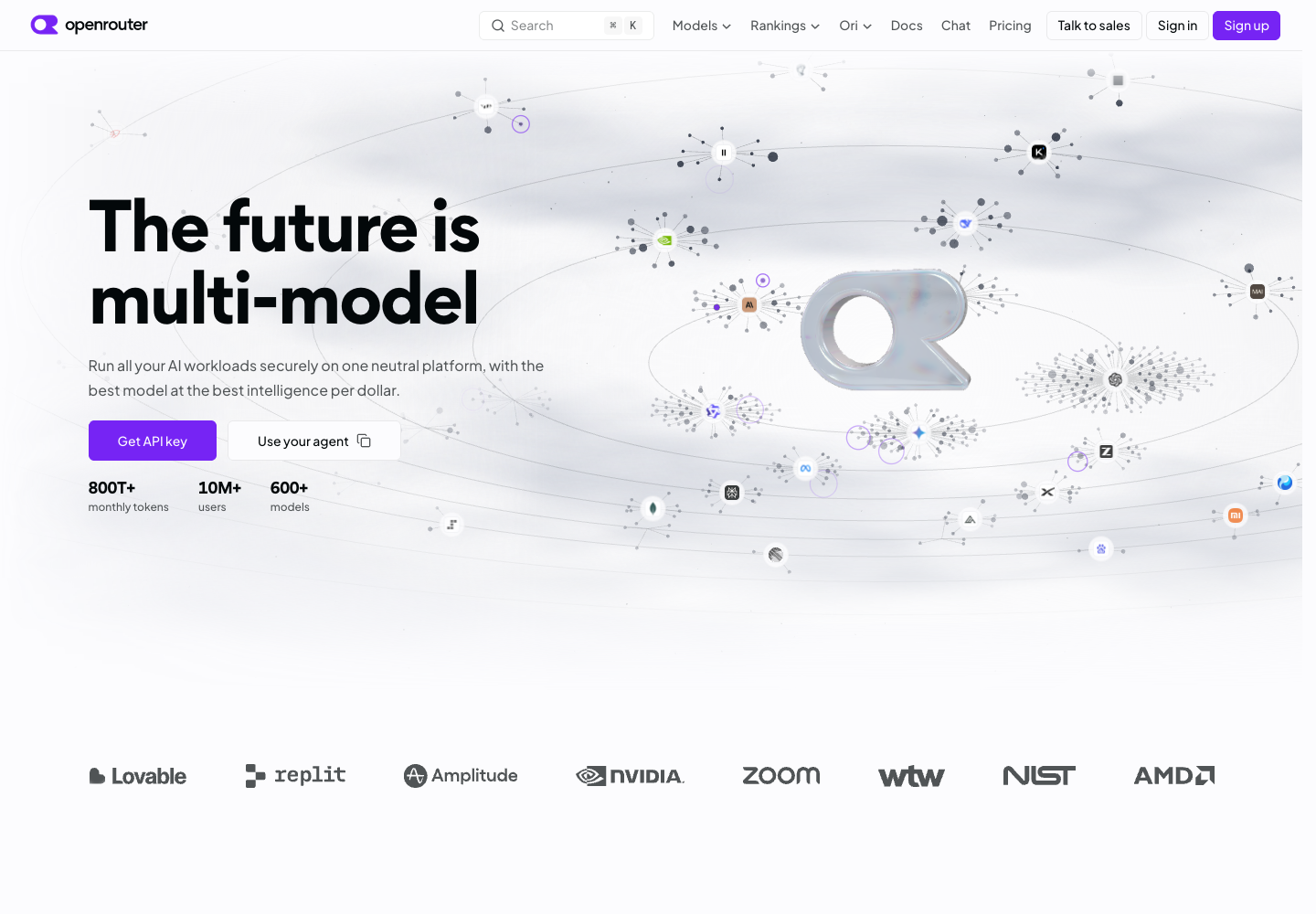
OpenRouter gives developers access to AI models through one OpenAI-compatible API. Applications can switch models using their catalog IDs and set routing preferences when a model is served by multiple providers. The catalog compares capabilities, context lengths and rates. OpenRouter also offers a web chat for trying models and publishes separate prices for supported batch variants.

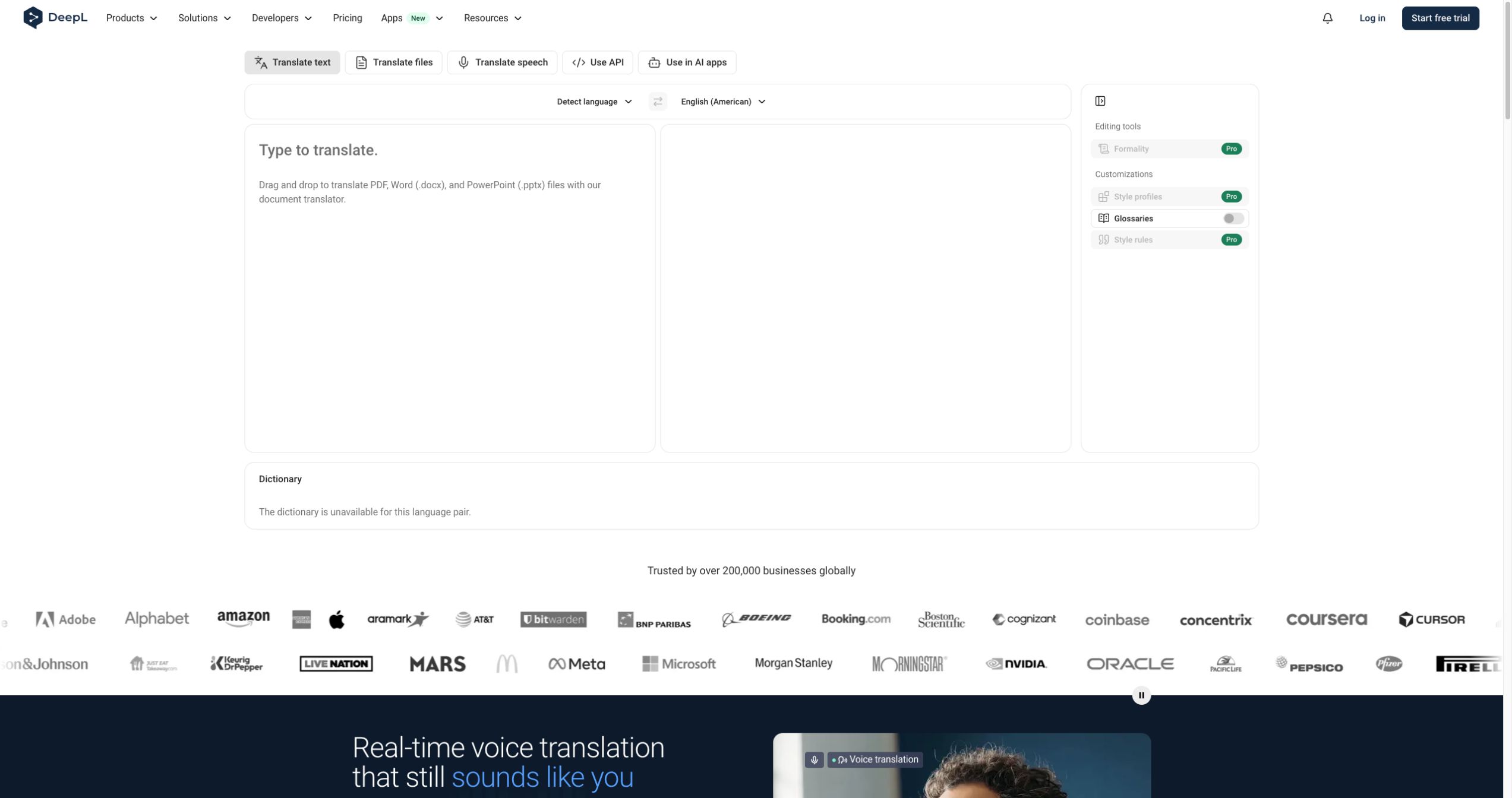
DeepL offers translation and DeepL Write, a writing workflow built to help users refine their text. Users type or paste text into DeepL Write to receive spelling, grammar, and punctuation corrections. It also provides alternative wording so writers can choose phrasing that fits their message. Users can adjust available writing styles and tones for different audiences and purposes, and shorten improved text when a draft runs long. DeepL also translates text and documents, giving users access to translation alongside writing assistance. Available features and language support vary by platform and plan. Other DeepL products cover voice translation, glossary management, and developer APIs.
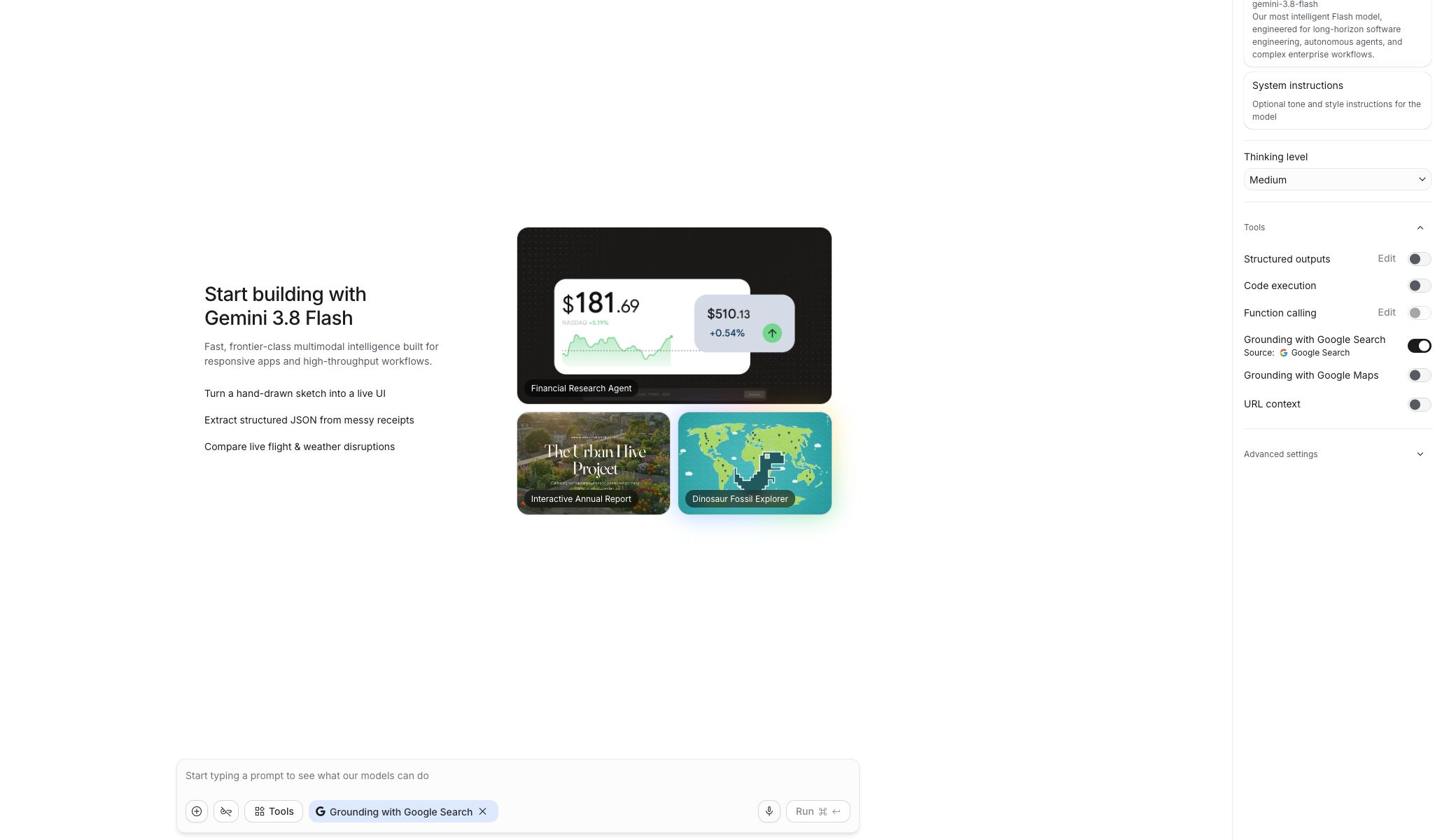
Google AI Studio is a browser workspace for working with Google’s Gemini models. Its Playground provides a prompt editor, model selection, system instructions, run settings, and tools such as structured outputs, code execution, and search grounding. Developers can experiment with prompts and get code for applications. Google offers free access with limits and paid Gemini API tiers for production use.

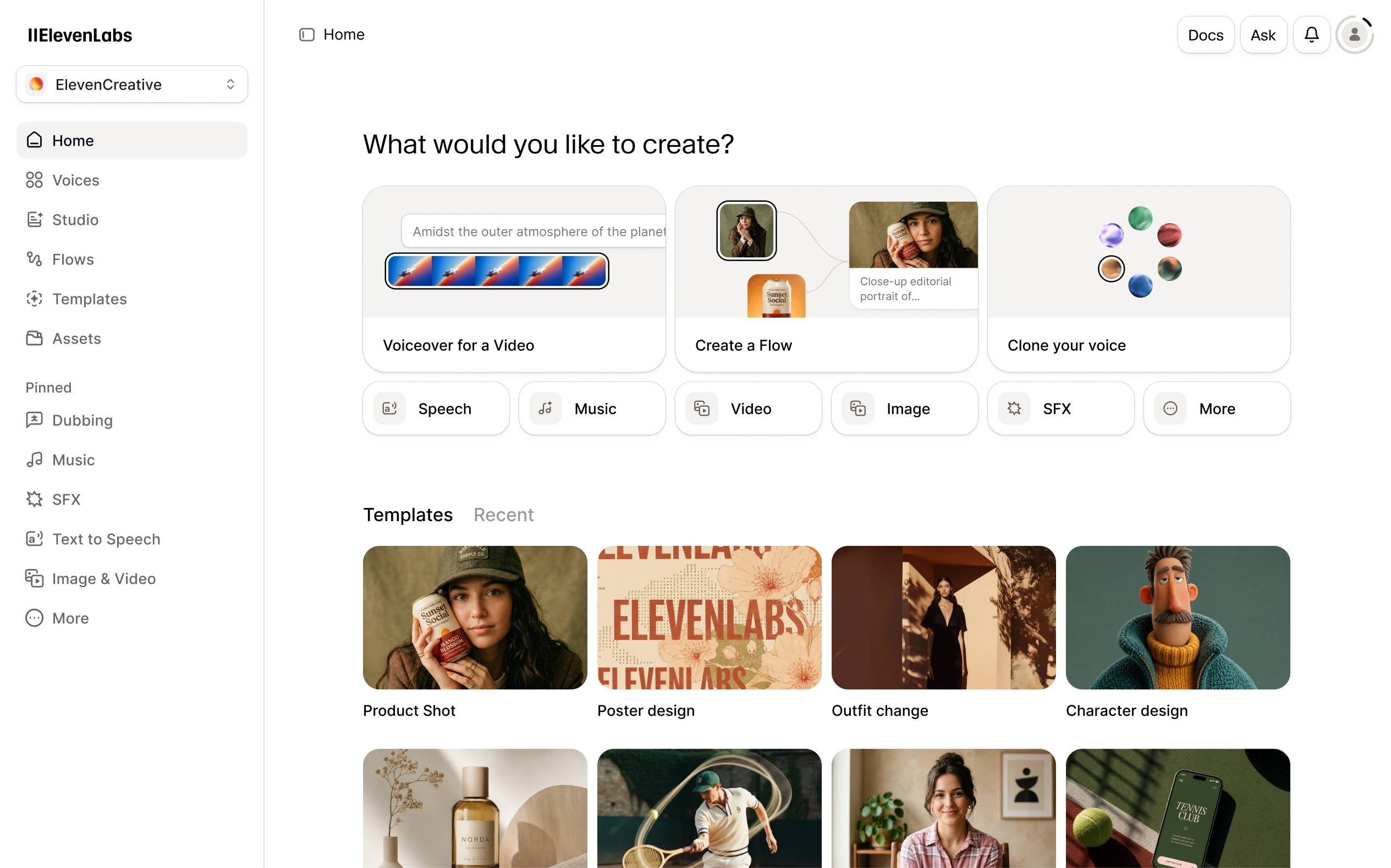
ElevenLabs offers AI audio tools for creators, developers, and businesses. Its platform supports text-to-speech, voice cloning, speech-to-text, dubbing, music, and sound effects, alongside APIs and conversational agents. Users can create voiceovers and localize audio content, with free and paid subscription plans available.

Meta AI is an assistant available in WhatsApp, Instagram, Facebook, Messenger, a standalone mobile app, and on the web. Someone can ask a question by voice while cooking or use a larger screen to adjust the lighting in a generated image. On supported Ray-Ban Meta glasses, a conversation can start hands-free and continue later in the app or on the web. Availability of voice, personalization, and glasses features varies by country.
QuillBot is an AI writing suite designed to help users refine and produce written content. The platform offers a paraphraser, grammar checker, summarizer, translator, and citation generator. Users can enter text to paraphrase wording, correct grammar, and create summaries. QuillBot also provides browser extensions that support writing on other websites. These tools support writers working on reports, articles, assignments, and other documents, from changing phrasing and reviewing grammar to shortening source material and formatting citations.
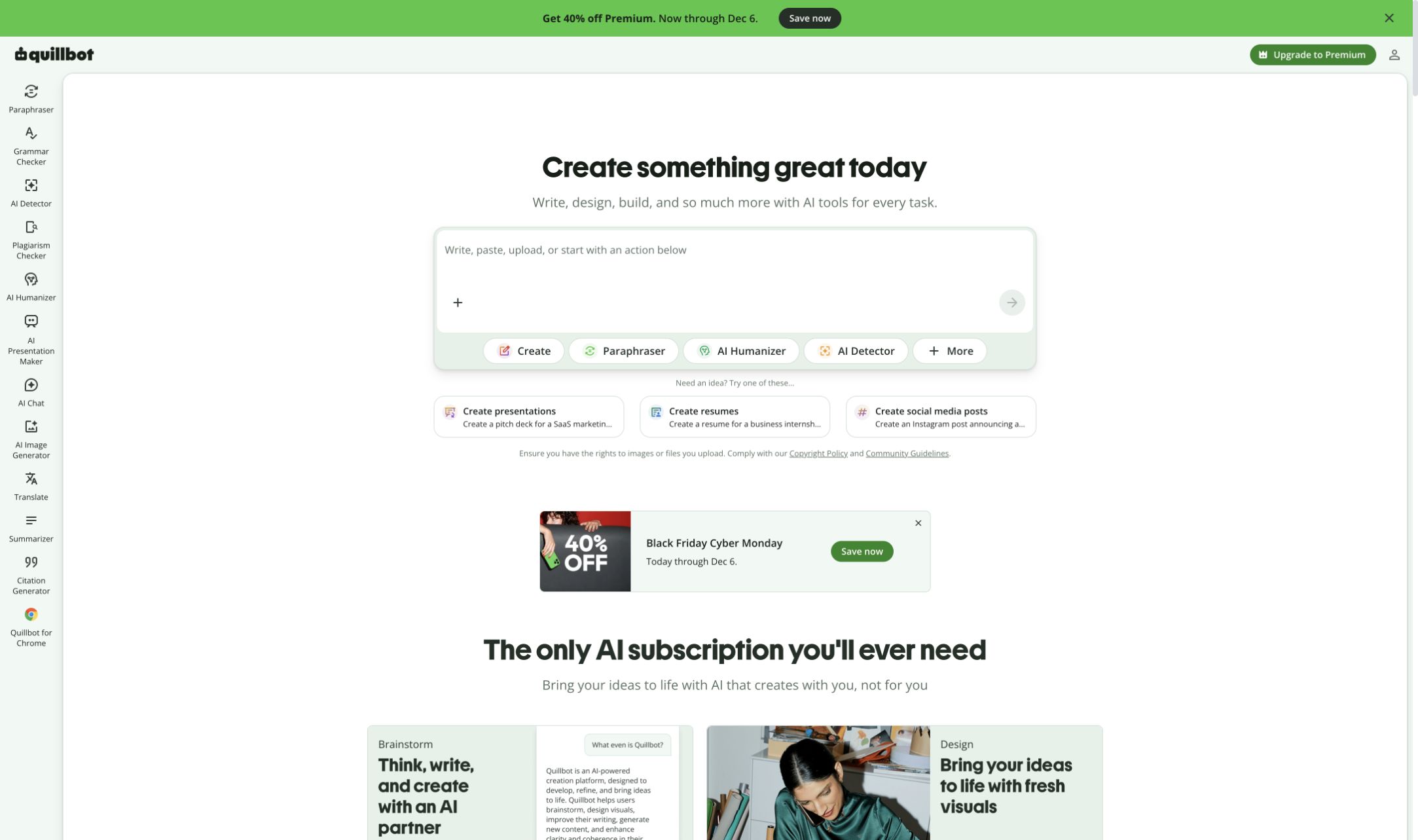

Notion is a collaborative workspace for documents and projects with built-in Notion AI capabilities. Teams and individuals input pages, project records, meeting discussions, writing prompts, and queries across connected applications. Based on those inputs, the workspace generates drafted or edited text, structured meeting notes, search responses drawn from workspace and connected app content, and automated outputs from configurable agents. Available context depends on workspace content, user instructions, connected applications and permissions. For example, a team can ask Notion Agent to find decisions in meeting notes or update a project page. Free and Plus plans offer limited AI trials, while Business and Enterprise include broader AI access subject to usage allowances.

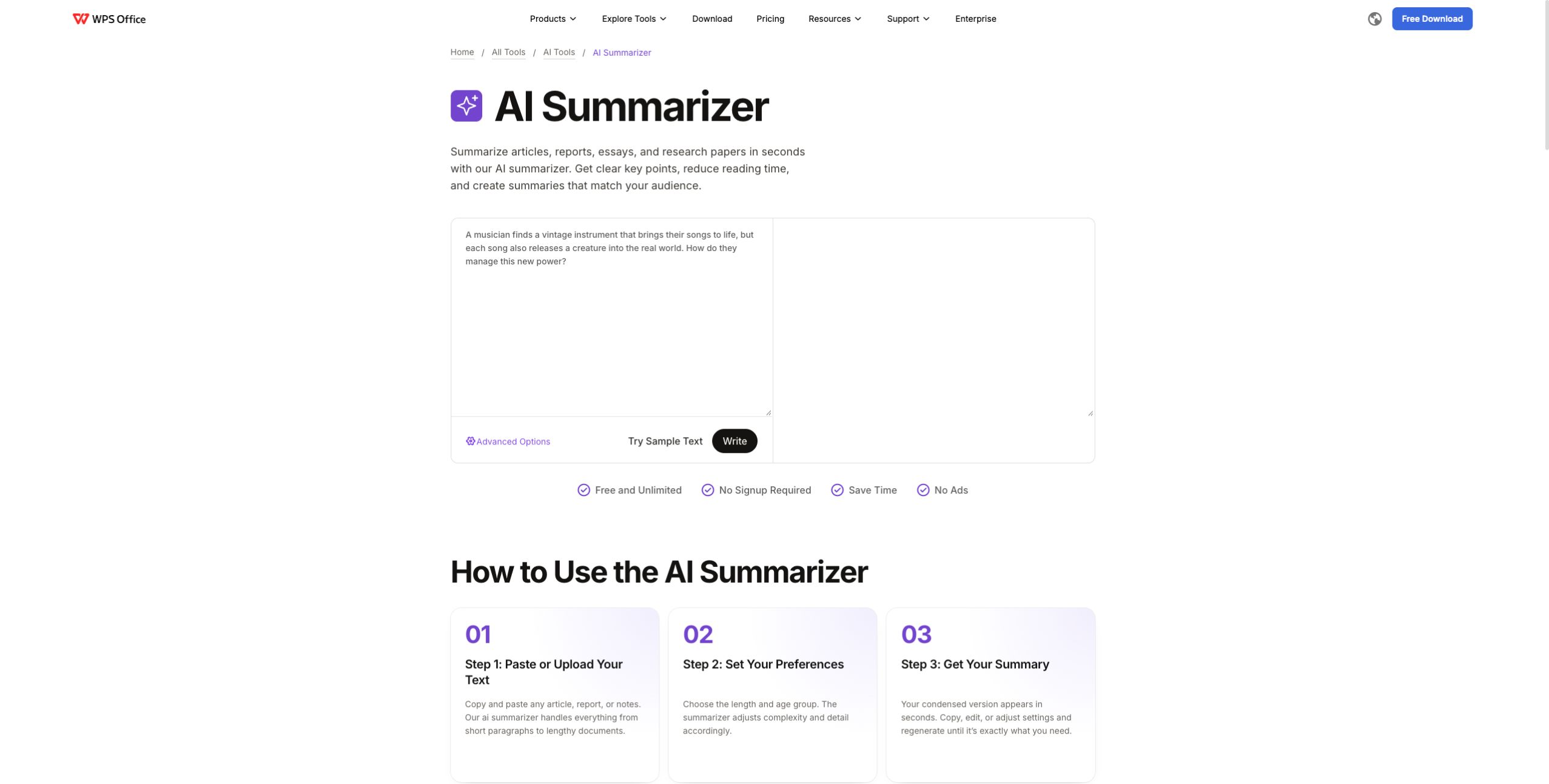
WPS AI Summarizer is a free online tool for reducing long text into key points. Users can paste articles, reports, research papers, or notes, select the desired summary length and audience age group, and copy or edit the resulting summary. The official page states that no signup is required.

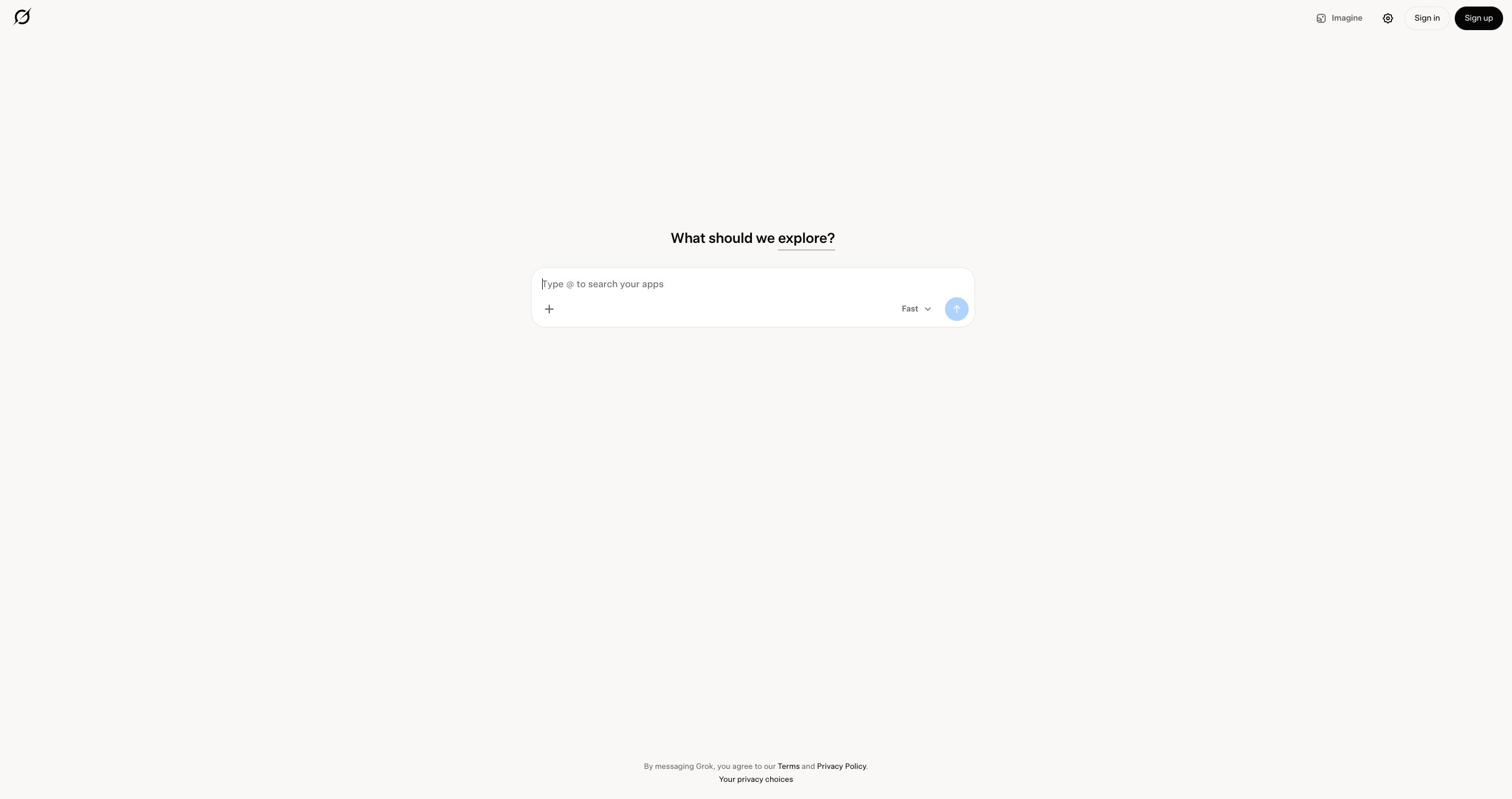
Grok is a conversational assistant on the web, iOS, and Android that works with questions, files, and visual media. A chat can start with a spreadsheet or PDF: ask for the figures behind a claim, then follow up on an unexpected result. Grok can also search for current information, take spoken questions, and generate images and video. With a supported account and the relevant connector enabled, it can draw on material in your email, files, or calendar.

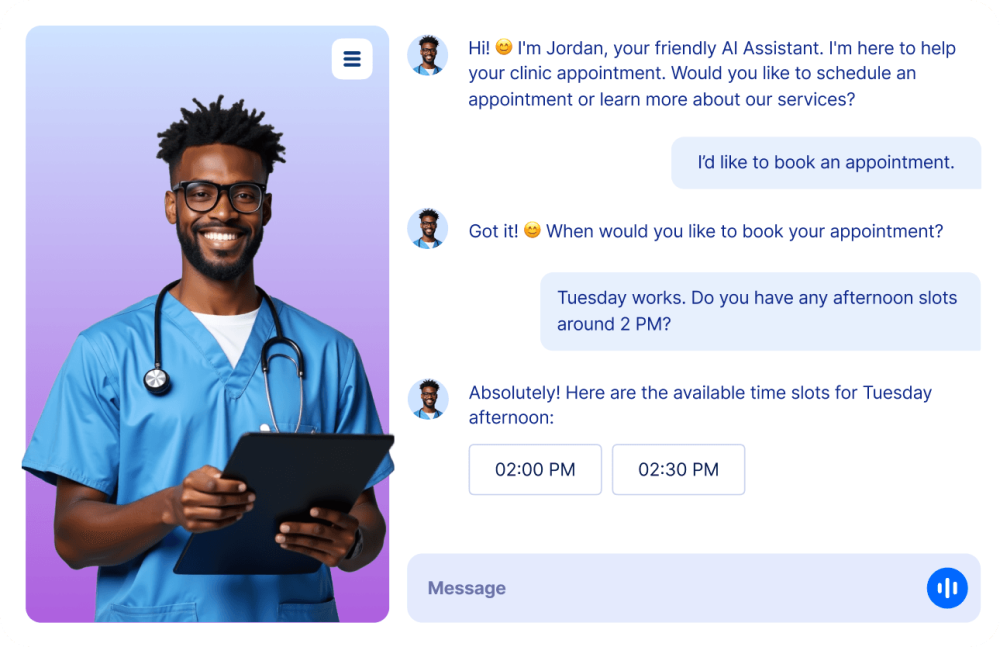
Jotform AI Agents lets organizations create AI assistants for customer service and other workflows. Users can customize an agent, train it on their business information, and share it across channels including websites, phone calls, and WhatsApp. Templates help teams get started with support and feedback collection.

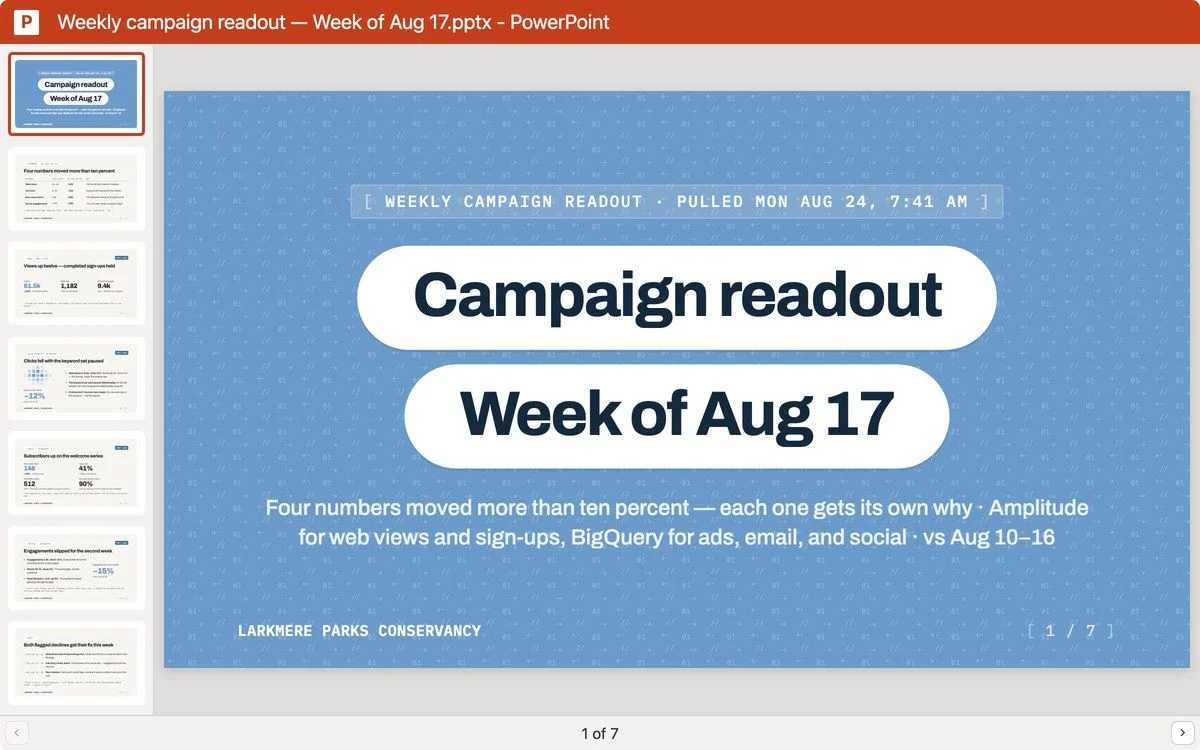
Claude is Anthropic’s conversational assistant for working with source material and producing files. Give it a report, ask it to check a recent development on the web, then work through revisions to a brief or slide deck in the same conversation. Artifacts let you develop a document or prototype alongside the chat. The web, desktop, and mobile apps support everyday conversations, while tools such as Projects, Claude Code, and scheduled tasks depend on the plan.

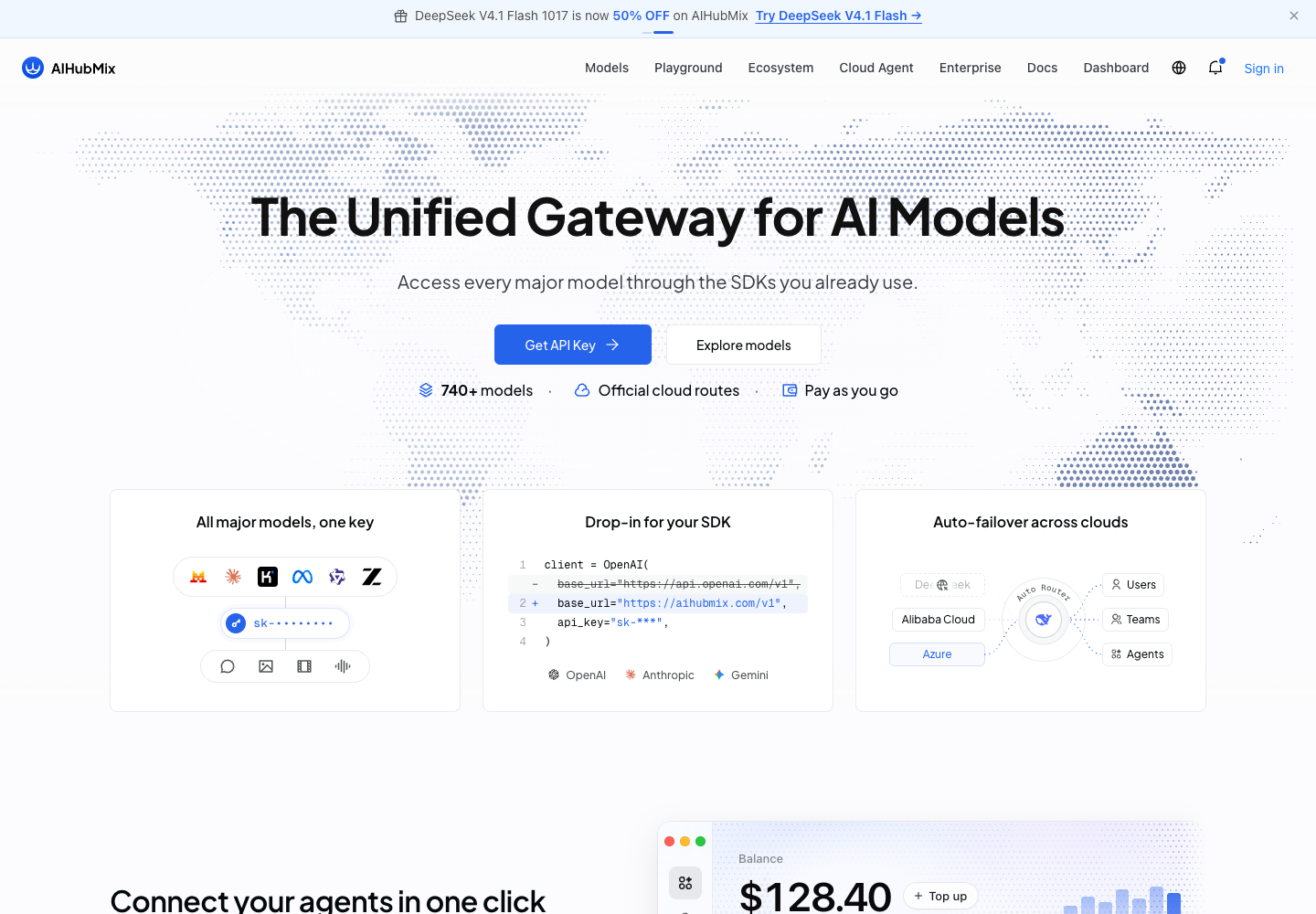
AIHubMix gives developers one account and API key to use models from providers including OpenAI, Anthropic, Google, and DeepSeek. For a chat application, configure the OpenAI SDK with the AIHubMix base URL, copy a chat model ID from the catalog, and send a conversation. The response contains the selected model’s reply. To compare another compatible model on the same conversation, change the model ID and repeat the request. The gateway also exposes endpoints for tasks with different inputs and outputs. An embedding model turns text into vectors for retrieval, while a video model accepts a generation request and returns a task to track. Teams can share an account balance, set a budget for each workspace, and limit individual API keys.

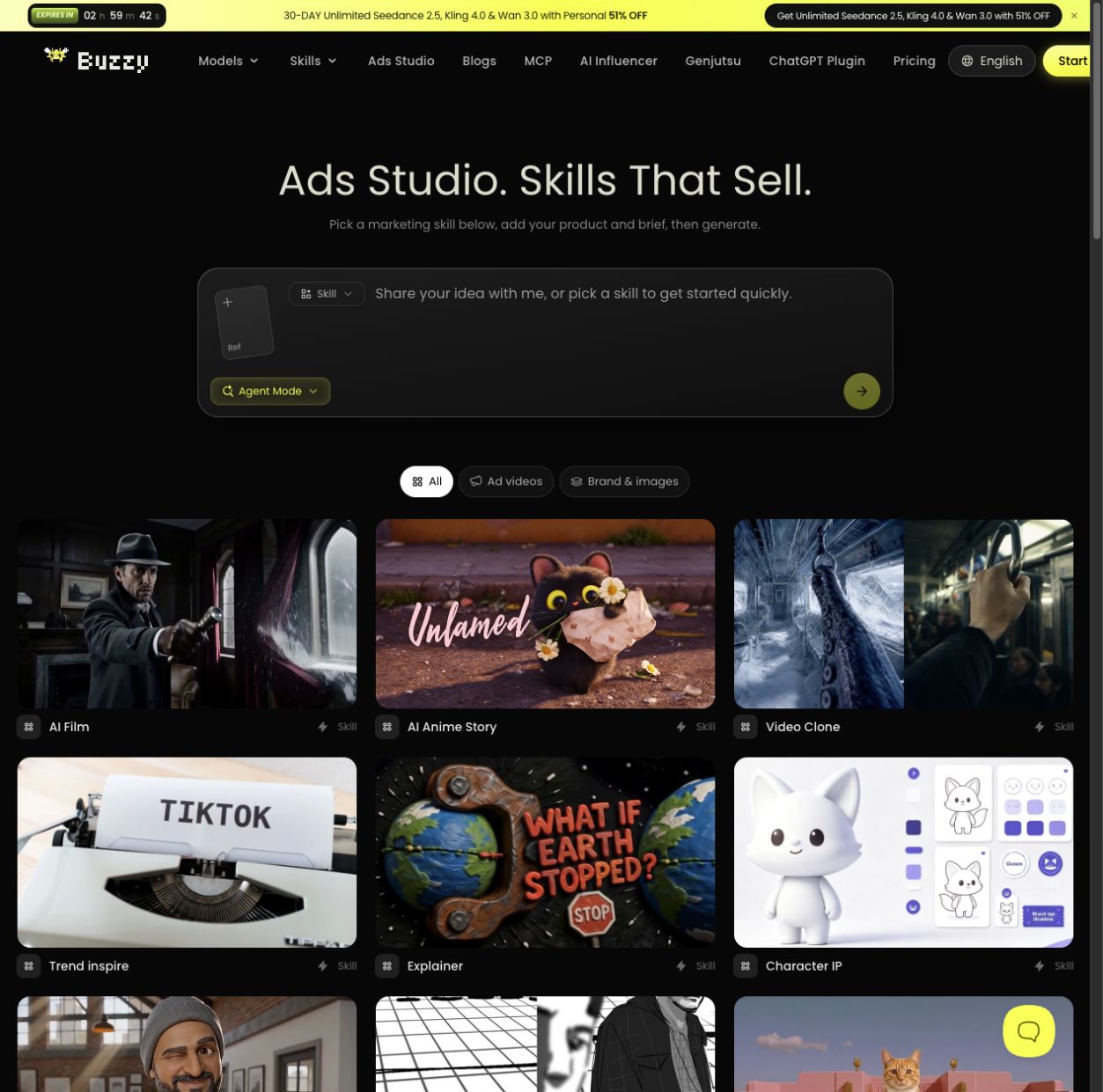
Buzzy AI is a video creation platform with model selection and reusable creative workflows. Its Ads Studio lets users choose a marketing skill, provide a product and brief, and generate visual assets. Available workflows cover explainer videos, UGC ads, product showcases, storyboards and campaign materials. The service offers free starter credits and subscription plans for additional generation credits.

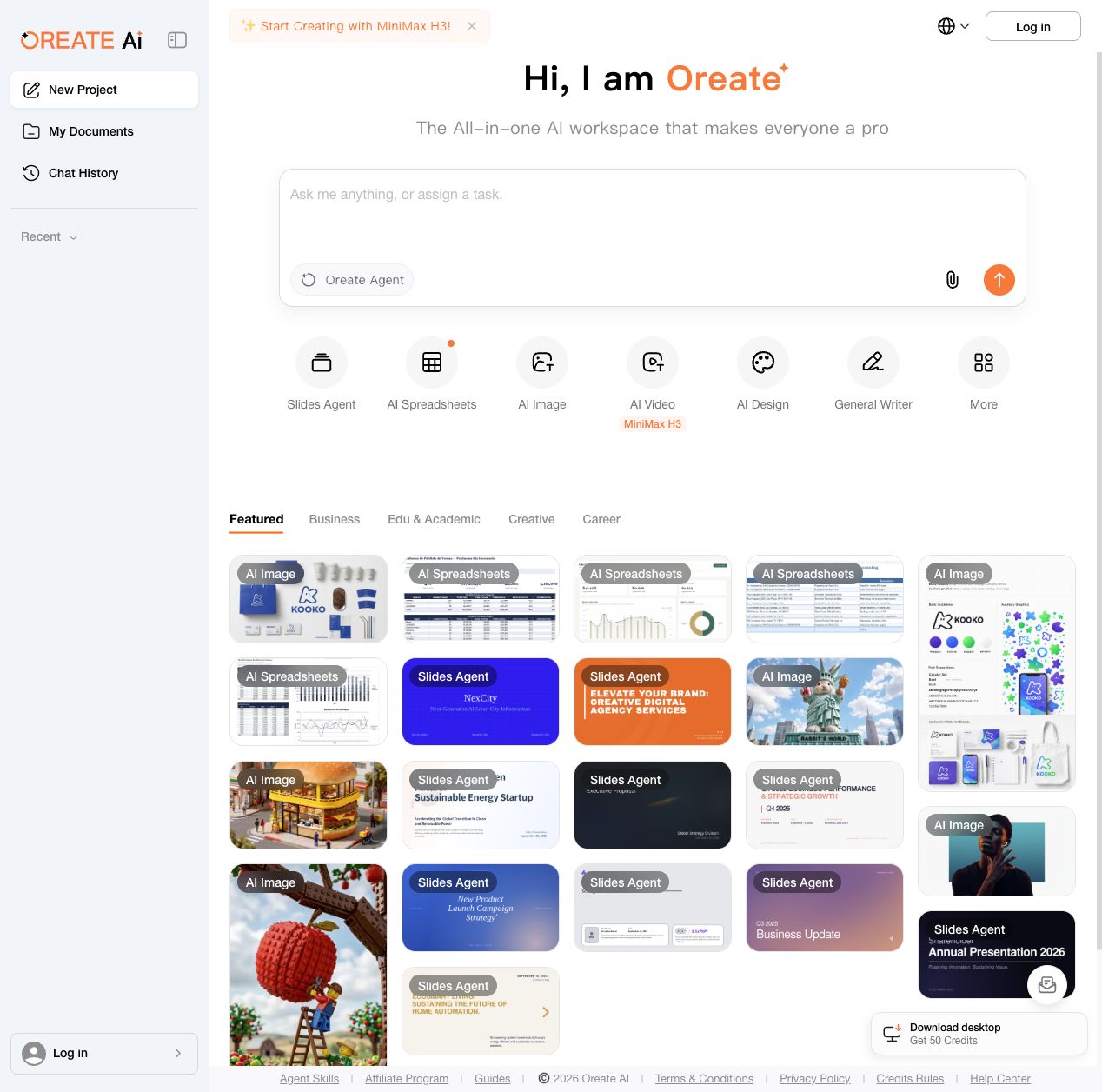
Oreate AI brings several creation tools into one workspace. Users can start with an Oreate Agent prompt or open dedicated tools for slides, spreadsheets, images, video, design and general writing. The workspace includes reusable examples for business, education and creative work, along with document and chat history areas. Free daily credits are available, with subscriptions and add-on credits for additional usage.

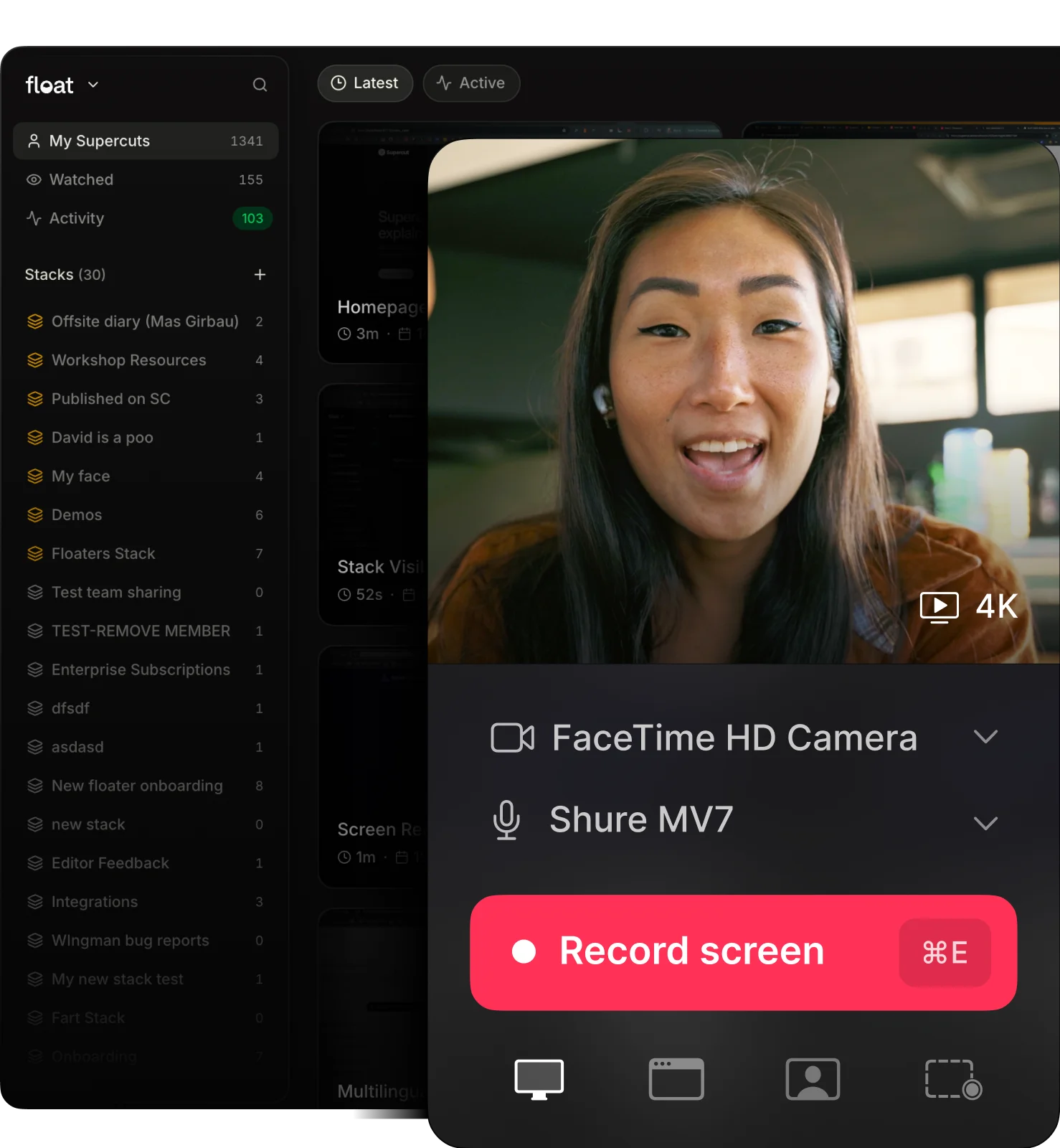
Supercut is a video messaging workspace for product, sales, and support teams. It records screen and camera updates, supports branded 4K sharing, and lets teams organize videos in a workspace. After recording, AI Auto Edit helps remove filler words and silences, while chapters, titles, summaries, transcripts, and captions make updates easier to browse. Recipients can ask an AI assistant about a recording, and teams can connect video context to compatible agents with MCP. Supercut fits asynchronous status updates, product demos, support explanations, and training videos for teams that need clear, reusable work communication.