 Submit

Text translation
Translate text between supported languages through the browser interface.
 BetterAI.tools

 Search

Translation and AI writing assistance for clearer text
Are you the maker of DeepL?
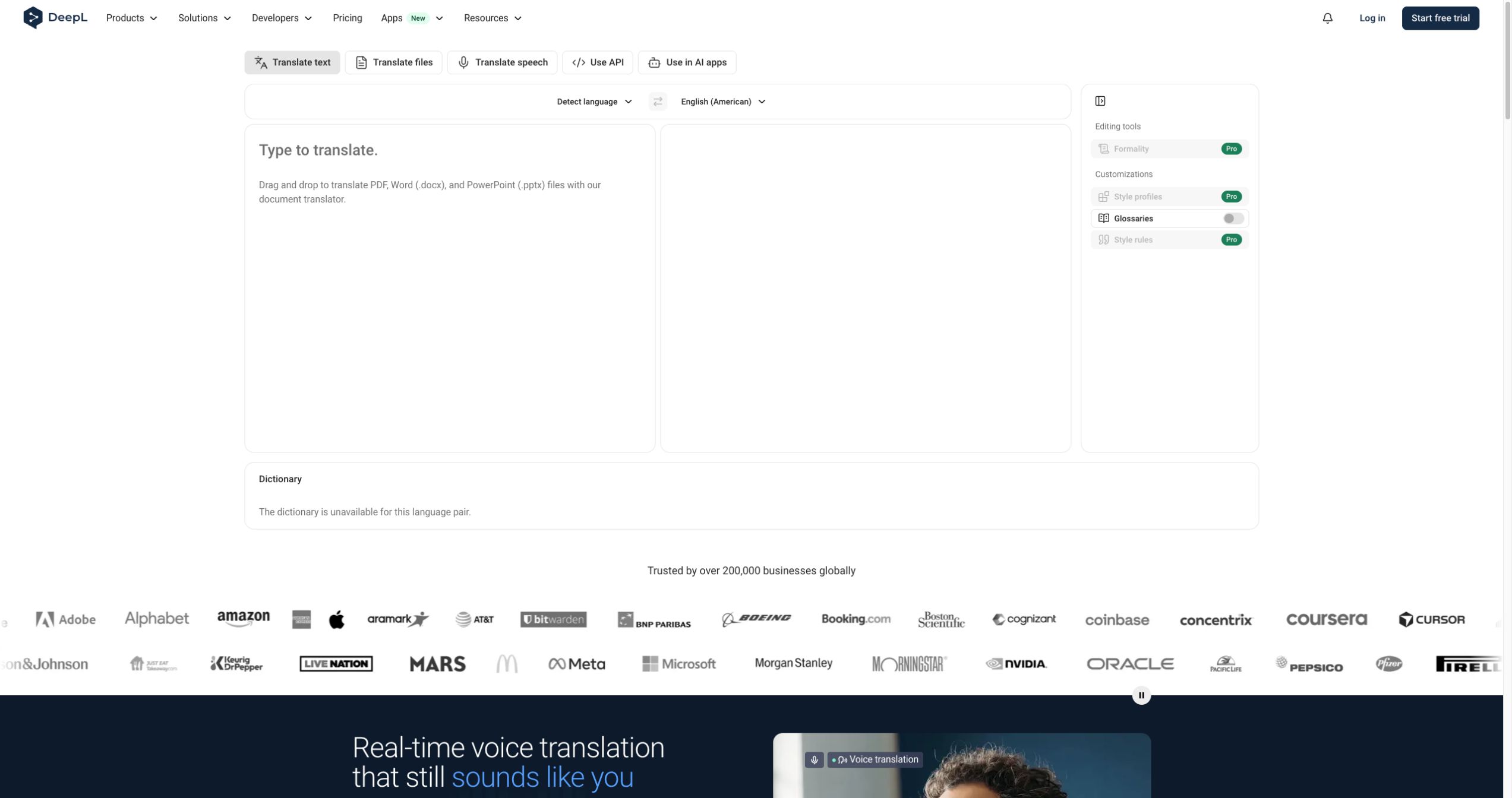
Translate text between supported languages through the browser interface.
Translate files including PDF, Word, and PowerPoint documents.
Use writing assistance, voice translation, glossaries, and APIs through DeepL products.
Enter text into DeepL Write for spelling, grammar, and punctuation suggestions.
Choose alternatives for individual words or rephrase a sentence.
Apply a supported writing style or tone to suit the intended audience.
Select improved text and review shorter alternatives on supported platforms.
Free translation and writing with limits
Write Pro add-on €6.99/user/month billed annually
Write Pro add-on €6.99/user/month billed annually
Write Pro included
Regional euro pricing, VAT included. Annual prices shown; Write Pro add-on is extra for Individual and Team and included in Business.
Type or paste text to get grammar, spelling, and punctuation corrections and alternative wording.
Yes. Select a word or phrase to see alternatives or rephrase the highlighted sentence.
Yes. Choose a supported style or tone and apply it to the text; availability varies by language and platform.
Yes. Select the improved text and choose Shorten to review shorter alternatives on supported platforms.
DeepL lists its website, desktop and mobile apps, browser extensions, and integrations including Microsoft Word.
For the regional euro pricing page, the Write Pro add-on is €6.99 per user per month billed annually and can be added to Individual or Team plans. Other regional pricing may differ.
Public experiences and discussions, with links to the originals.
No discussions collected yet.
Explore 26 products that share at least one second-level category.
View all 26 alternatives
Course Hero is a study platform where students can search course-specific documents, ask questions, access textbook solutions, and seek expert tutor help. Its study tools include a grammar checker, paraphraser, proofreader, and spell checker. Premier Plus bundles QuillBot Premium writing tools and Symbolab with Course Hero study features.

Scribbr is an academic writing platform for students and researchers. Users can generate citations, paraphrase or summarize text, check grammar, and review writing with AI tools. It also offers paid human proofreading and plagiarism checks for academic documents.
Found something incorrect? Suggest a correction for our editors. It’s free; no account or email is needed.