 Submit

Timeline editing
Cut, arrange, and refine clips, audio, and text on a timeline.
 BetterAI.tools

 Search

Video editing and AI creative tools for desktop, mobile, and online projects.
Are you the maker of CapCut?
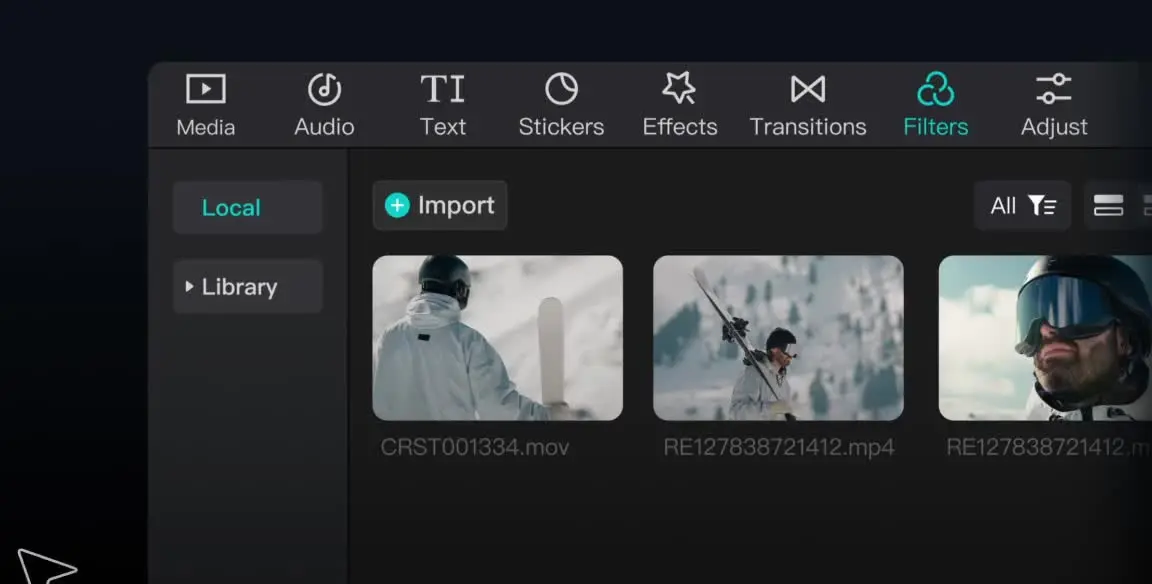
Cut, arrange, and refine clips, audio, and text on a timeline.
Use auto captions and text-to-speech tools in creative workflows.
Apply filters, effects, transitions, and templates.
A Free plan includes basic editing tools and free templates. Paid Pro, Ultra and Teams options add premium features and AI access. Final pricing, taxes and offers depend on the account and are shown after sign-in.
CapCut describes Pro as supporting editing on mobile, desktop and web. The available tools and subscription offers should be checked for the platform and account you use.
CapCut describes team templates, brand libraries and review features for collaboration. Its Teams pricing option includes Pro access for seats and a brand kit.
Public experiences and discussions, with links to the originals.
No discussions collected yet.
Explore 14 products that share at least one second-level category.
View all 14 alternatives
Cinemagiq is AI production software for planning and creating long-form series and films with a team. It connects scripts and notes, episode and shot planning, storyboards, reference assets, AI generation, review, approvals, and editing in one shared workspace. The Production Board organizes work by episode, sequence, and shot, with statuses, assignments, and comments. The versioned Asset Hub stores characters, locations, and props, while the Generation Studio offers more than 40 image, video, and audio models. Its Steve AI agent can read project boards, documents, and assets and propose work with the cost shown before a run. A free plan is available; paid team plans start at $5 per seat per month, with generation priced in tokens.

ElevenLabs offers AI audio tools for creators, developers, and businesses. Its platform supports text-to-speech, voice cloning, speech-to-text, dubbing, music, and sound effects, alongside APIs and conversational agents. Users can create voiceovers and localize audio content, with free and paid subscription plans available.
Found something incorrect? Suggest a correction for our editors. It’s free; no account or email is needed.