BetterAI.toolsBetterAI.toolsSearch
Submit

Alternatives to Paw-Paw

Explore tools in the same categories. Find what fits your workflow.

UtilitiesBetterTouchToolCustomize gestures, shortcuts, and Stream Deck controls on your Mac.UtilitiesSnickAdd mechanical click sounds and trackpad haptics to scrolling on Mac.UtilitiesWattMateWhich app is draining your Mac, in watts and minutes saved

Paw-Paw alternatives, explored

5 alternatives sharing at least one category. Listed by publication date, newest first.

BetterTouchTool is a macOS utility for customizing input devices and automating actions. Choose a trigger, such as a trackpad gesture, mouse input, keyboard shortcut, or Stream Deck control, and assign an action or a sequence of actions. The app also offers window management and a clipboard manager. It requires macOS 12 or later and offers a 45-day unrestricted trial.
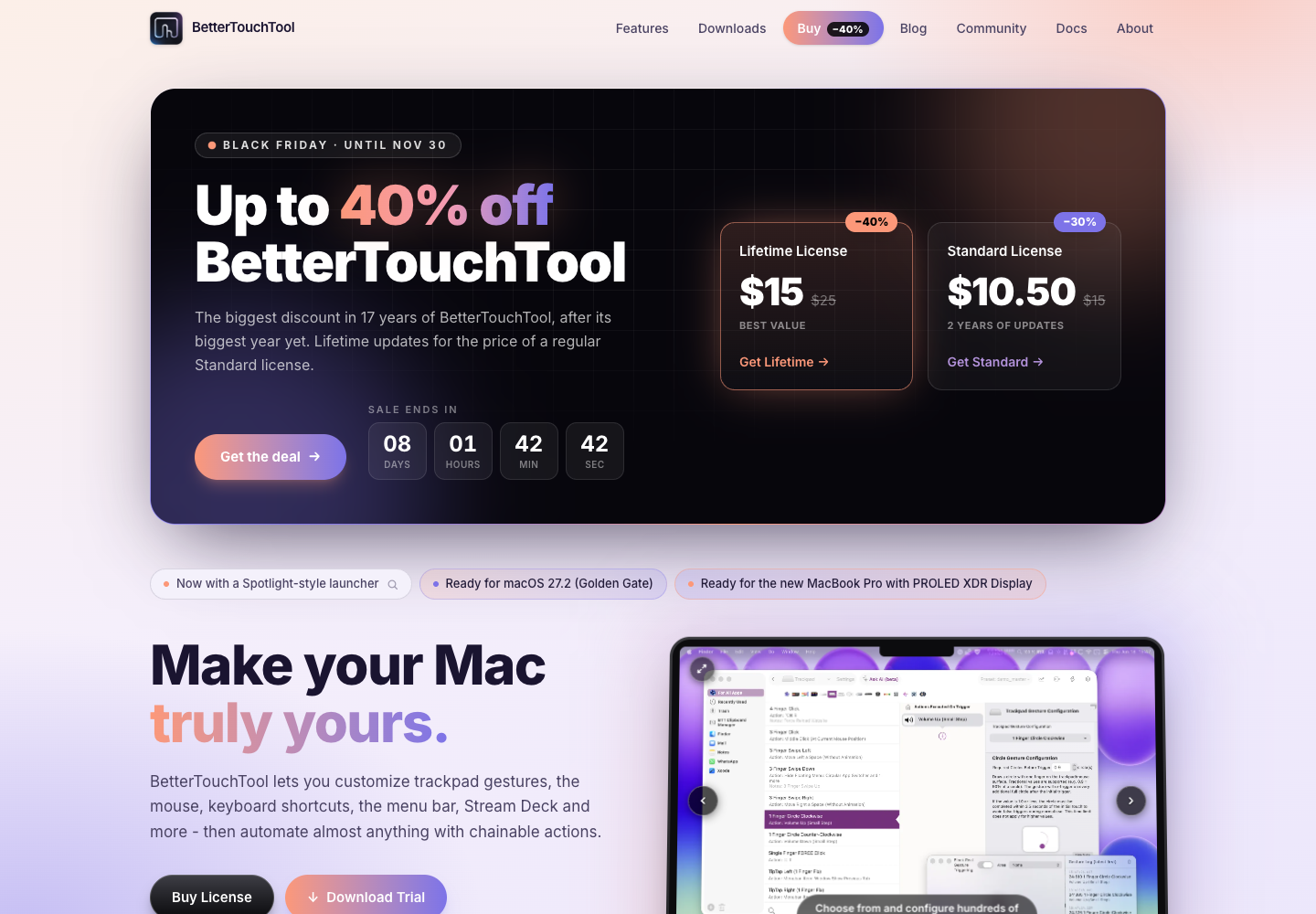
  • Custom input triggers
  • Chainable actions
  • Window management
  • Clipboard manager
BetterTouchTool official website preview

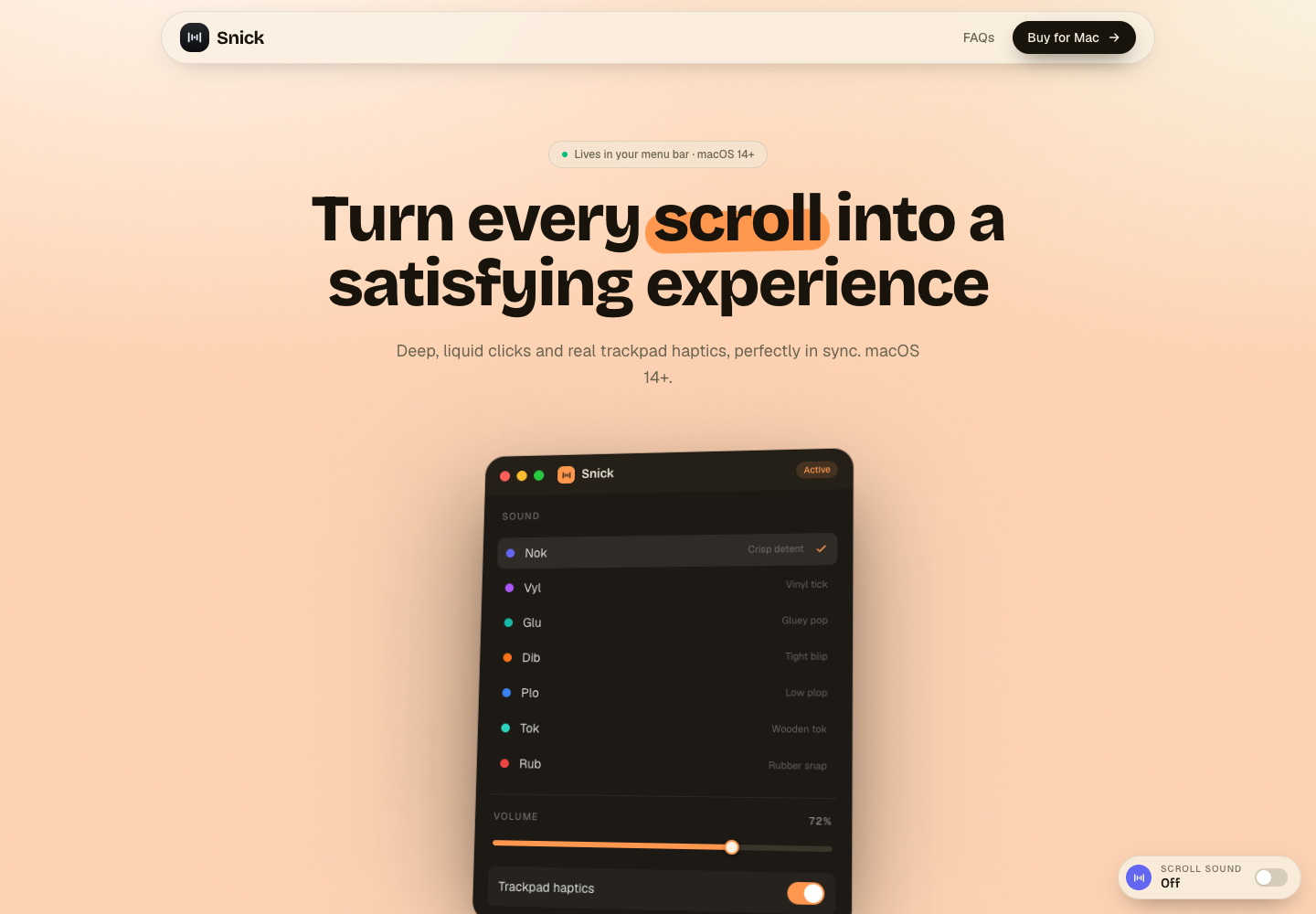
Snick is a macOS menu bar utility that plays mechanical click sounds as you scroll. Pick one of seven sounds, set its volume, and optionally turn on haptic feedback on a compatible Force Touch trackpad. The timing of each click changes with your scroll speed. Snick runs on Intel and Apple silicon Macs with macOS 14 or later and uses Accessibility permission to detect scrolling.

  • Seven Mechanical Scroll Sounds
  • Scroll-Speed Response
  • Optional Force Touch Feedback
  • Menu Bar Controls
Snick official website preview

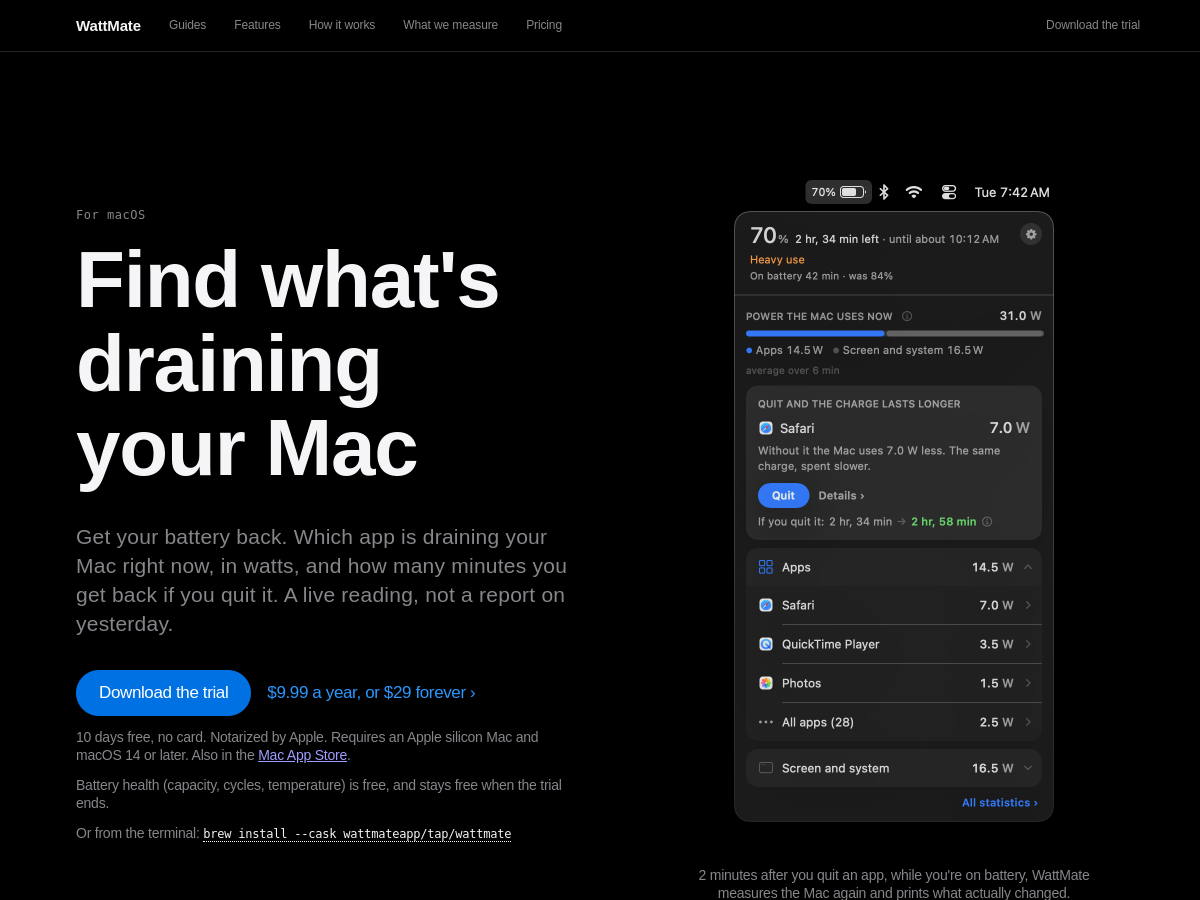
WattMate is a macOS menu bar utility that estimates which open app is consuming battery power. It reports the power use in watts and estimates the battery time saved by quitting an app, then measures again after the app is closed to show the observed change. It is built for Apple silicon Macs running macOS 14 or later.

  • Live per-app power and battery estimates
  • Group helper processes with their app
  • Track overnight wake activity
  • Measure the result after quitting an app

77 active referring domains

WattMate official website preview
Notchware logo

4. Notchware

freemium

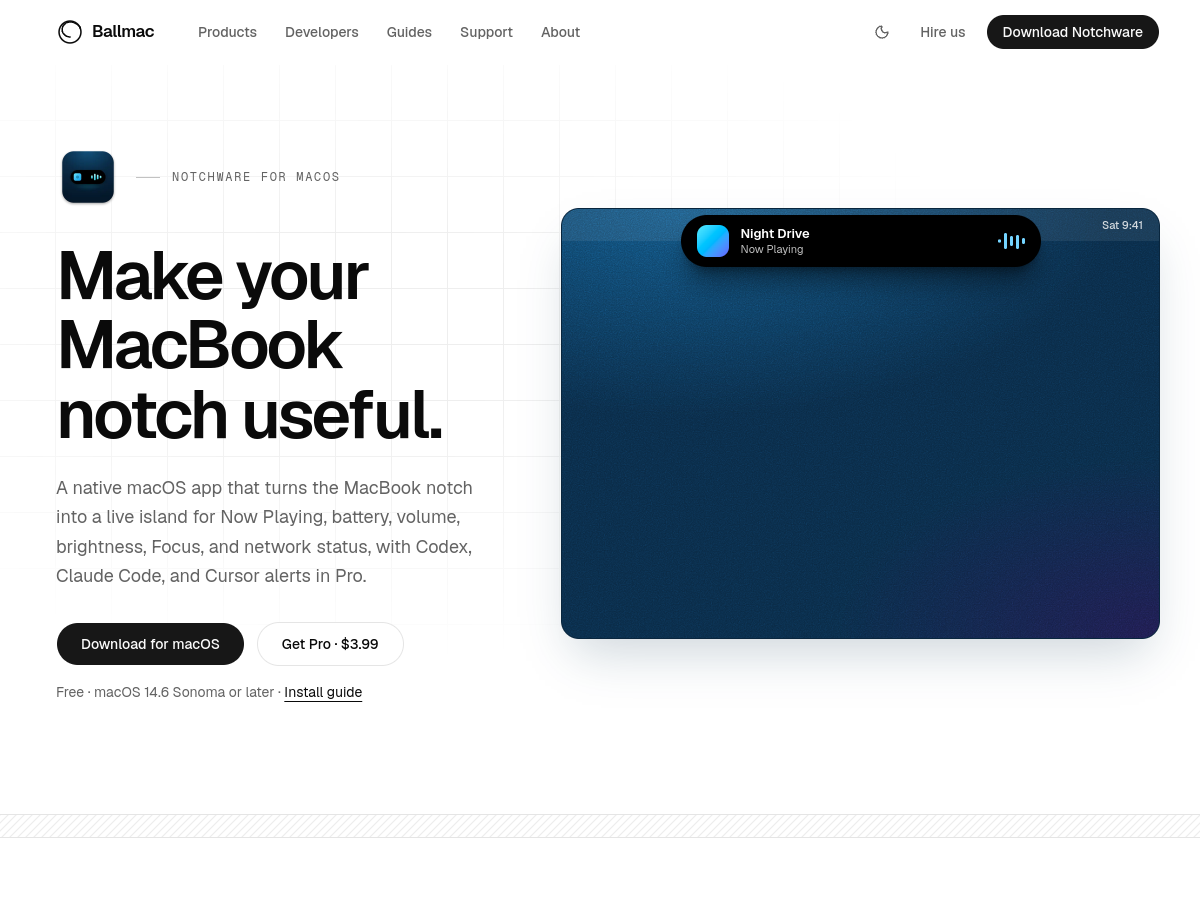
Notchware turns the MacBook notch area into a live display for music controls and system indicators such as battery, volume, brightness, Focus and Wi-Fi. Its optional Pro upgrade adds alerts when Codex, Claude Code or Cursor needs approval or finishes a task. The app runs locally and does not require an account or cloud service.

  • Show live status in the MacBook notch
  • Control supported media playback
  • Get local coding-agent alerts
  • Choose which indicators appear

172 active referring domains

Notchware official website preview
FeelMyMac logo

5. FeelMyMac

freemium

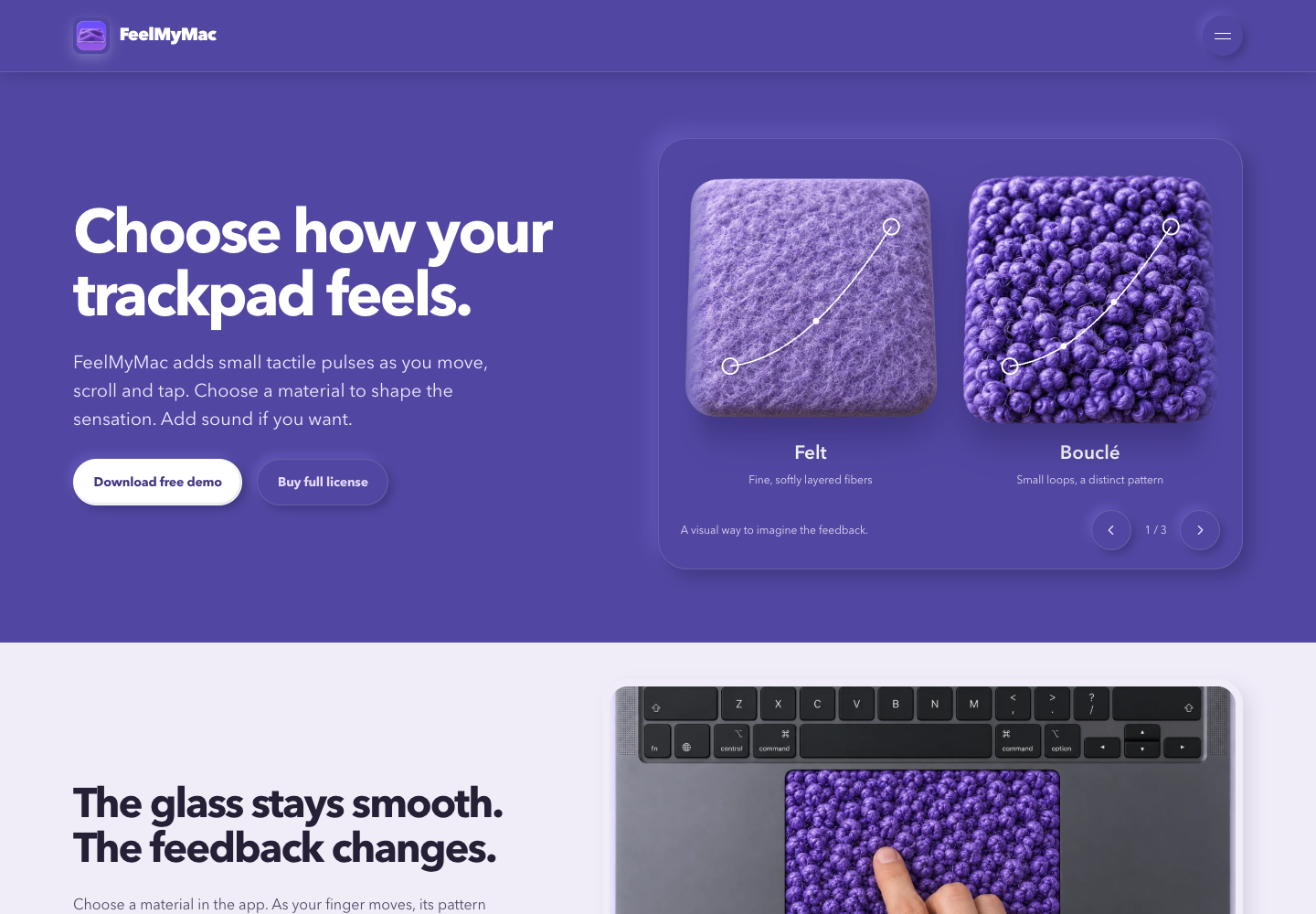
FeelMyMac is a macOS utility by Leonardo Curtone (TheHighJack) that adds material-inspired haptics to trackpad movement, two-finger scrolling, and tap-to-click. Choose from six material presets, adjust the strength, and switch feedback on for the gestures you use. Material and click sounds are optional. The full license adds keyboard sounds. FeelMyMac requires macOS 15.1 or later. Haptics are verified on Apple silicon with a compatible trackpad, including the current USB-C Magic Trackpad. The app checks device compatibility locally. Click and keyboard sounds also work on supported Intel Macs. The app processes enabled interactions on the Mac.

  • Six Material Profiles
  • Independent Input & Sound Controls
  • Local Interaction Processing
  • Local HTTP API (1.2.0+)

28 active referring domains

FeelMyMac official website preview
← Back to Paw-Paw