BetterAI.toolsBetterAI.toolsSearch
Submit

Alternatives to Supercut

Explore tools in the same categories. Find what fits your workflow.

Video GenerationCinemagiqAI production software for series and films, with a shared shot-by-shot board, 40+ video, image and audio models, and a versioned Asset Hub.Video EditingCapCutVideo editing and AI creative tools for desktop, mobile, and online projects.Video EditingVmake LabsEnhance, generate, and optimize social videos for small businesses.

Supercut alternatives, explored

12 alternatives sharing at least one category. Listed by publication date, newest first.

Cinemagiq logo

1. Cinemagiq

freemium

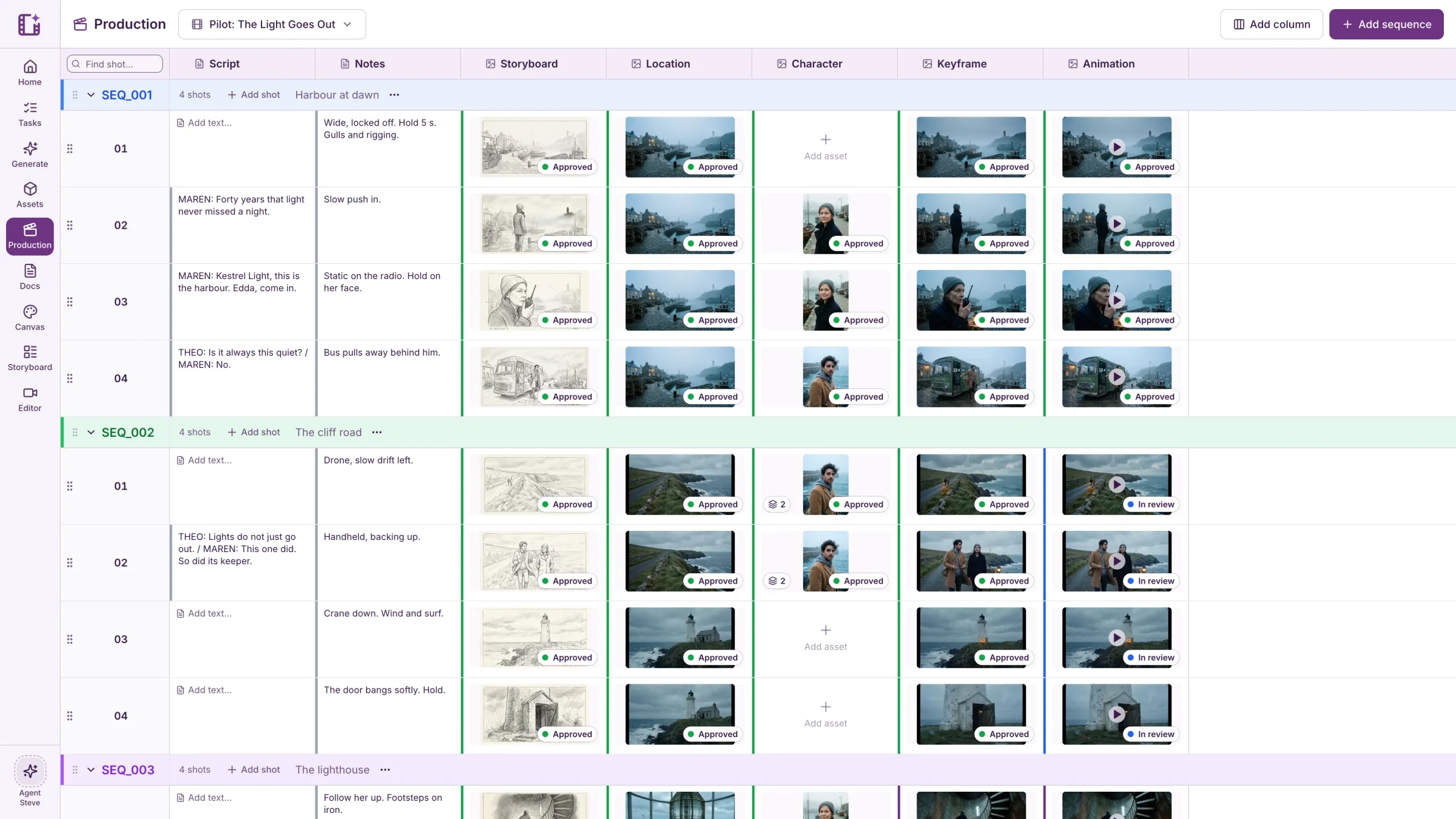
Cinemagiq is AI production software for planning and creating long-form series and films with a team. It connects scripts and notes, episode and shot planning, storyboards, reference assets, AI generation, review, approvals, and editing in one shared workspace. The Production Board organizes work by episode, sequence, and shot, with statuses, assignments, and comments. The versioned Asset Hub stores characters, locations, and props, while the Generation Studio offers more than 40 image, video, and audio models. Its Steve AI agent can read project boards, documents, and assets and propose work with the cost shown before a run. A free plan is available; paid team plans start at $5 per seat per month, with generation priced in tokens.
  • Episode and shot production board
  • Versioned Asset Hub
  • 40+ image, video, and audio models
  • Steve project agent
Cinemagiq official website preview
CapCut logo

2. CapCut

freemium

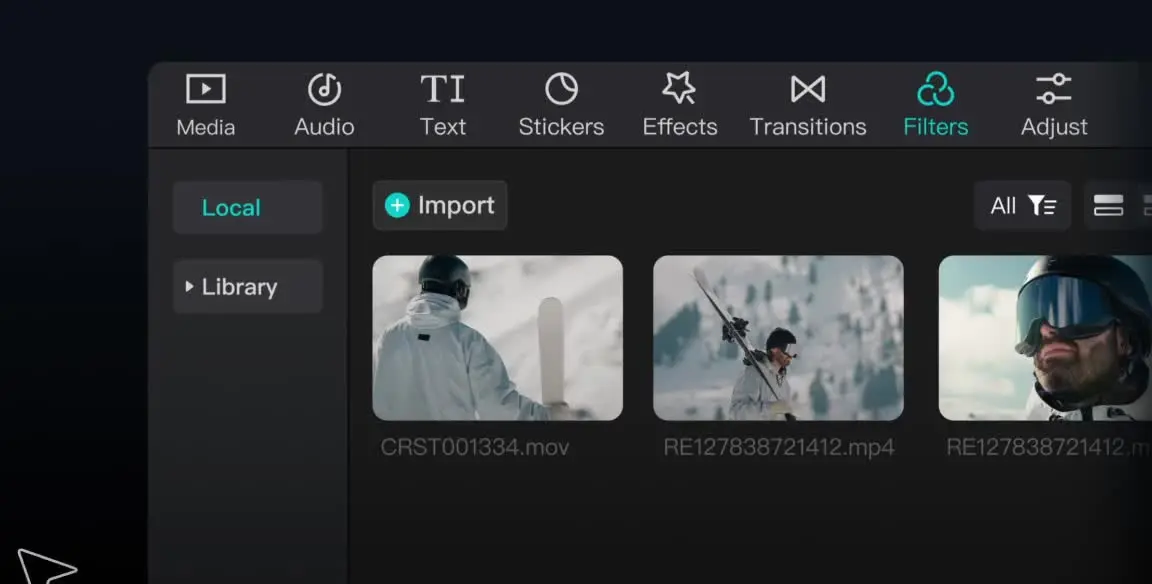
CapCut provides video editing and creative tools across desktop, mobile, and online products. Creators can arrange media on a timeline, work with audio and text, add effects and transitions, and use AI features such as auto captions, text to speech, and background removal. It offers a free plan with basic editing tools and templates, alongside paid plans with premium features and additional AI access.

  • Timeline editing
  • Captions and audio
  • Creative effects
CapCut official website preview

Vmake Labs describes itself as an AI social-video studio for small businesses. Its tools cover product and UGC video creation, video enhancement, watermark and background removal, translation, captions, avatars, and video generation. The homepage positions these capabilities around making short-form content for TikTok, Reels, and Shorts, with workflows for ecommerce sellers, local businesses, affiliate marketers, and social-media teams.

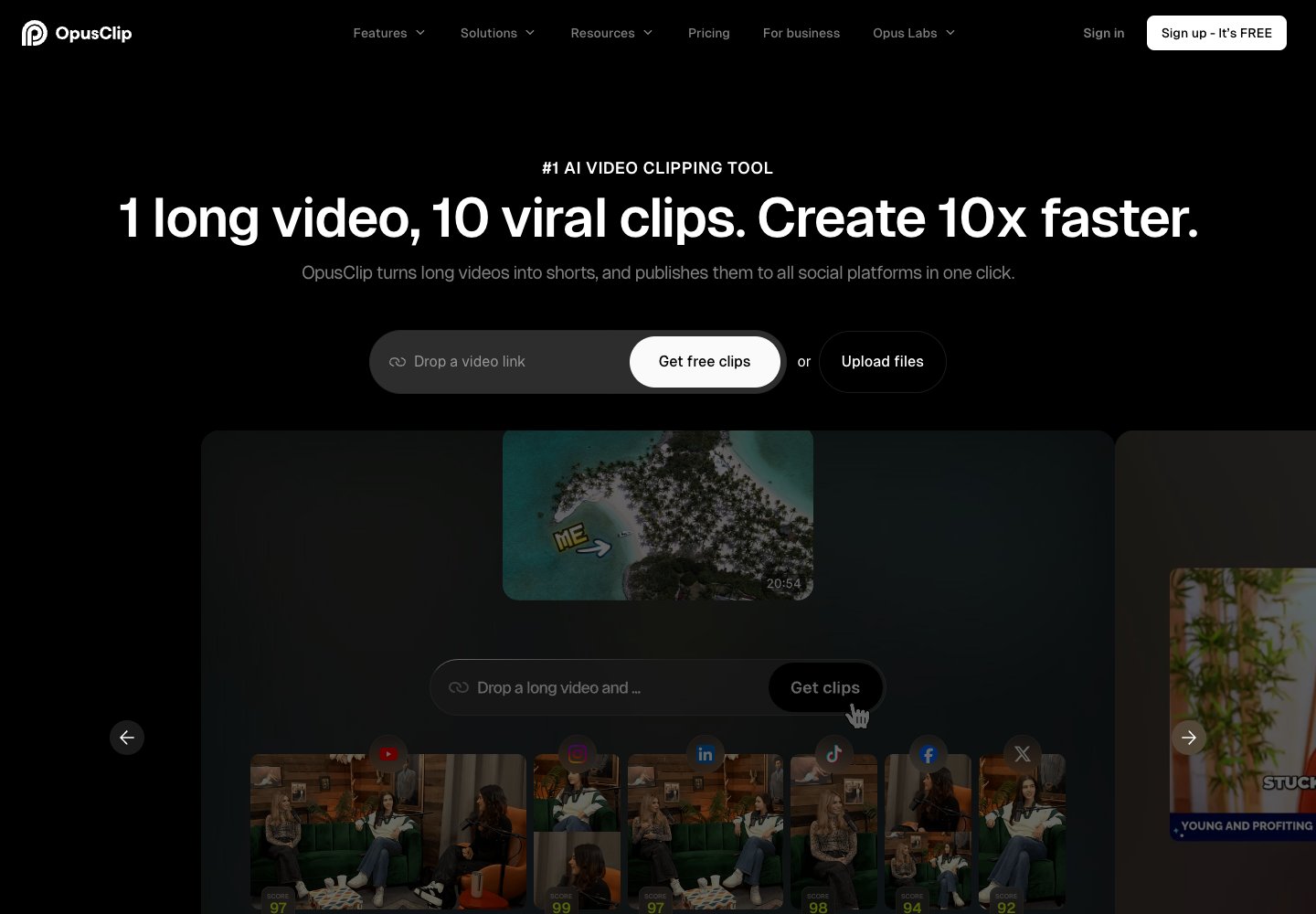
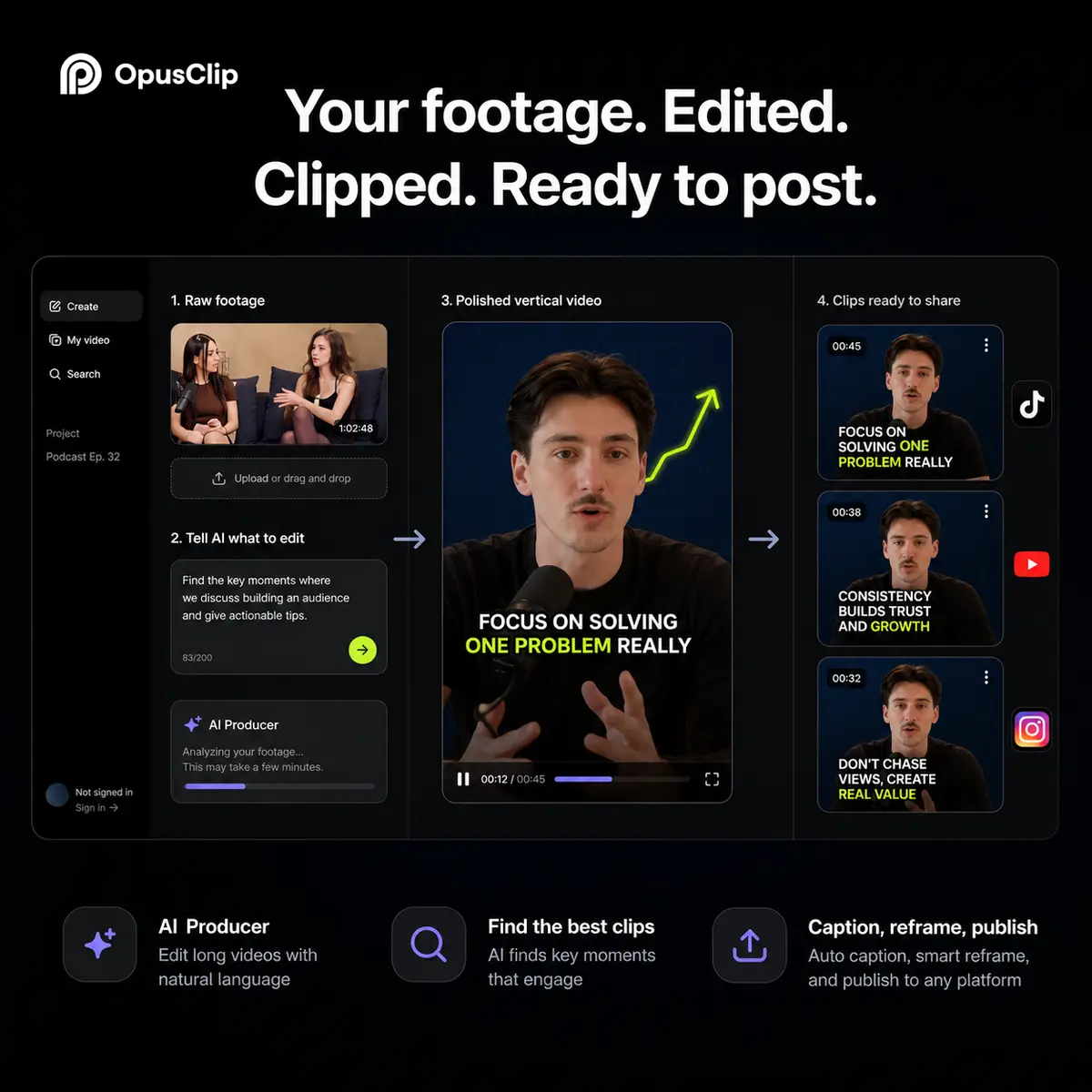
OpusClip turns long-form videos into short clips for social platforms. Add a video link or upload a file, then use AI clipping to find moments, generate captions, reframe footage, add B-roll, enhance audio, and create voiceovers. Creators and teams can edit clips, apply brand templates, collaborate in a shared workspace, and publish or automate workflows through the web app and API.

OpusClip official website preview

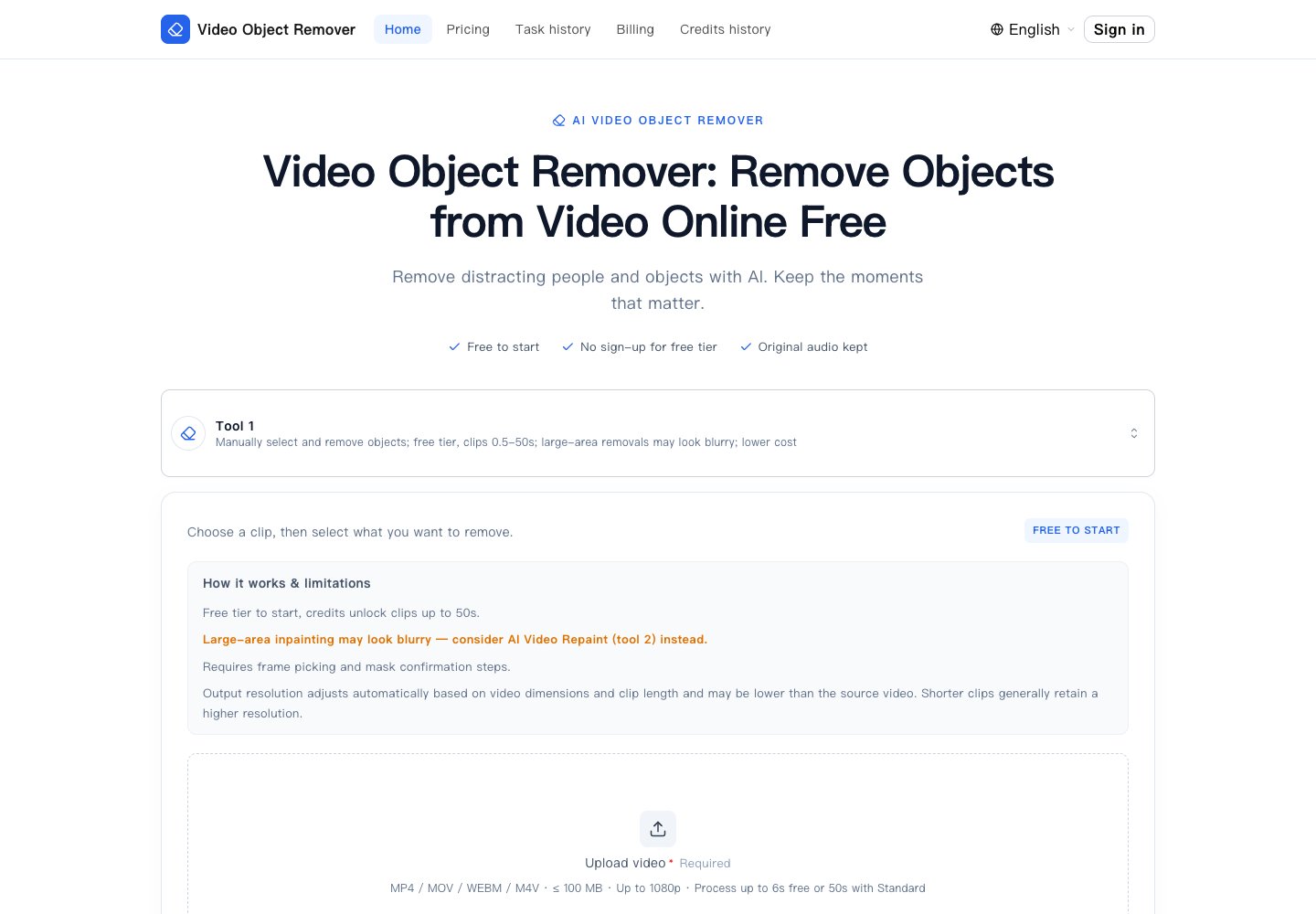
Video Object Remover helps users clean unwanted elements from a video by selecting a representative frame, describing the target, and confirming an AI-generated mask before processing. The service rebuilds the background across the clip and preserves the original audio. Its site lists people, passers-by, logos, watermarks, timestamps, and other maskable objects as examples. A free tier handles short clips without sign-up; credit-based processing supports longer clips and watermark-free output. It is designed for creators and editors who need to remove distractions from footage they own or are allowed to modify.

Video Object Remover official website preview

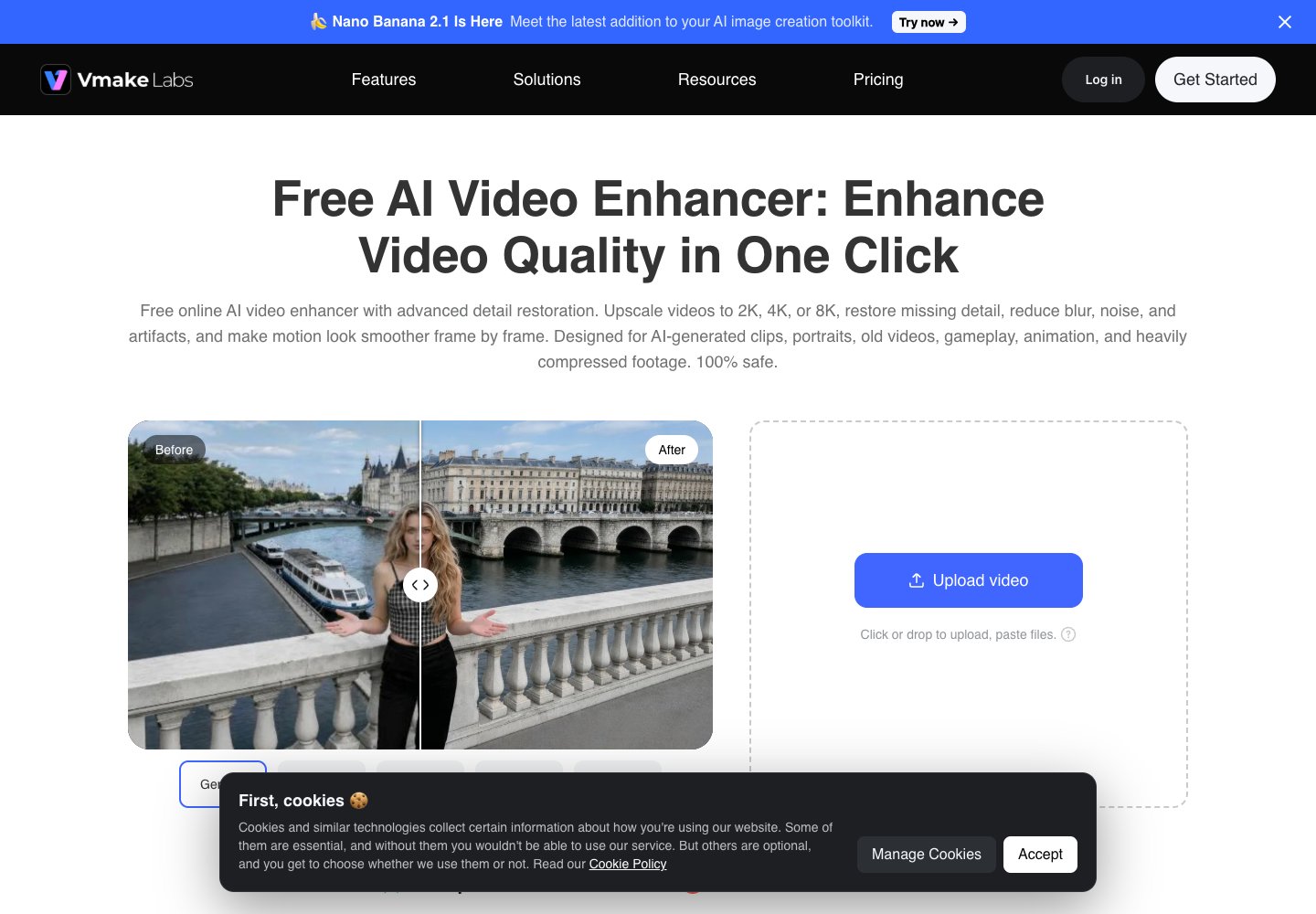
Vmake Labs Video Enhancer improves low-quality footage in a browser. Users can upload a clip and let the service choose an enhancement model or select an output resolution such as 2K, 4K, or 8K. The page describes scene options for portraits, products, low-light footage, games, and anime, with controls to review and export the processed video. It is intended for creators who want to restore detail, reduce blur and compression artifacts, or prepare clips for social and product content.

Vmake Labs AI Video Enhancer official website preview

Runway is a creative suite for video, images, and audio. Its official homepage positions Runway Creative as an all-in-one workspace for creating and editing visual media, alongside the company’s real-world intelligence work.

Runway official website preview

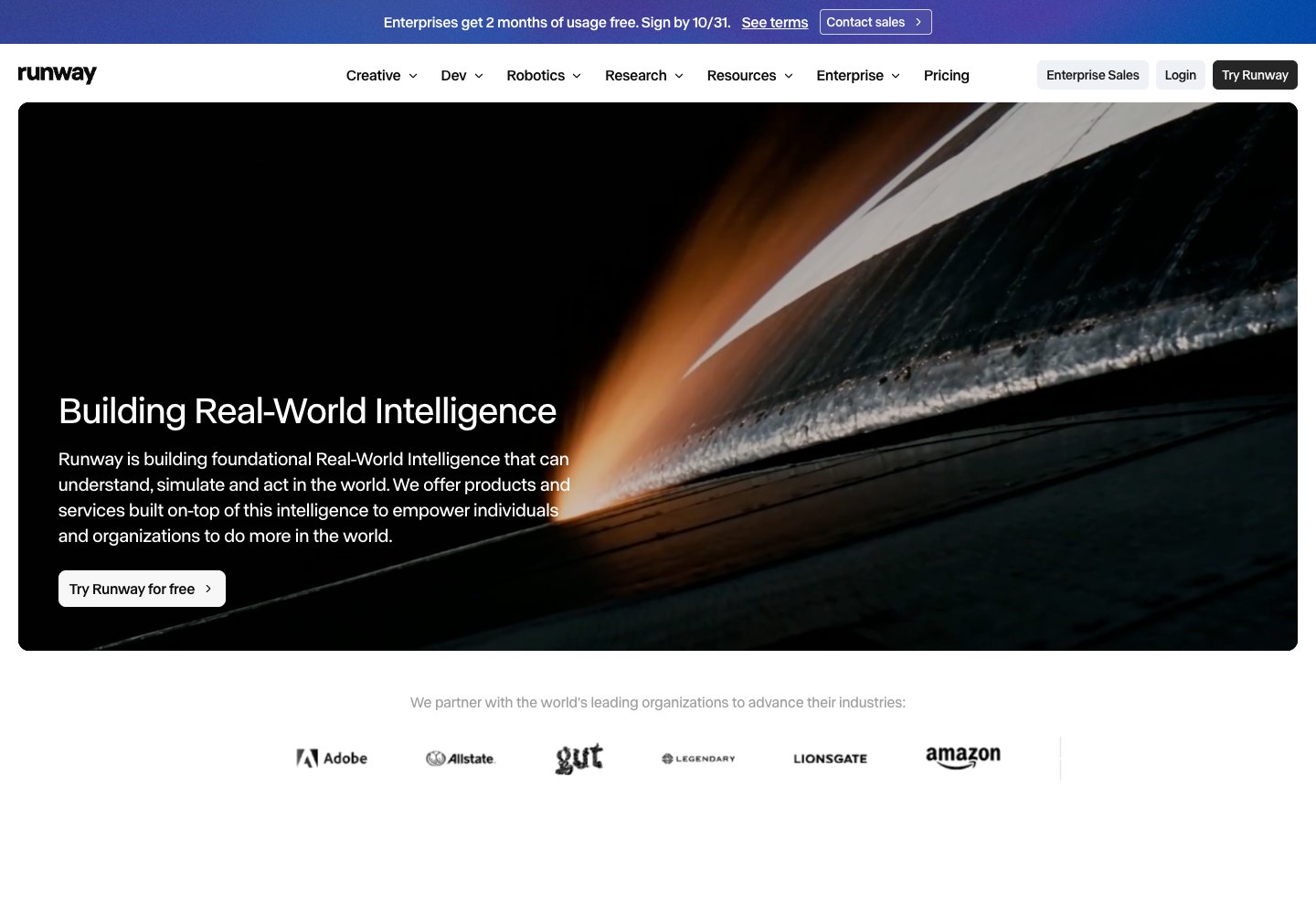
Runway builds AI models and products for generating and editing visual media. Its official site describes its broader work as foundational real-world intelligence that can understand, simulate, and act in the world.

Runway official website preview

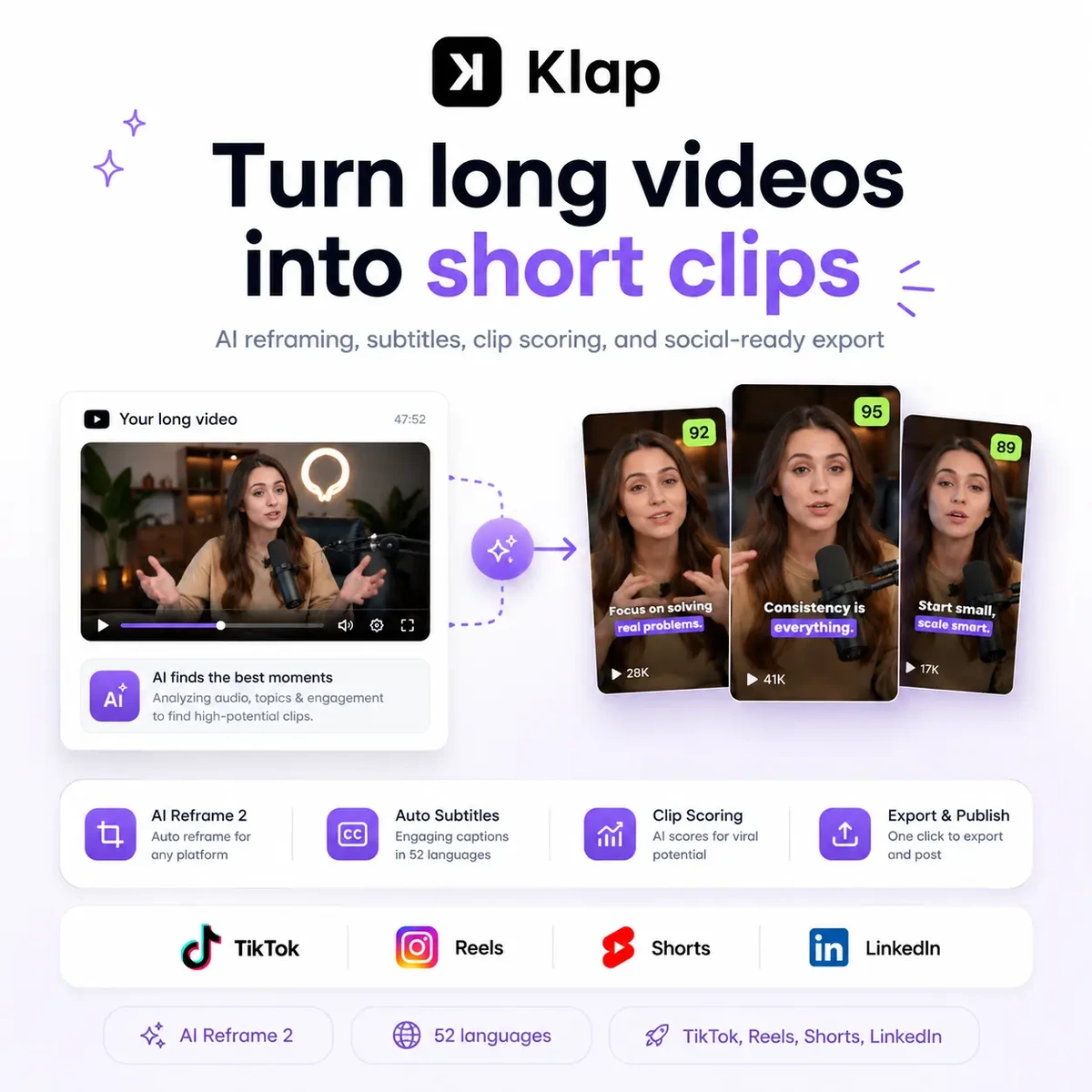
Klap turns long videos, podcasts, and webinars into short-form clips for TikTok, Reels, and YouTube Shorts. Its tools include AI captions, smart reframing, and viral-score insights.

Klap official website preview

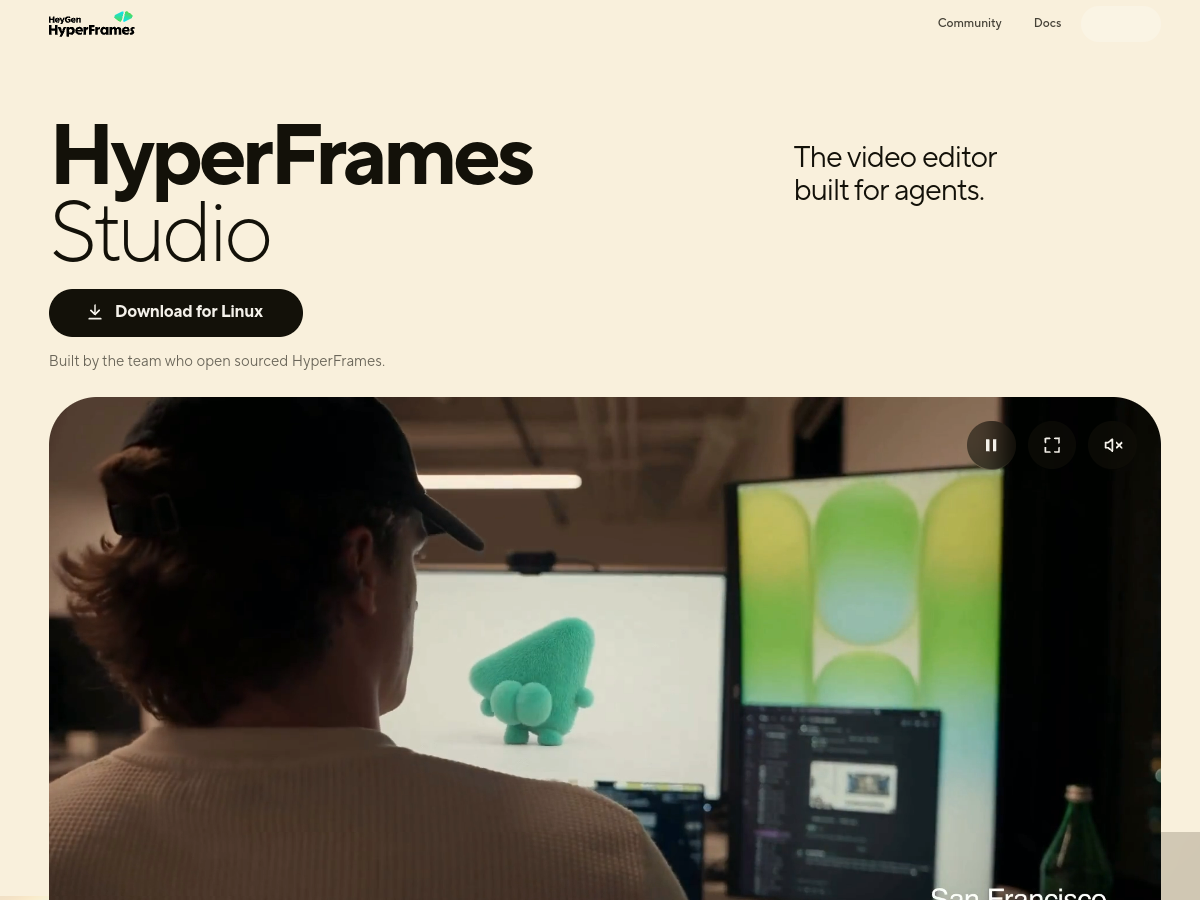
HyperFrames Studio turns coding agents such as Codex or Claude Code into video editors while the user stays in the director role. A user describes a video, the agent creates it with HyperFrames, and both can continue working on it together in a studio editor. The launch is presented by the team behind the open-source HyperFrames project at HeyGen.

  • Agent-built video creation
  • Prompt-based editing
  • Launch-video starter structure
  • Website-aware brand styling

403 active referring domains

HyperFrames Studio (Desktop) official website preview
MacCam logo

12. MacCam

freemium

MacCam is a native camera app for macOS that captures photos and video from a Mac camera, iPhone or webcam and saves them to Apple Photos. It includes familiar Photo Booth effects and built-in Portrait, Studio Light and Edge Light modes. The current app is free to download, with Pro features described for the product.

  • Save captures directly to Photos
  • Choose a built-in or external camera
  • Apply live photographic styles and effects
  • Use portrait and studio lighting effects

56 active referring domains

MacCam official website preview
← Back to Supercut