 Submit

Thumb-reach keyboard positioning
Move the iPhone keyboard left, center, or right by swiping or tilting while typing.
 BetterAI.tools

 Search
A familiar iPhone keyboard that moves to your thumb
By Ferkan Metin
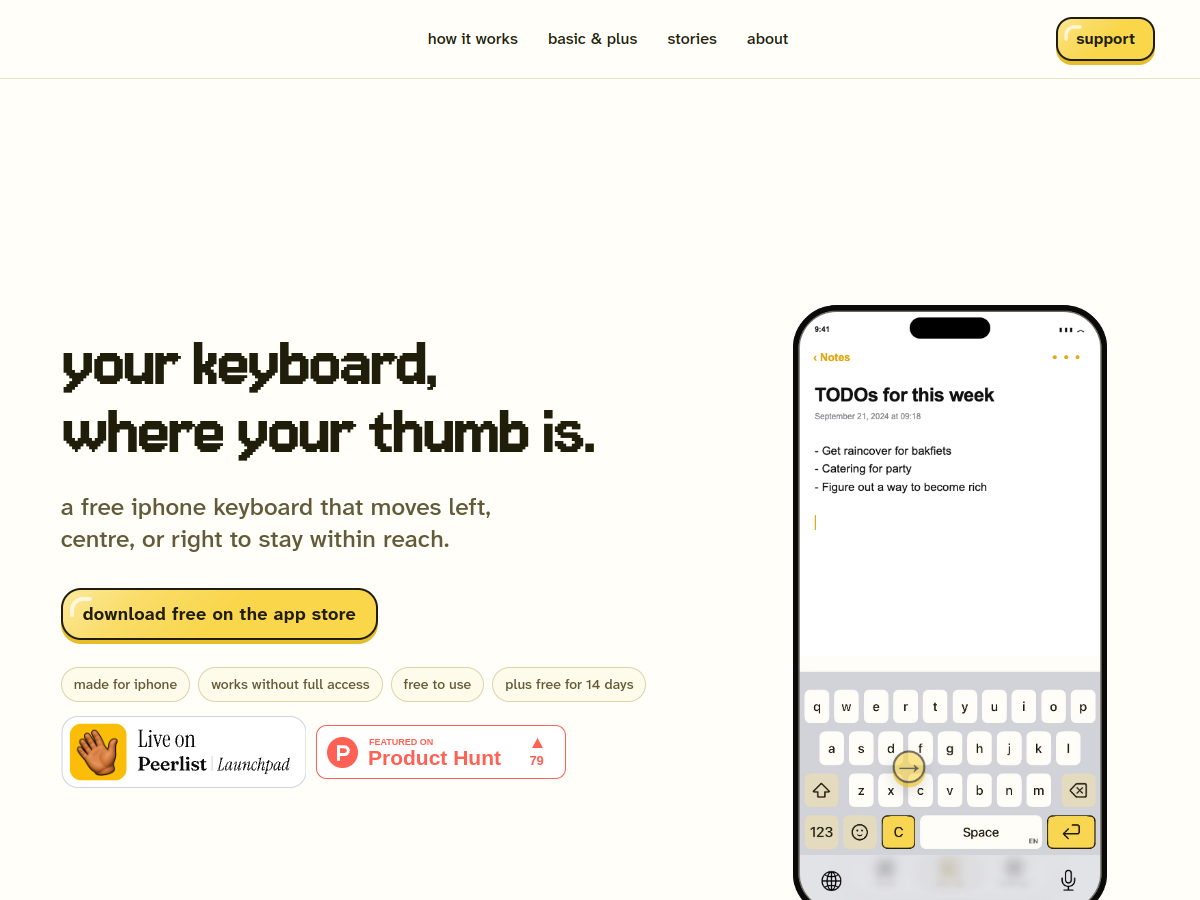
Move the iPhone keyboard left, center, or right by swiping or tilting while typing.
Switch between enabled keyboard languages and layouts without leaving the current conversation.
Choose left, center, or right positioning from the keyboard or companion app.
Use supported letter accents and an included emoji browser.
Pricing details have not been provided. Check the official website for current plans, pricing, and availability.
Active referring domains
Monthly snapshots · Missing months mean data unavailable.
Public experiences and discussions, with links to the originals.
No discussions collected yet.
Found something incorrect? Suggest a correction for our editors. It’s free; no account or email is needed.