 Submit
t-graciousmeshyai

Oh actually I just received emails saying your team will refund all charges! Thanks!

 Search

AI 3D model generator for creating, texturing, rigging, and exporting 3D assets from text or images.
Are you the maker of Meshy?
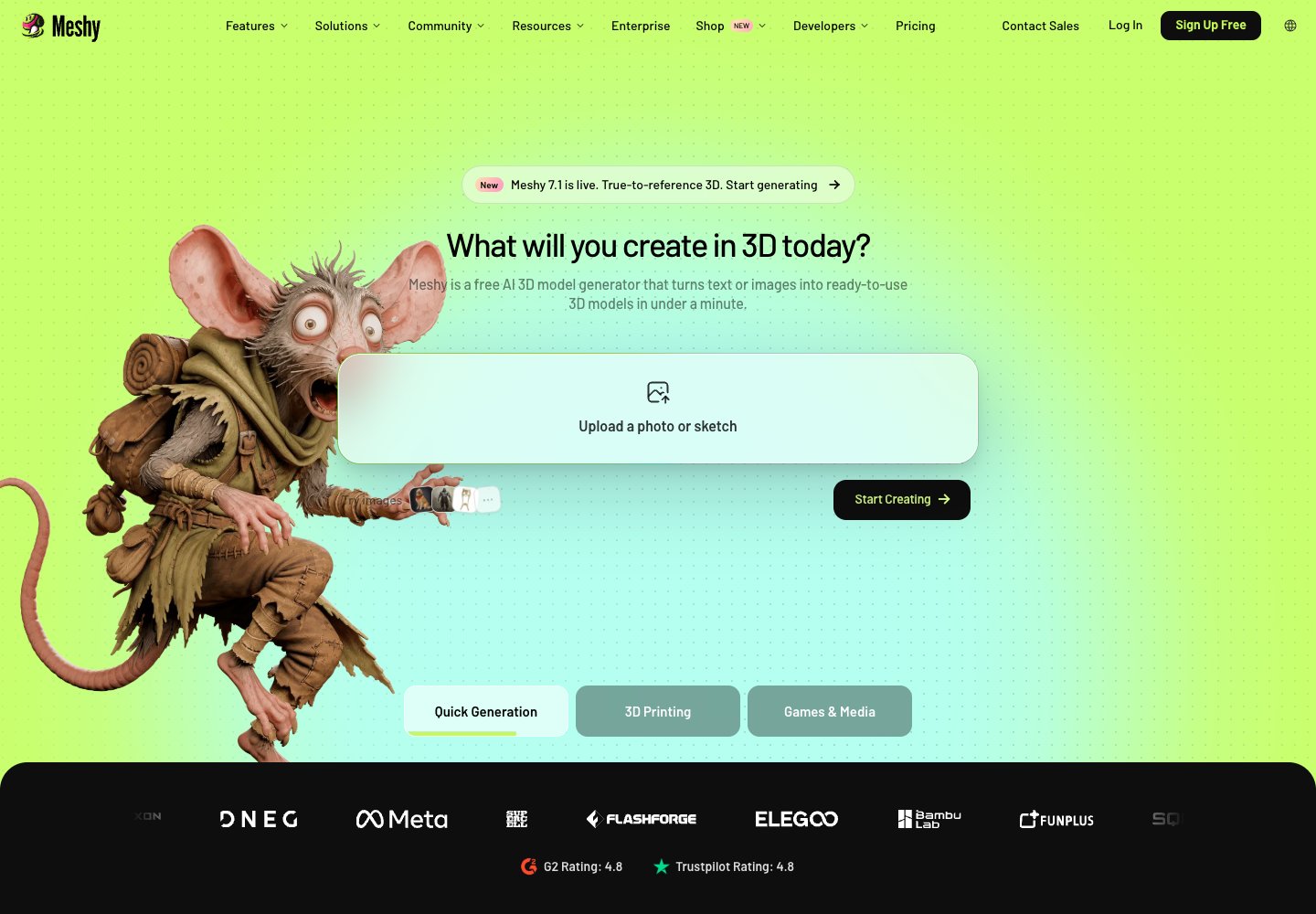
Describe an asset in Meshy Agent to generate a 3D model from text.
Create 3D models from uploaded images.
Texture uploaded 3D models using text or image prompts.
Rig characters and animate them with preset motions.
Export models in OBJ, FBX, USDZ, GLB, STL, and BLEND formats.
100 credits per month. Download limits apply.
250 credits per month. Available in select developing countries.
1,000 credits per month.
3,000 credits per month.
8,000 credits per month.
5,500 shared credits per month.
Contact Meshy for enterprise pricing.
Meshy offers a free tier, paid individual subscriptions, and team plans with shared credits. Prices shown are in USD for monthly billing. Availability, local prices, and download limits vary by plan.
Meshy accepts PNG, JPG, JPEG, and WebP images up to 20 MB. Multi-View supports a primary image plus up to three additional views of the same object.
Meshy supports FBX, OBJ, GLB, USDZ, STL, BLEND, and 3MF. Choose the format supported by your 3D editor, game engine, web viewer, or slicing software.
Meshy documents a CC BY 4.0 license for Free plan outputs and private ownership for eligible paid-plan assets. Paid ownership depends on having rights to the source material and keeping the asset private. Check Meshy’s current terms and any marketplace requirements before resale.
Public experiences and discussions, with links to the originals.
Oh actually I just received emails saying your team will refund all charges! Thanks!
Yeah you can export the stl and then edit it in blender. I would remesh it to a lower poly count first or it can be pretty hard to work with. Take a week to learn blender, watch the donut tutorial and anything else you think may help you and go at it trial and error. 3d modeling is a really great skill to have and the controls have a sort of learning curve but once you know…
Does anyone know why I can't seem to download any models at all, even when generated by Meshy 5, on a free plan? Seen similar issues online with 0 fixes :(...
I recently discovered that I am being charged $20 a month (the price of a pro plan) when my account shows that I am on the free plan.
I've been requesting that all charges be refunded with no avail.
Anyone else encountered this?
I've found that Meshy 6 is a big jump in quality. I tried some models that I couldn't get right before and it's perfect now. Like this model of my late dog curled up on my meditation cushion.
Compared to the cost in time and money of modeling things manually, meshy is laughably cheap and fast, even with cleaning up the models in a mesh editor.

Tripo AI is a 3D asset generation platform that turns text prompts and single or multi-view images into production-ready 3D models. Built for creators and studios, it supports high-detail mesh generation, smart topology retopology, smart UV mapping, and texture editing up to 8K resolution, alongside integrated image generation tools. Users can segment models into editable parts, apply part-based retopology and texture edits, and export assets directly into major 3D pipelines through its DCC Bridge for Blender, Unity, Unreal, Maya, 3ds Max, ZBrush, Godot, and Cocos. Paid tiers unlock private models, commercial usage rights, higher concurrent task limits, batch generation, and expanded cloud storage.
Not sure if Meshy is the right fit? Compare it side by side with 1 alternative from curated pairs and user comparisons.
View all 1 alternativeFound something incorrect? Suggest a correction for our editors. It’s free; no account or email is needed.