BetterAI.toolsBetterAI.toolsSearch
Submit

Alternatives to Oreate AI

Explore tools in the same categories. Find what fits your workflow.

Image GenerationIcons8Human-made icons, illustrations, 3D assets, photos, and music ready for designers and MCP-compatible AI agents.Image GenerationTensor.ArtFree online AI image generator and model hosting platform with workflows, AI tools, and a design agent.Image GenerationAdobeCreative, marketing, and document management solutions including Creative Cloud Pro, Photoshop, Illustrator, and Premiere.

Oreate AI alternatives, explored

75 alternatives sharing at least one category. Listed by publication date, newest first.

Icons8 logo

21. Icons8

freemium

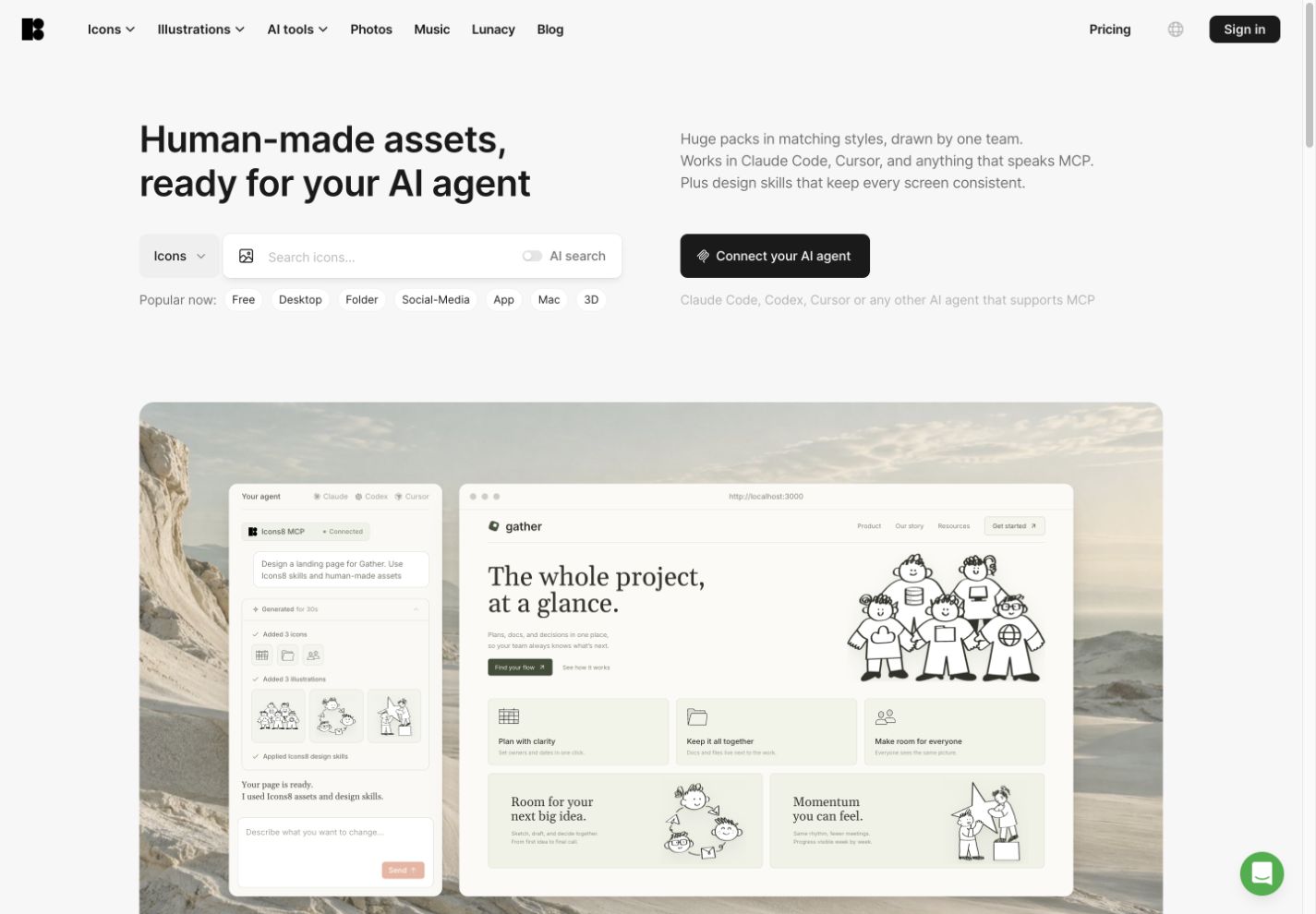
Icons8 is a creative asset and design platform offering human-made icons, illustrations, 3D assets, photos, music, AI tools, and the Lunacy design app. Its homepage highlights huge packs in matching styles drawn by one team, AI search, and direct MCP integration for Claude Code, Codex, Cursor, and other AI agents.

  • Human-Made Asset Packs in Matching Styles
  • MCP Integration for AI Agents
  • Icon Search with AI Search Mode
  • Multi-Category Creative Suite and Lunacy
Icons8 official website preview

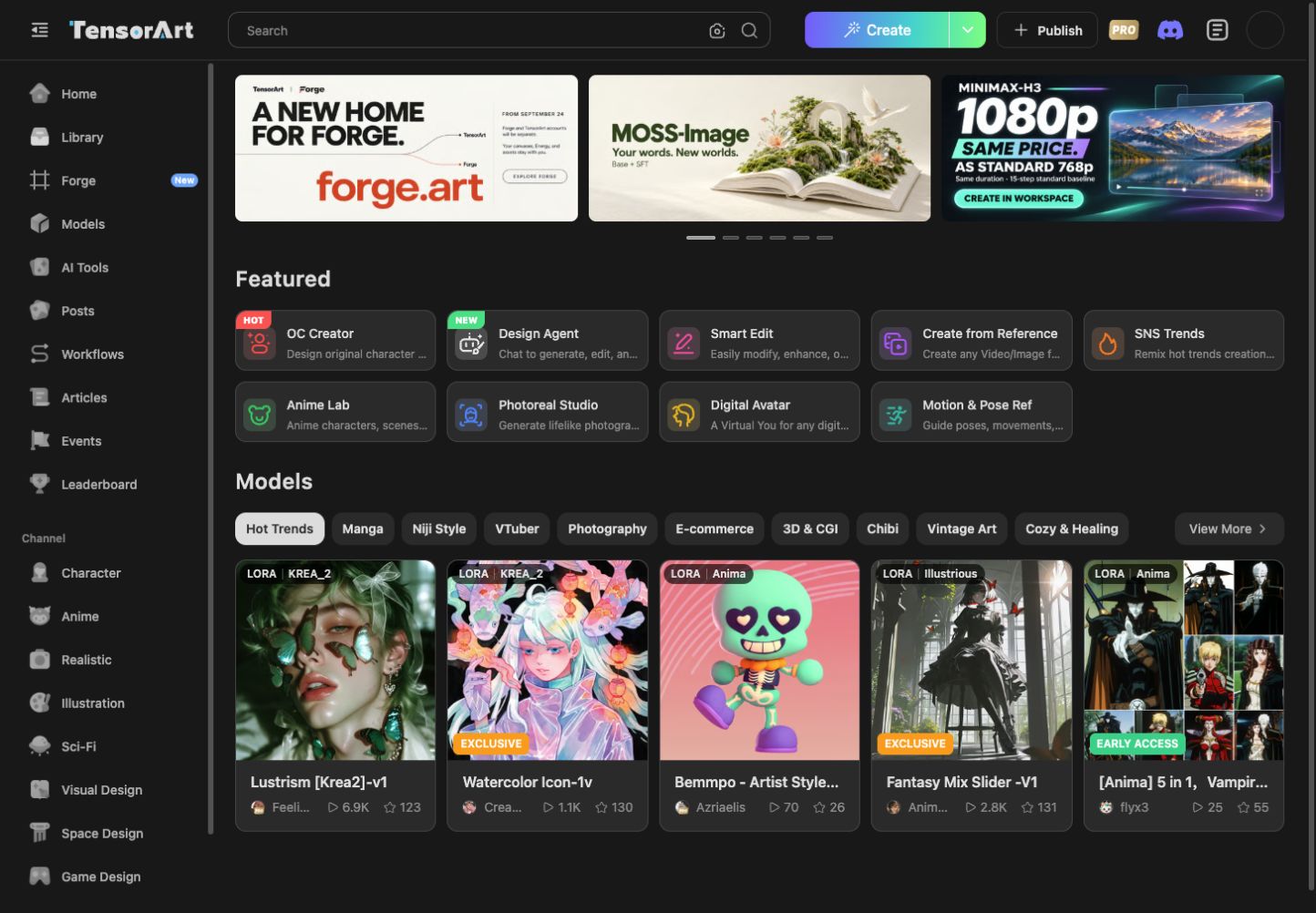
Tensor.Art is an online AI image generation and model hosting platform featuring a model hub, workflows, AI tools, community posts, events, and a leaderboard. Users can create and publish content, chat with the Design Agent, or use featured studios for original characters, anime, photorealistic scenes, smart editing, and brand design.

  • Online Image Generation and Model Hosting
  • Featured AI Creation Studios
  • Workflows, Library, and Forge Workspace
  • Chat-Based Design Agent and Reference Controls
Tensor.Art official website preview
Adobe logo

23. Adobe

freemium

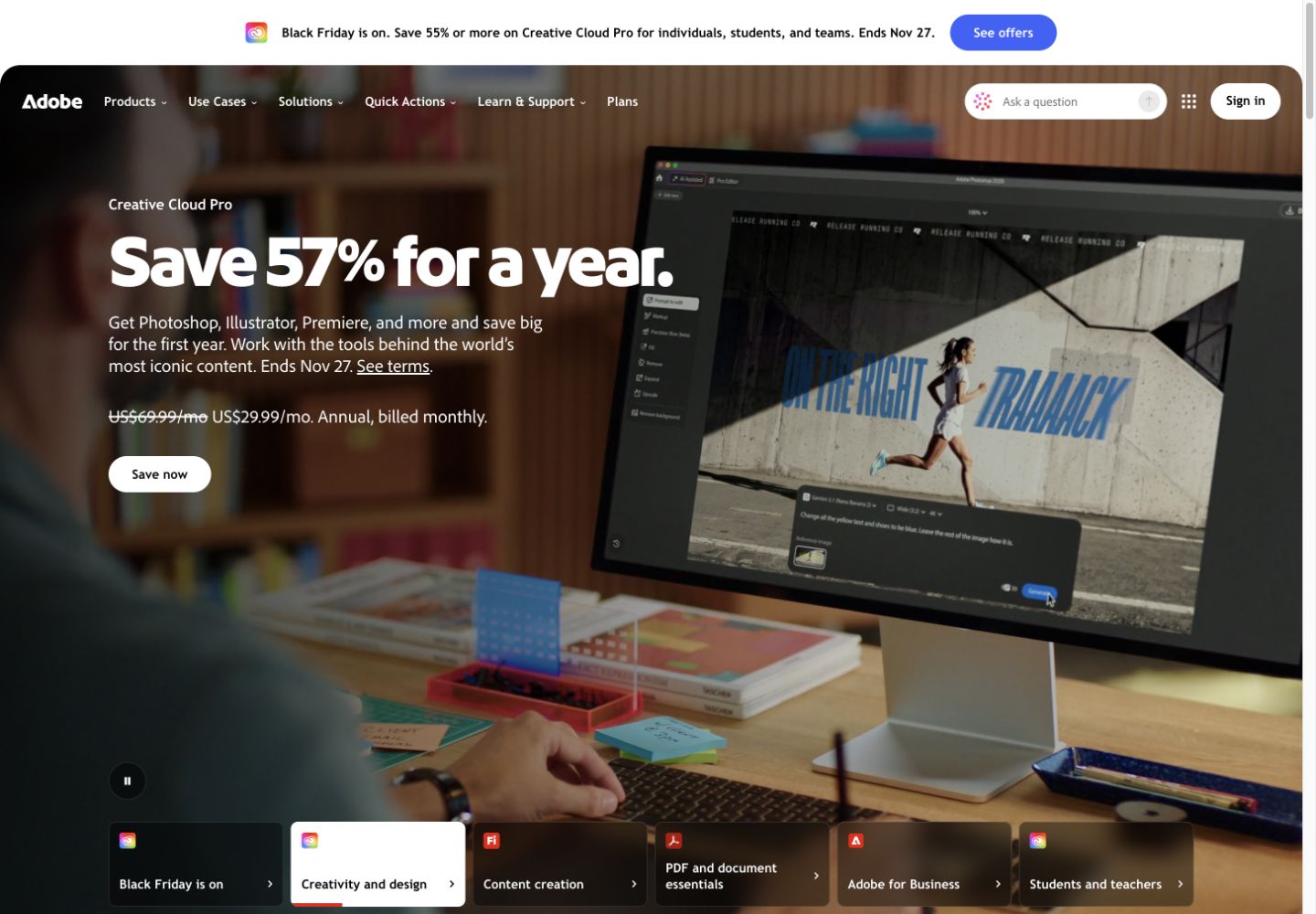
Adobe is a software platform providing creative, marketing, and document management solutions for individuals, students, teachers, and businesses. Its homepage highlights Creative Cloud Pro—featuring Photoshop, Illustrator, Premiere, and more—alongside dedicated paths for creativity and design, content creation, PDF and document essentials, and Adobe for Business.

  • Creative Cloud Pro Suite
  • Creativity, Design, and Content Creation
  • PDF and Document Management Essentials
  • Solutions for Individuals, Students, and Businesses
Adobe official website preview
OpenArt logo

24. OpenArt

freemium

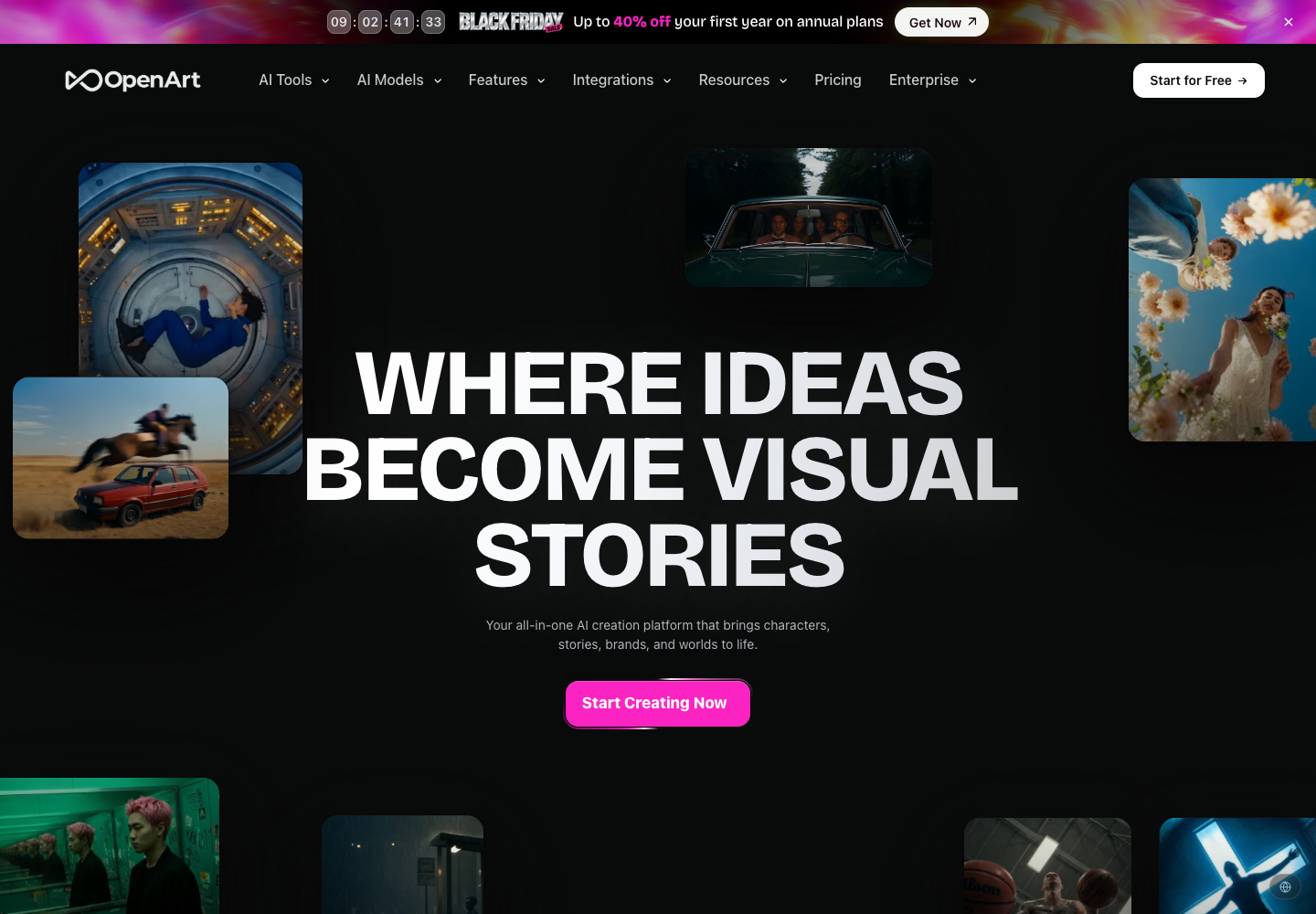
What it is OpenArt is an all-in-one AI creative platform built by San Francisco-based OpenArt AI Inc., founded in 2022 by Coco Mao and John Qiao. Used by over 10 million creators, brands, and studios, it brings together 100+ leading models from providers including Google, OpenAI, ByteDance, Kling, and Flux in a single workspace. How it works Create from text prompts, reference images, or video clips, or direct multi-scene storyboards through natural-language chat in Director Mode. Every generation shows its exact credit cost upfront, and you can refine outputs on the same canvas with editing, upscaling, relighting, and camera controls. Outputs & capabilities OpenArt supports AI image generation and editing (inpainting, background replacement, and 4K upscaling), text- and image-to-video up to 15 seconds at up to 4K resolution, reusable consistent characters, navigable 3D Worlds, and synced voice-overs, music, and sound effects (WAV/MP3), alongside OpenArt MCP and CLI integrations. Scope & privacy Available on desktop and mobile browsers (Chrome and Safari recommended), a Mac desktop app, and enterprise API access. Creations stay private by default unless published. Free trials and Starter plans are non-commercial, while Plus, Pro, Wonder, Business, and Enterprise plans include commercial rights and optional enterprise IP safeguards.

  • Multi-Model Image & Video Studio
  • Director Mode & Smart Shot
  • Consistent Characters & 3D Worlds
  • Audio, Lip-Sync & Precision Controls
OpenArt official website preview
123RF logo

25. 123RF

freemium

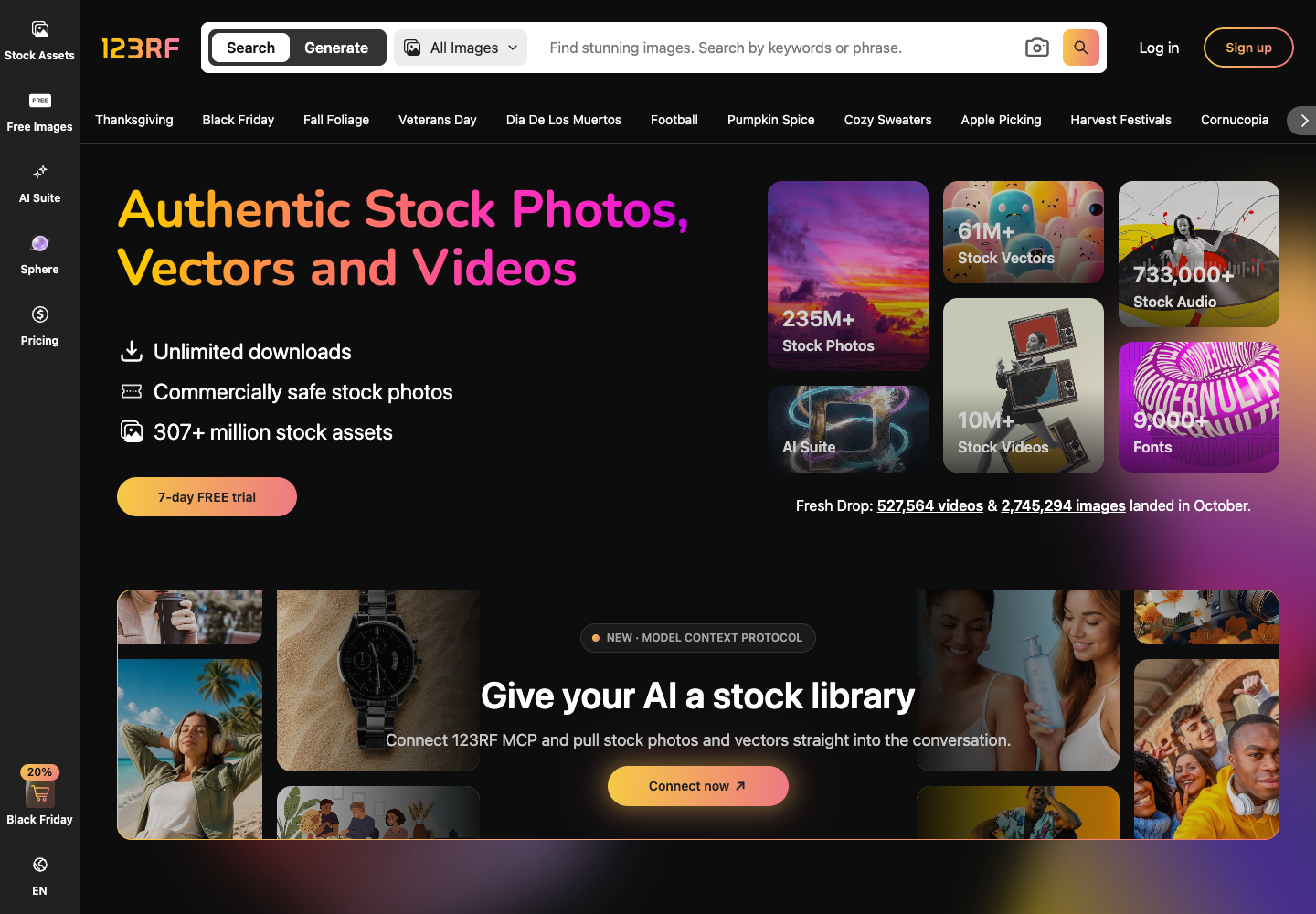
What it is Founded in 2005 and operated by Inmagine Lab Pte Ltd, 123RF is a digital stock content platform and AI creative suite. It combines over 307 million royalty-free assets—including 235M+ photos, 61M+ vectors, 10M+ videos, 733,000+ audio tracks, and 9,000+ fonts—with AI tools for generating and editing images and videos. How it works Users can explore the stock catalog via keyword, category, or reverse image search, or switch to Generate mode to create visuals from text prompts. Inside the AI Image Generator, users enter a prompt, pick an aspect ratio and a model—such as 123RF Free Gen, Nano Banana, Ideogram, GPT Image 2.5, Seedream 5.0 Pro, Flux 2 Pro, or MAI Image 2.5—and download high-resolution files. Developers and AI assistants can also connect via 123RF MCP (Model Context Protocol) to search and pull licensed stock assets directly into conversations. Outputs & capabilities Alongside text-to-image and AI video generation (with MiniMax H3, Seedance 2.5, Kling O3 4K, and Veo Fast 3.1), the 123RF AI Suite includes Image Upscaler, Generative Fill, Background Remover, Background Remix, Background Blur, Image Extender, and Localise. Paid downloads come with Standard or Extended commercial licenses, while the free tier unlocks 2M+ free assets and 123RF Free Gen. Scope & privacy 123RF offers a Private mode option in its AI generator as well as on PLUS and Credits plans. According to the AI Generator FAQ, generated outputs may be made available to other users depending on usage terms, and users must obtain clearance if generated images depict recognizable trademarks, landmarks, or public figures. Stock downloads carry Standard License coverage (up to 500,000 print runs) or Extended License coverage (unlimited print runs and merchandise), backed by liability caps of USD $5,000 on PLUS, USD $25,000 on Credits, and up to $100,000 on Enterprise.

  • 307M+ Stock Asset Library
  • Multi-Model AI Image & Video Generation
  • Browser-Based AI Editing Suite
  • 123RF MCP & Commercial Licensing
123RF official website preview
DeepAI logo

26. DeepAI

freemium

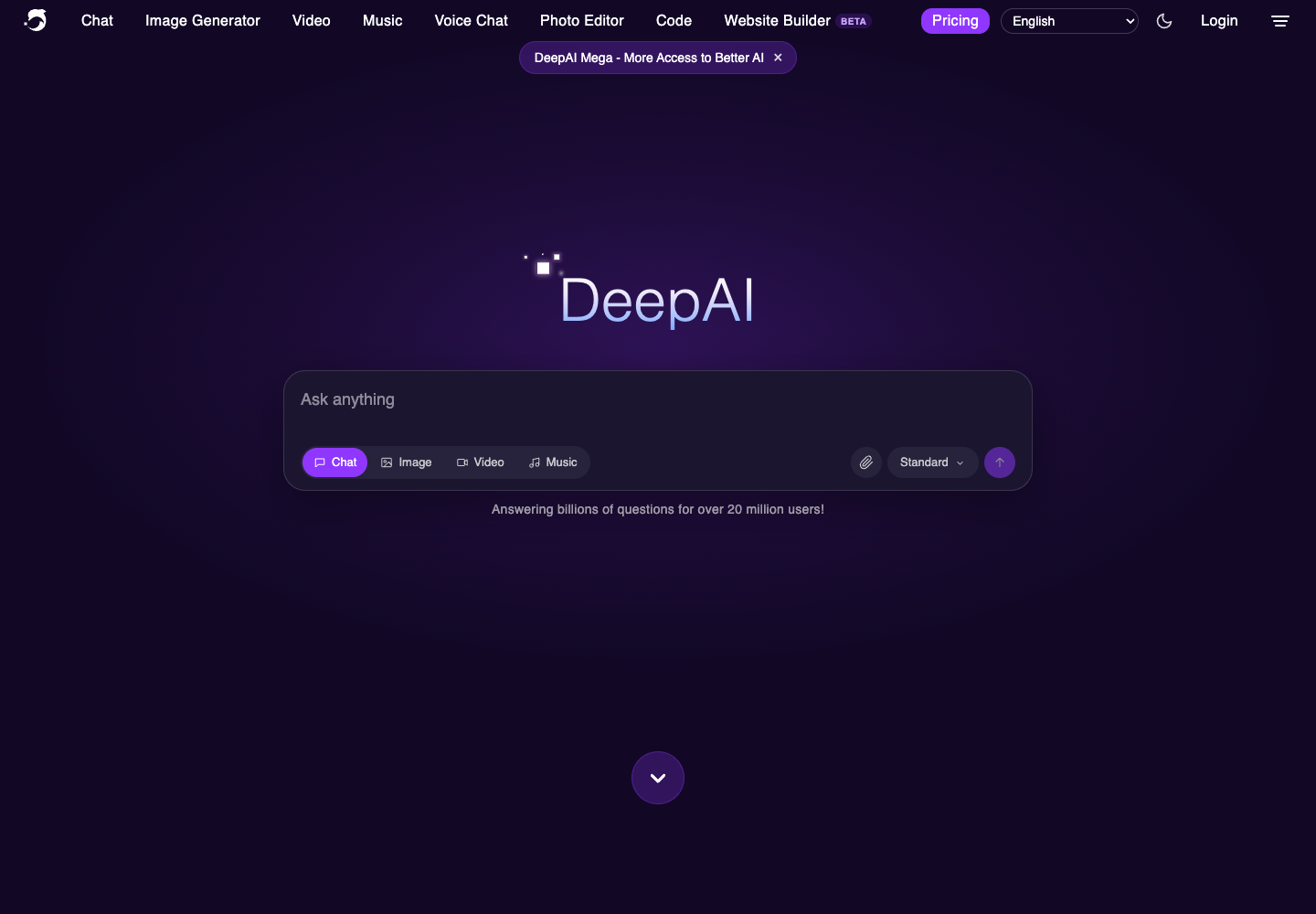
What it is DeepAI is an all-in-one creative AI platform launched in late 2016 by Deep AI, Inc. Available across web and mobile apps, it combines text-to-image generation, photo editing, web-connected AI chat, video creation, music composition, voice chat, coding assistance, and REST APIs. How it works Users can start directly in the browser—no account required—by entering a prompt and selecting a mode such as Chat, Image, Video, or Music. For image generation, users choose a model tier (HD, Genius, or Super Genius 2K), style, aspect shape, and optional Magic Rewrite, then refine outputs in the built-in Image Editor. Developers can integrate DeepAI image models via REST endpoints using an API key or pay-per-call x402/MPP endpoints. Outputs & capabilities DeepAI generates original images up to 2K resolution in Super Genius mode, handles photo edits such as background removal, colorization, super-resolution upscaling, and object replacement, produces HD and 2K Hollywood Mode short videos, composes AI music tracks, and provides multi-model AI chat with memory and live web browsing. Paid plans (Pro, Mega, and Giga) bundle all models with monthly usage allowances, prepaid wallet overage billing, and an ad-free experience. Scope & privacy Under DeepAI's FAQ and Terms of Service, generated images may be used commercially for any legal purpose, and users retain ownership of their User Content. According to DeepAI's Privacy Policy, user data may be used to improve services and train AI models, with an opt-out available through the Your Privacy Choices menu.

  • Multi-Tier AI Image Generation
  • Built-In AI Photo Editing Suite
  • All-in-One Chat, Video, Music & Voice
  • Developer REST APIs & Pay-Per-Call Access
DeepAI official website preview
Krea AI logo

27. Krea AI

freemium

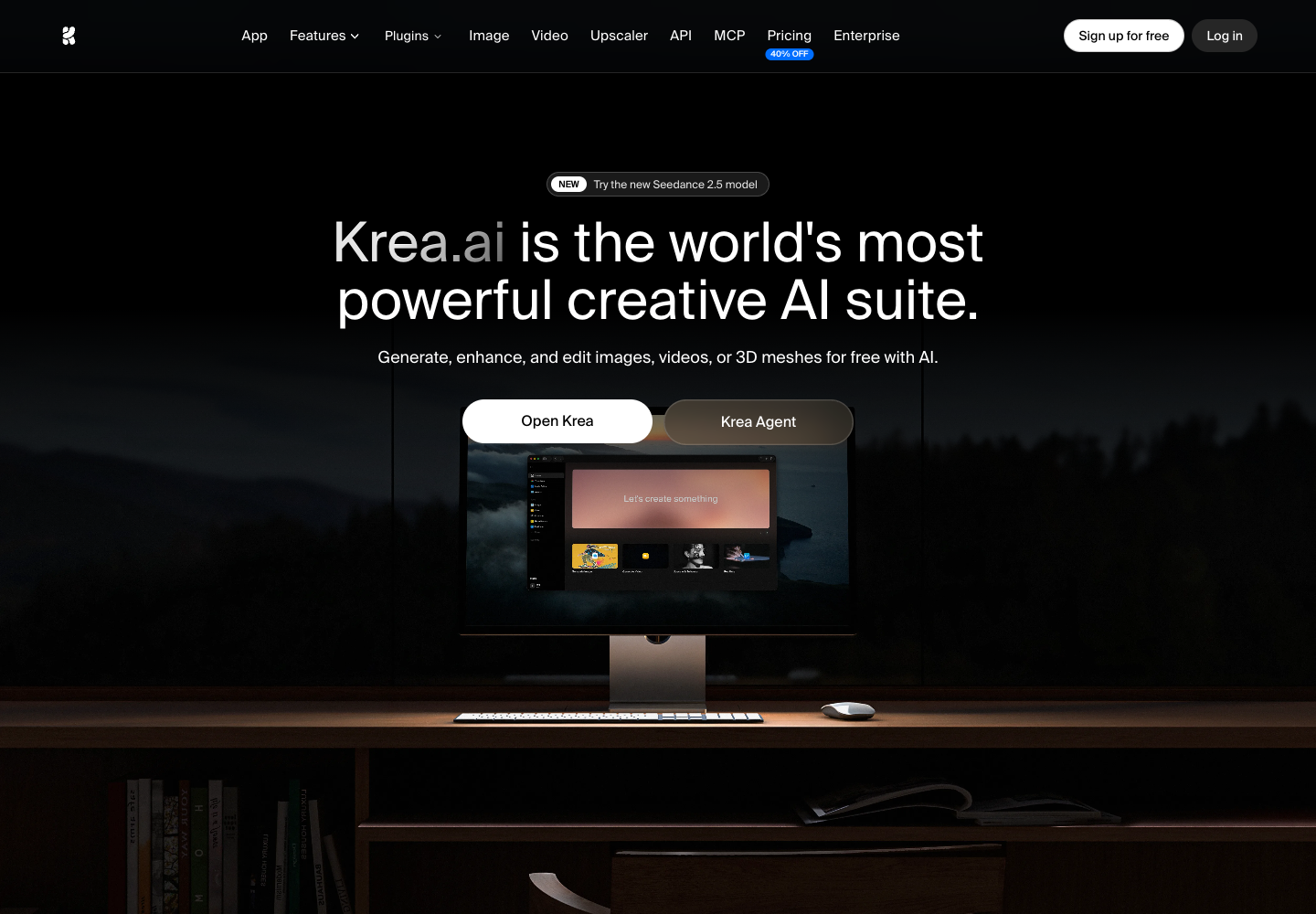
What it is Krea AI is a web-based creative suite from KREA.AI, INC. for generating, editing, and enhancing images, video, 3D objects, and audio. It brings together 100+ proprietary and third-party models—including Krea 3, Krea 2, Seedance 2.5, Kling 4, Veo 3.1, Nano Banana 2.1, GPT Image 2.6, Flux, and Wan 3.0—in one workspace. How it works Create from text prompts, reference images, sketches, or source video using the web app, Real-time Canvas, Krea Agent chat, or node-based workflows. You can train custom LoRA models on specific characters, products, or styles, guide results with moodboards, and connect external tools via the REST API, hosted MCP server (https://api.krea.ai/mcp), or plugins for Photoshop, After Effects, Illustrator, Premiere Pro, DaVinci Resolve, Blender, Rhino, and ChatGPT. Outputs & capabilities Krea supports native 2K–4K image generation, rapid editing (under 8 seconds with Krea 3), sub-50ms real-time rendering, image upscaling up to 22K, and video generation and upscaling up to 8K at 120fps. It also includes motion transfer, video face swap, lip sync, AI voiceovers, and text- or image-to-3D generation. Paid plans include a commercial license for generated assets. Scope & privacy A free tier offers 100 daily compute units, alongside paid individual, team, and enterprise plans billed monthly or annually in USD. Krea is SOC 2 compliant, undergoes annual third-party penetration testing, provides a "Do not train" option to protect proprietary data, and supports SAML SSO and custom Terms of Service on Enterprise plans.


  • Multi-Model Image & Video Generation
  • Real-Time Canvas & Generative Editing
  • 22K Image & 8K Video Upscaling
  • LoRA Training, Node Workflows & Integrations
Krea AI official website preview

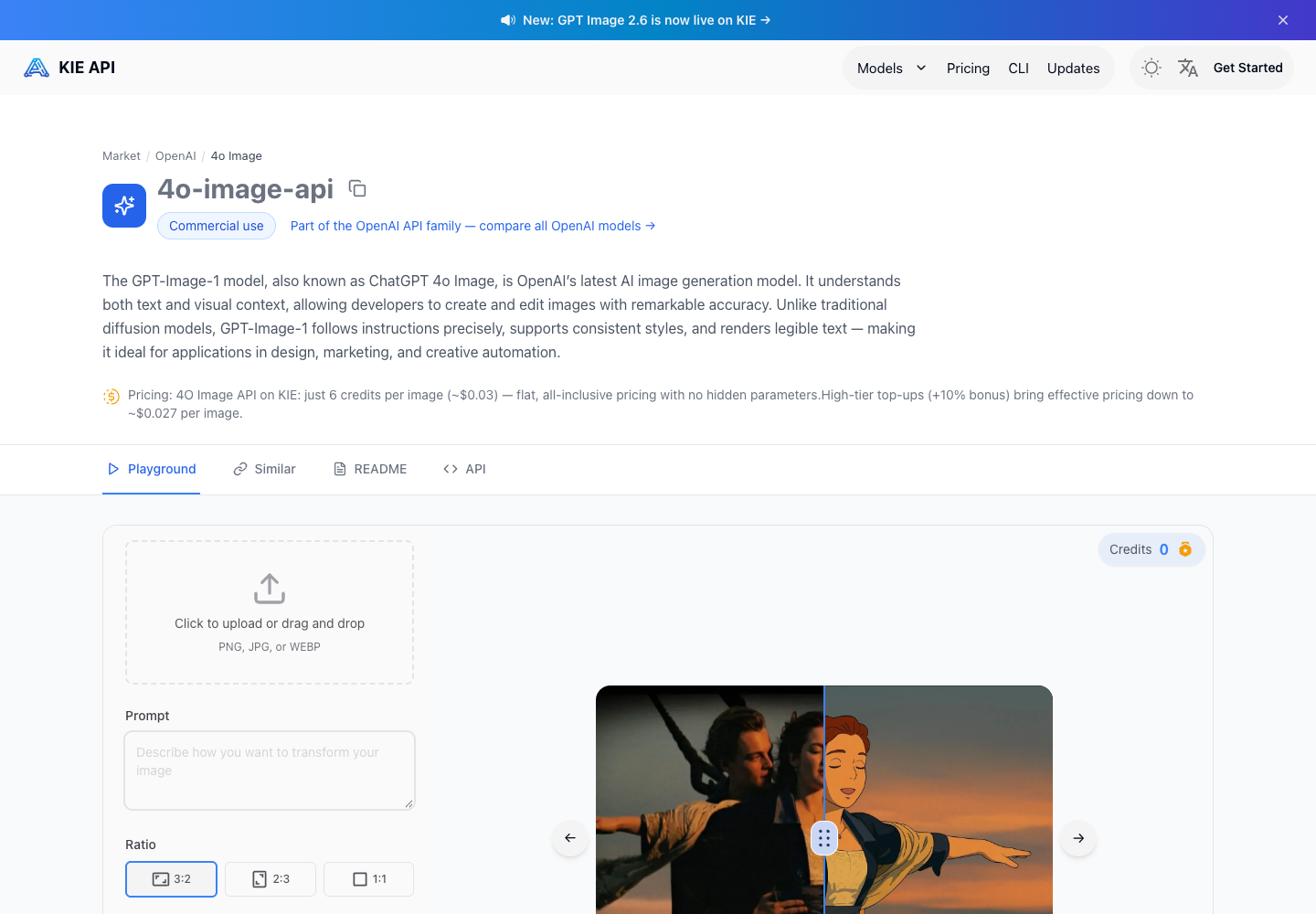
4o Image API on Kie.ai gives developers predictable, credit-based REST API access to OpenAI's GPT-Image-1 (ChatGPT 4o Image) model without token math or subscriptions. Through POST /api/v1/jobs/createTask, teams can run text-to-image and image-to-image workflows with up to 5 reference images, legible text rendering, 14-day output storage, HMAC-verified callbacks, and 80 free testing credits.

  • Unified Text-to-Image and Editing Endpoint
  • Legible In-Image Text Rendering
  • Predictable Per-Call Credit Pricing
  • 14-Day Storage and HMAC-Verified Callbacks
4o Image API by Kie.ai official website preview
Mage logo

29. Mage

freemium

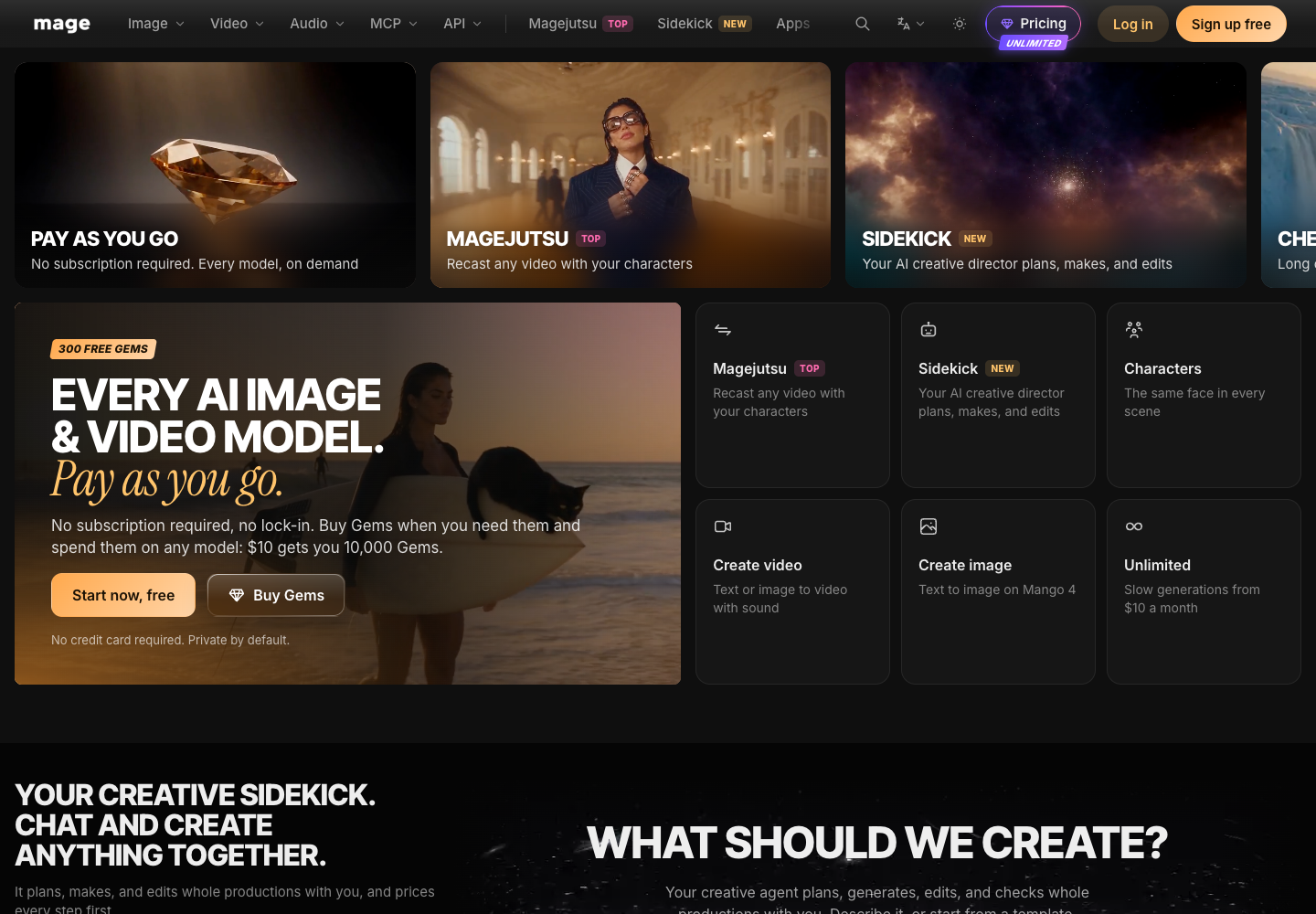
Mage (Mage Space) is an AI image, video, and audio generation platform that combines pay-as-you-go Gems ($10 for 10,000 Gems, starting with 300 free Gems) and Unlimited plans from $10/month. It features frontier models like Mango 4, Cherry 2 Pro, Seedream 5.5, MiniMax H3 Image, Nano Banana 2.1, and GPT Image 2.6, plus Sidekick AI creative direction, Magejutsu video recasting, @mention Characters, and MCP/REST API integrations.

  • Sidekick AI Creative Director
  • Magejutsu Video Recasting
  • Persistent @Mention Characters
  • MCP Server and REST API Access
Mage official website preview

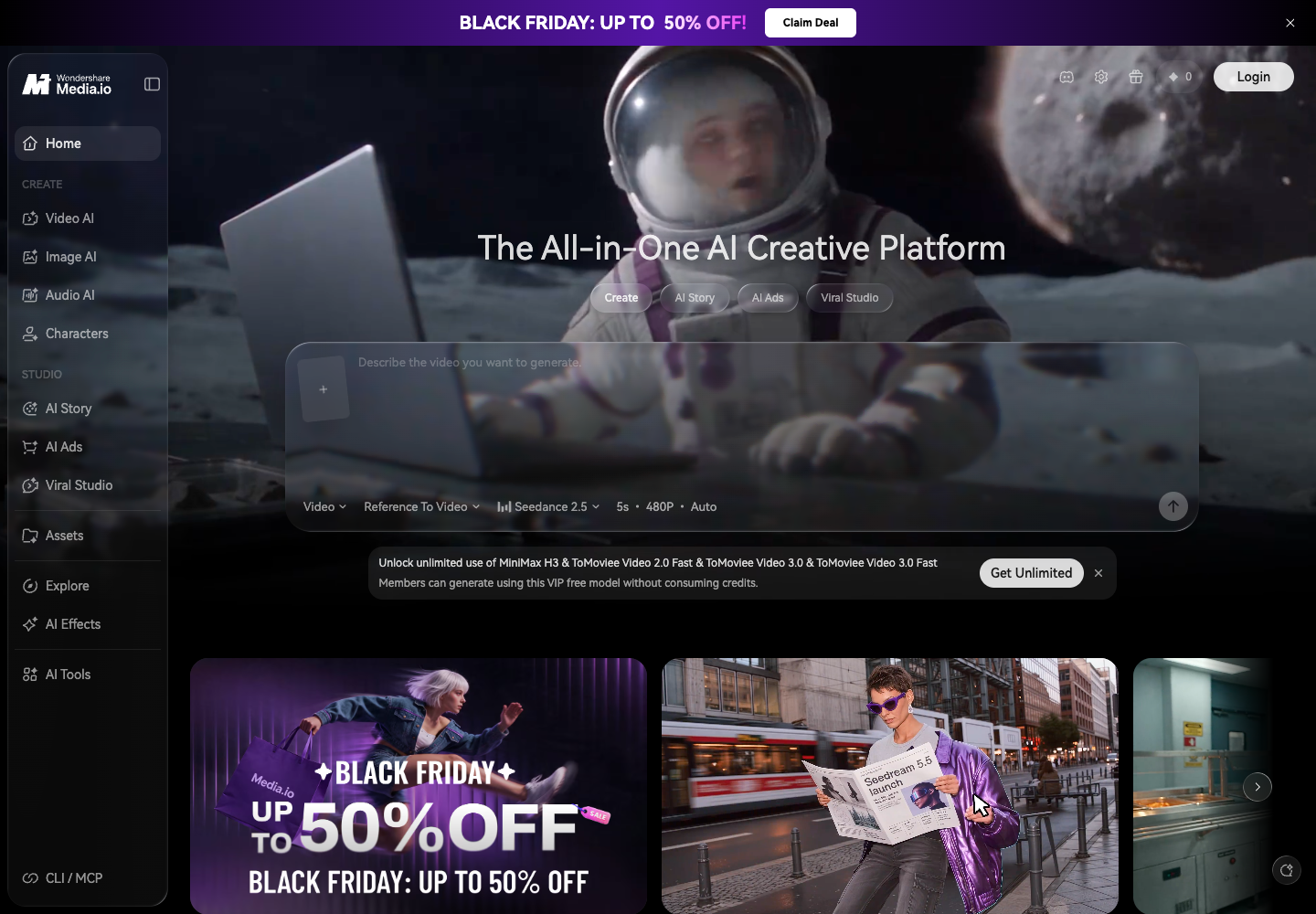
Media.io AI Generator is an all-in-one online AI creative platform that brings together video, image, and audio generation models in one workspace. Creators can combine up to 30 images, 10 videos, 10 audio files, and text prompts to produce videos and visuals using models such as Seedance 2.5, Seedream 5.5, Kling 4.0, MiniMax H3 Max, and ToMoviee Video, alongside studio tools like AI Story, AI Ads, and Viral Studio.

  • All-in-One Video, Image, and Audio Workspace
  • Multi-Asset Reference Input
  • Integrated Frontier AI Models
  • Built-In Editing and Enhancement Utilities
Media.io AI Generator official website preview

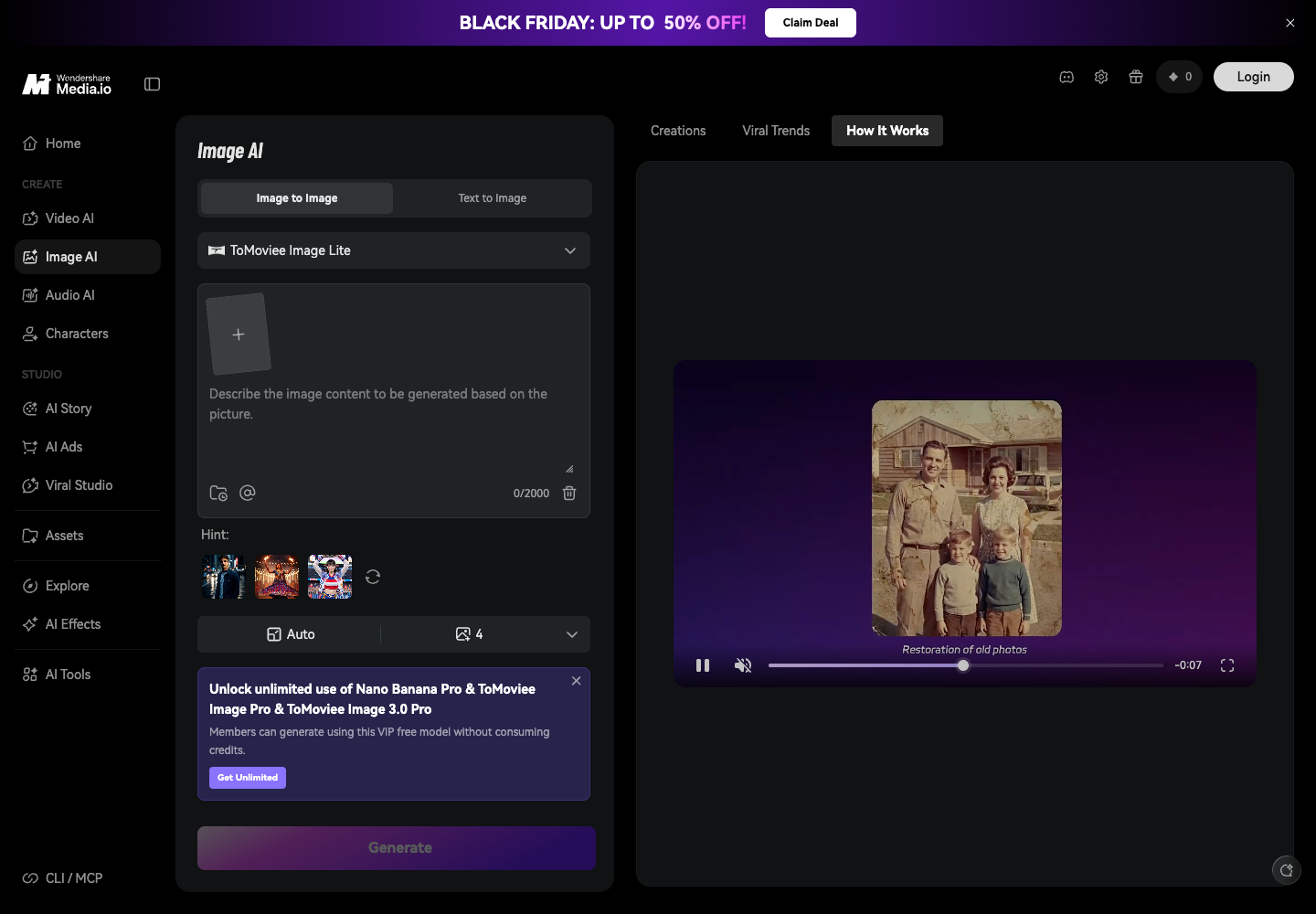
Media.io Free AI Image Generator is an online image creation tool that lets users generate original visuals from text prompts or uploaded reference photos in minutes. Built for beginners and everyday creators, it supports multiple visual aesthetics—including realistic, fantasy, anime-inspired, editorial, and lifestyle styles—and offers 3 daily check-in credits for social graphics, marketing concepts, blogs, and presentations.

  • Text-to-Image and Reference Photo Generation
  • Beginner-Friendly Three-Step Workflow
  • Multiple Aesthetic Style Directions
  • Daily Free Credits and VIP Model Options
Media.io Free AI Image Generator official website preview
Creen AI logo

32. Creen AI

freemium

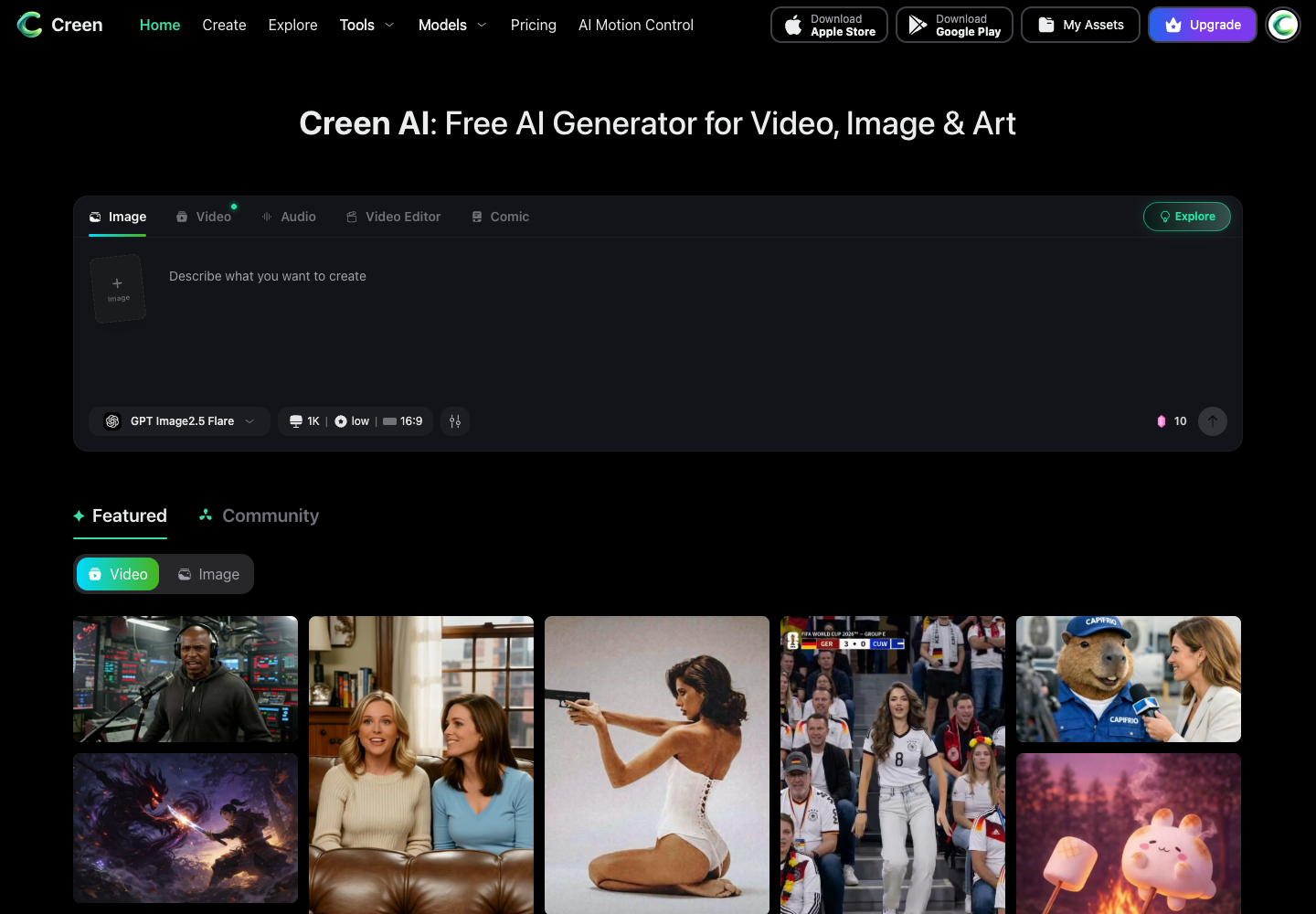
Creen AI is an online creative platform for generating and editing images, video, and audio. Users can enter prompts, choose models and settings, and explore creations in a shared workspace. Its homepage describes free daily generation on selected models and offers tools for turning images into video.

  • 40+ Frontier Models in One No-Login Workspace
  • 4K Stills, 1080p Video, and Exposed Seed Control
  • Multi-Reference, Prompt Weighting, and Negative Prompts
  • Parallel generation
Creen AI official website preview

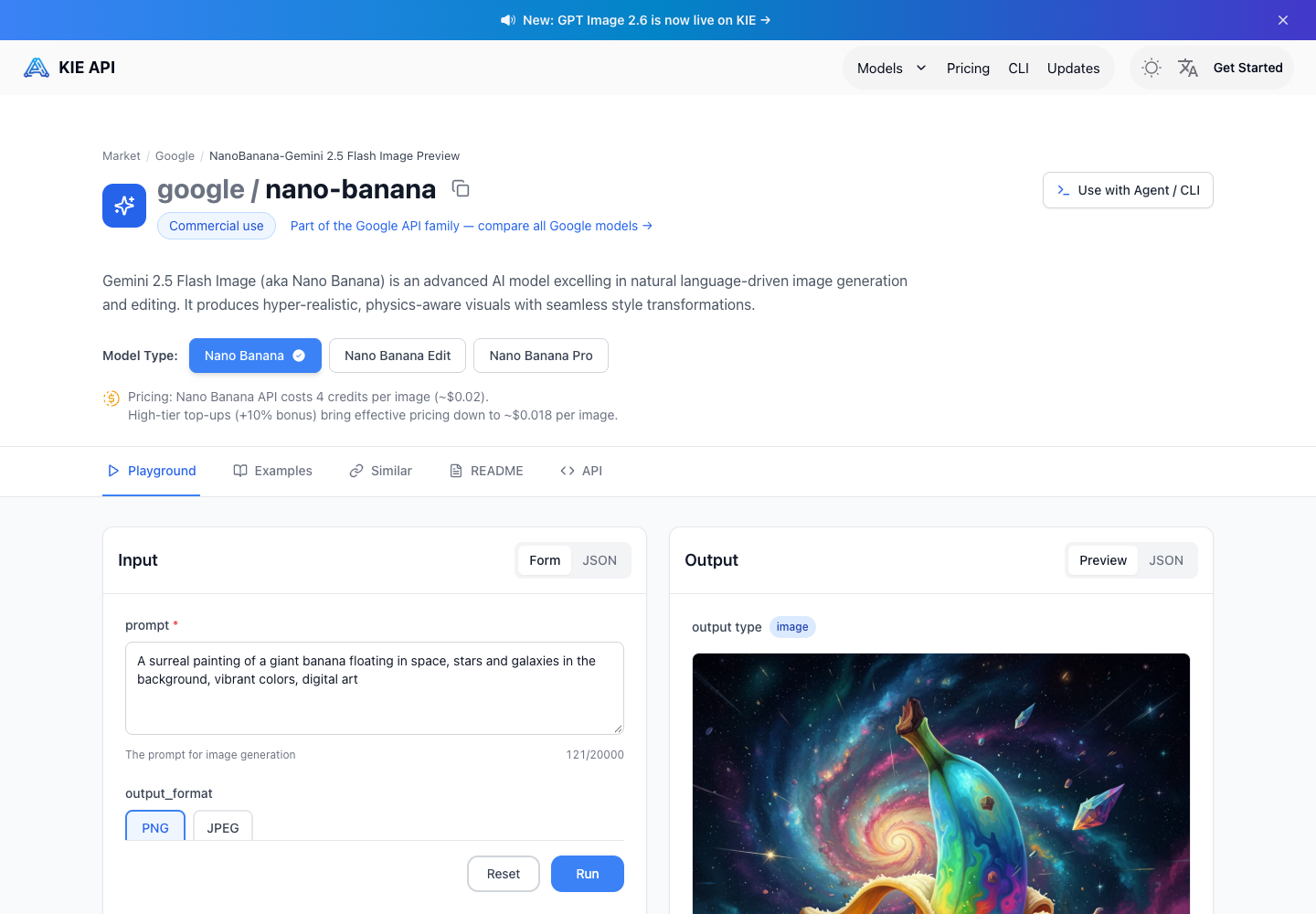
Nano Banana API on Kie.ai gives developers pay-as-you-go access to Google Gemini 2.5 Flash Image for image generation and natural-language editing. Developers can send prompts and image references through the API, retrieve task results, and use callbacks to integrate images into their applications.

  • Text-guided image creation
  • Natural-language editing
  • Image format and aspect ratio controls
  • Asynchronous result callbacks
Nano Banana API by Kie.ai official website preview

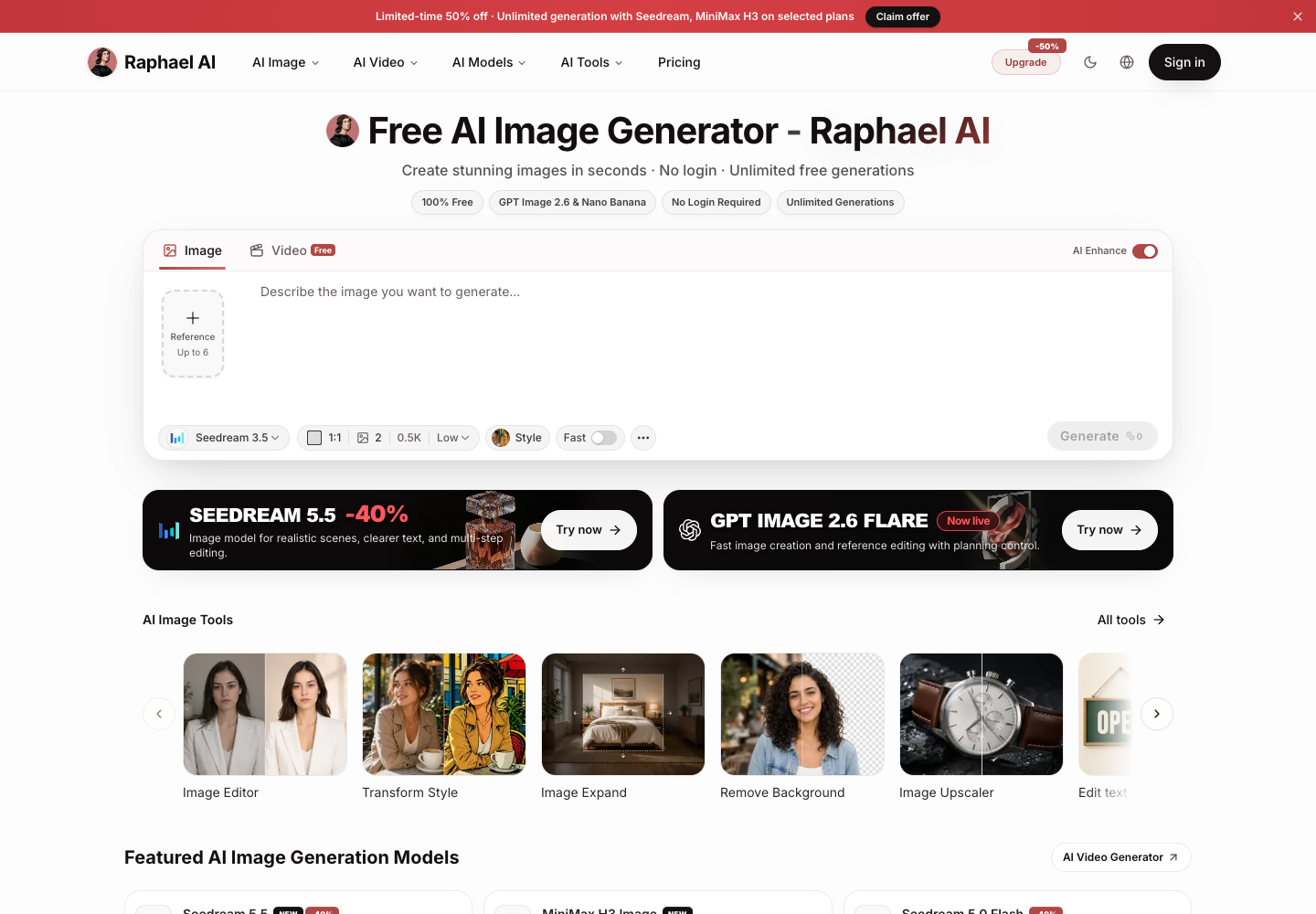
Raphael AI is a free, unlimited AI image generator that works with no login required and supports up to 6 reference images alongside AI prompt enhancement. It provides access to models including Seedream 5.5, Seedream 5.0 Pro / Flash, Seedream 3.5 Pro, GPT Image 2.6 Flare, MiniMax H3 Image, and Nano Banana 2 / 2.1, plus specialized editing tools like Layer separation, Image Expand, Remove Background, Edit text, and Old Photo Restoration.

  • Unlimited Free Generations with No Login Required
  • Multi-Model Image Generation Lineup
  • Up to 6 Reference Images and AI Enhance
  • 13+ Dedicated AI Image Editing Tools
Raphael AI official website preview

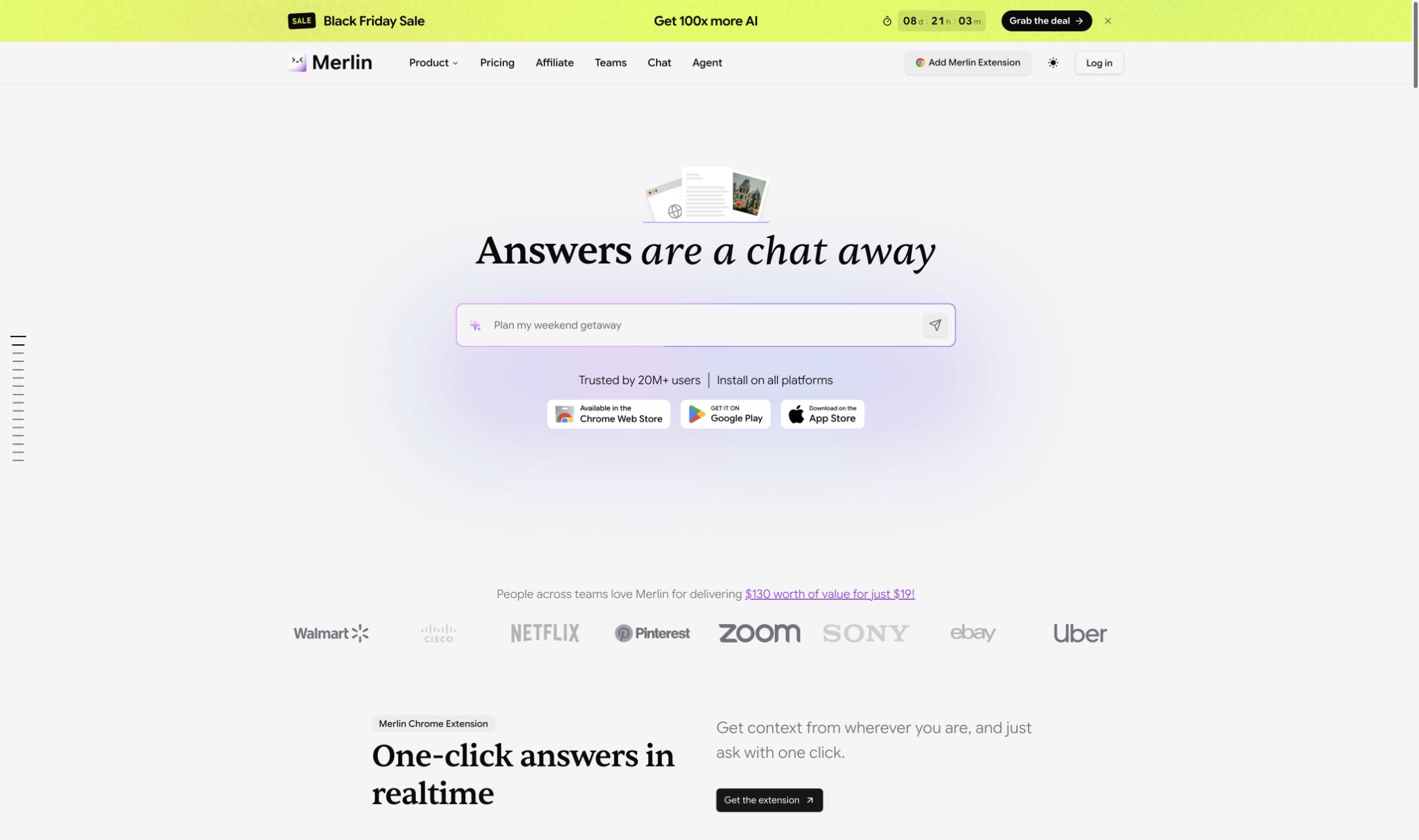
Merlin is a multi-model AI chat platform with a Chrome extension for working while browsing. Users can ask questions about a webpage, summarize or repurpose its content, upload a PDF as context, and chat with video content. Merlin also offers AI tools for drafting and creating content across its web and browser experiences.

  • Multi-model AI chat
  • Webpage content tools
  • PDF context
  • Video summaries
Merlin AI official website preview
Jenni AI logo

36. Jenni AI

freemium

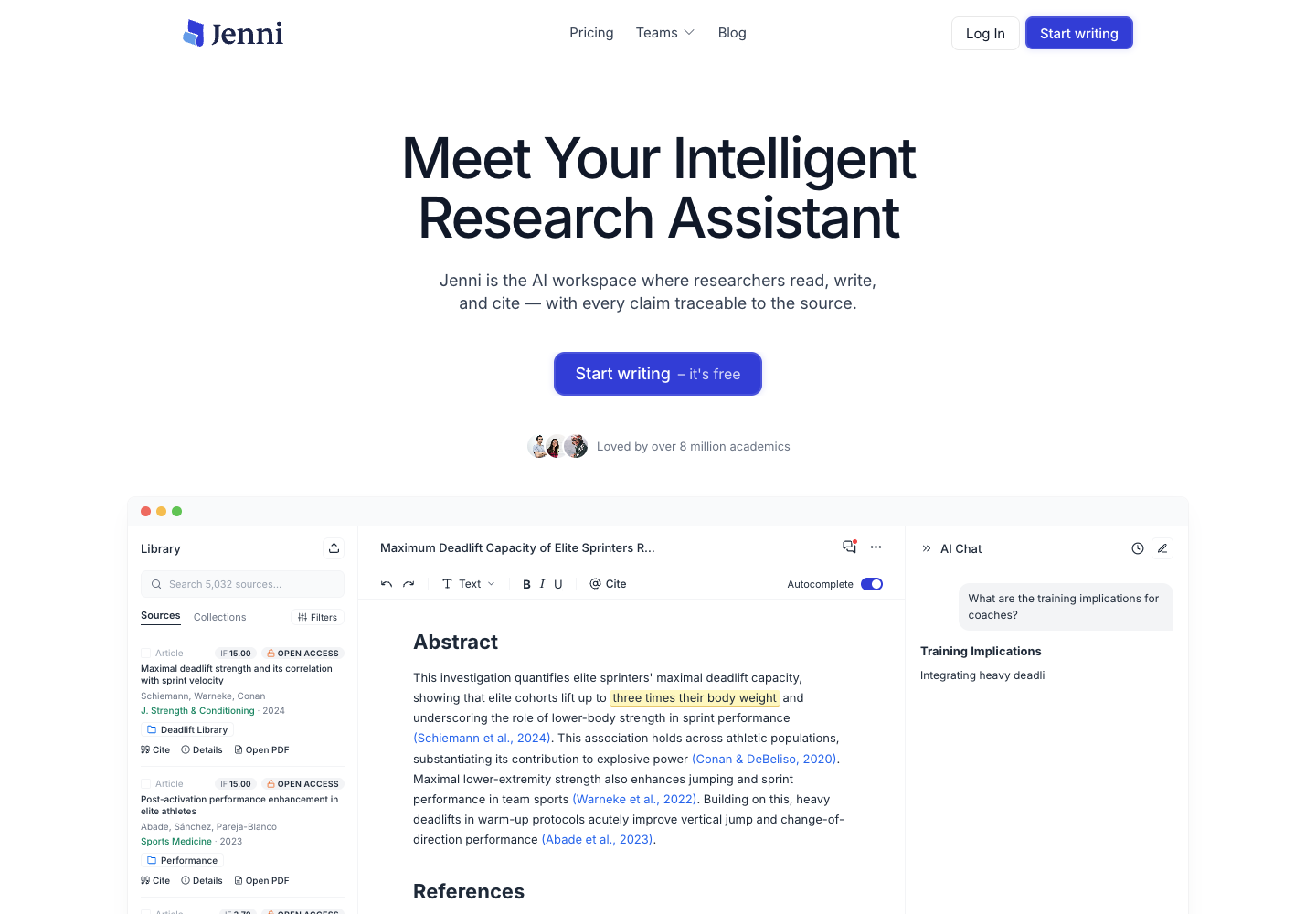
Jenni AI is an academic research writing workspace designed for researchers, students, and academics. It brings reading, drafting, editing, and referencing together in one place to support the research writing process. Users can upload and read PDFs alongside their documents, then use AI chat to ask questions or summarize an attached paper. As they compose, Jenni suggests text completions and provides editing tools. Users can also search for sources and add citations to their drafts. Together, these tools connect reading and research materials with drafting and revision in one workspace. Users should review generated text and verify citations before relying on them.

  • PDF reading in workspace
  • AI autocomplete and editing
  • AI chat
  • Citation insertion
Jenni AI official website preview

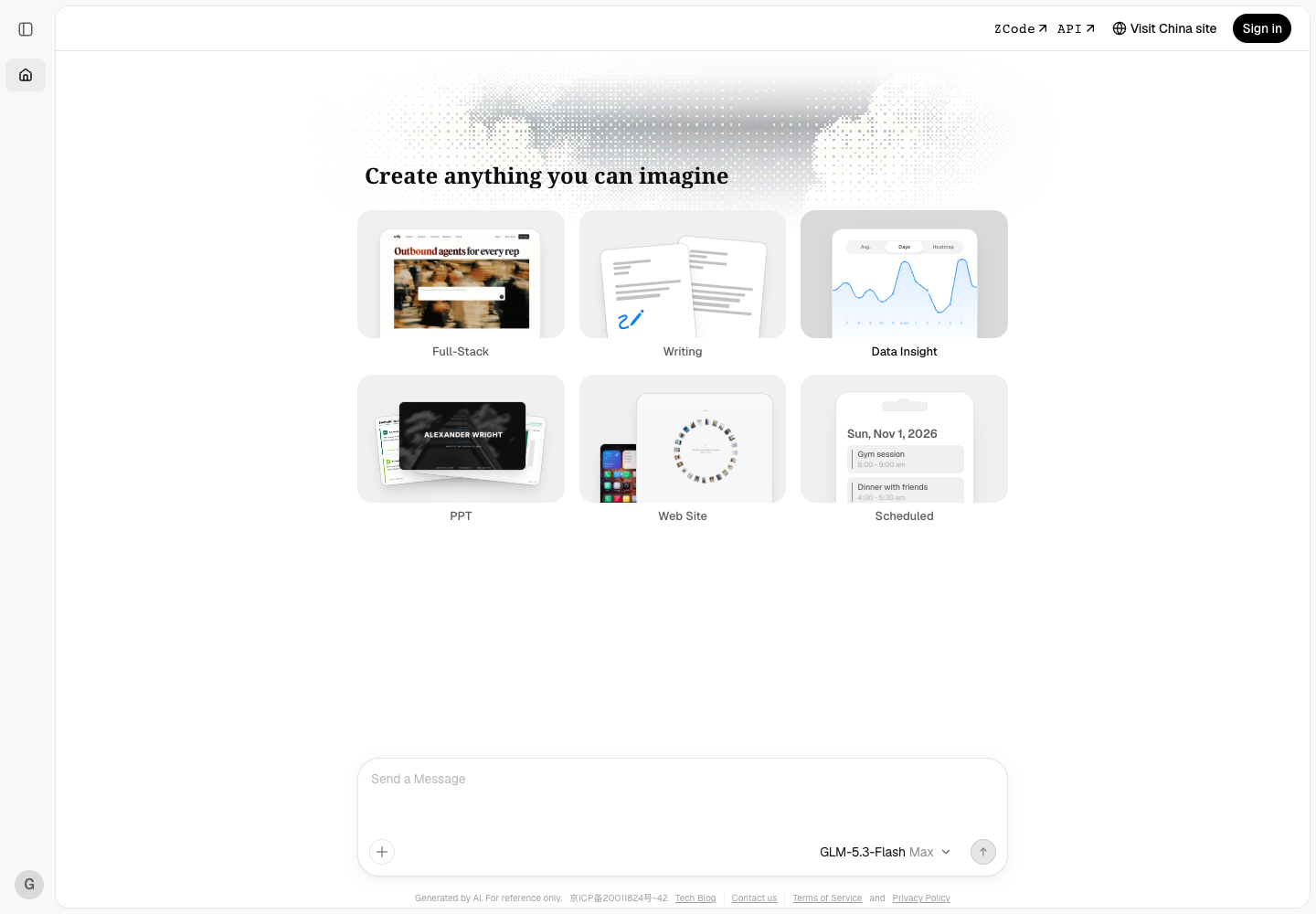
Z.ai is a browser-based workspace for chatting with GLM models and building things through conversation. Give the slide tool a source document to turn into a presentation, or describe a website and request changes over several turns as the design takes shape. The chat interface also offers writing and data visualization tools. Developers who want to call a GLM model from their own software use the separate API.

  • Turn source material into slides
  • Refine a website through conversation
  • Generate heatmap data visualizations
  • Writing and document collaboration
Z.ai official website preview
Sider logo

38. Sider

freemium

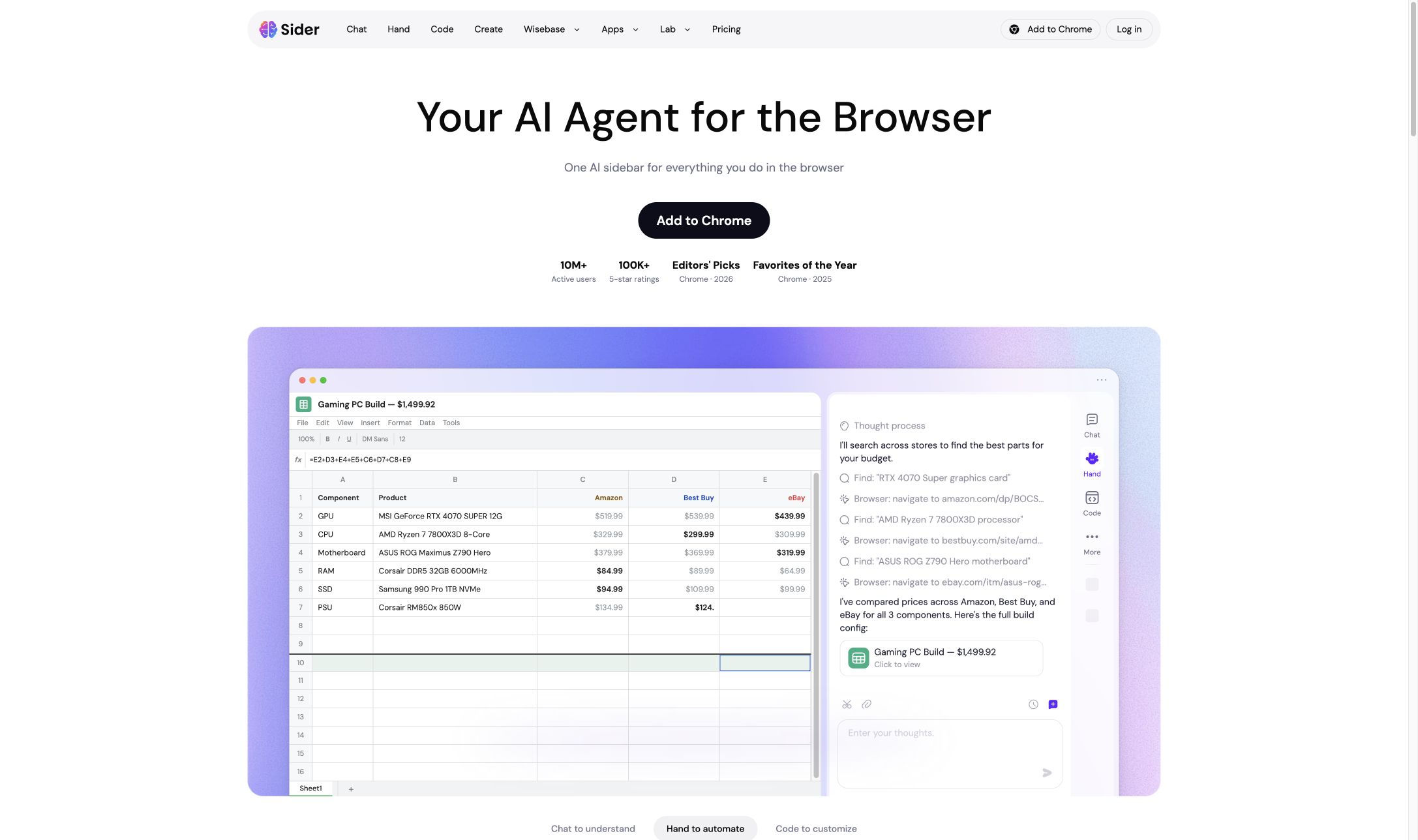
Sider is an AI sidebar and browser agent for working with online content. Users can chat with supported models, summarize articles, translate webpages or PDFs, and use the AI Writer for writing tasks. Its Hand agent can research across sites and automate browser tasks, while Code can customize how a webpage looks or works.

  • AI Writer
  • Chat and summarize
  • Translate content
  • Browser automation
Sider official website preview

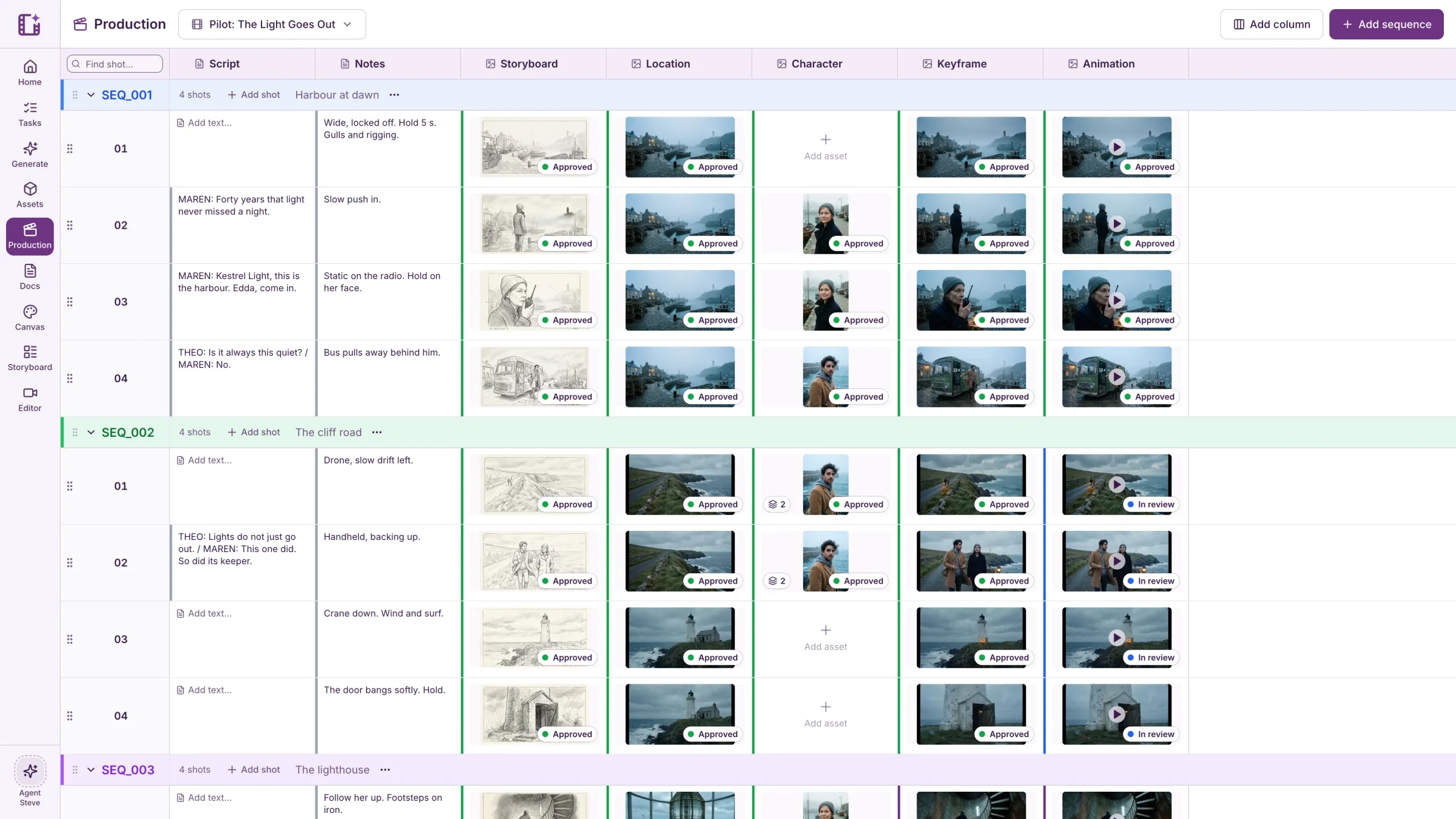
Cinemagiq is AI production software for planning and creating long-form series and films with a team. It connects scripts and notes, episode and shot planning, storyboards, reference assets, AI generation, review, approvals, and editing in one shared workspace. The Production Board organizes work by episode, sequence, and shot, with statuses, assignments, and comments. The versioned Asset Hub stores characters, locations, and props, while the Generation Studio offers more than 40 image, video, and audio models. Its Steve AI agent can read project boards, documents, and assets and propose work with the cost shown before a run. A free plan is available; paid team plans start at $5 per seat per month, with generation priced in tokens.

  • Episode and shot production board
  • Versioned Asset Hub
  • 40+ image, video, and audio models
  • Steve project agent
Cinemagiq official website preview

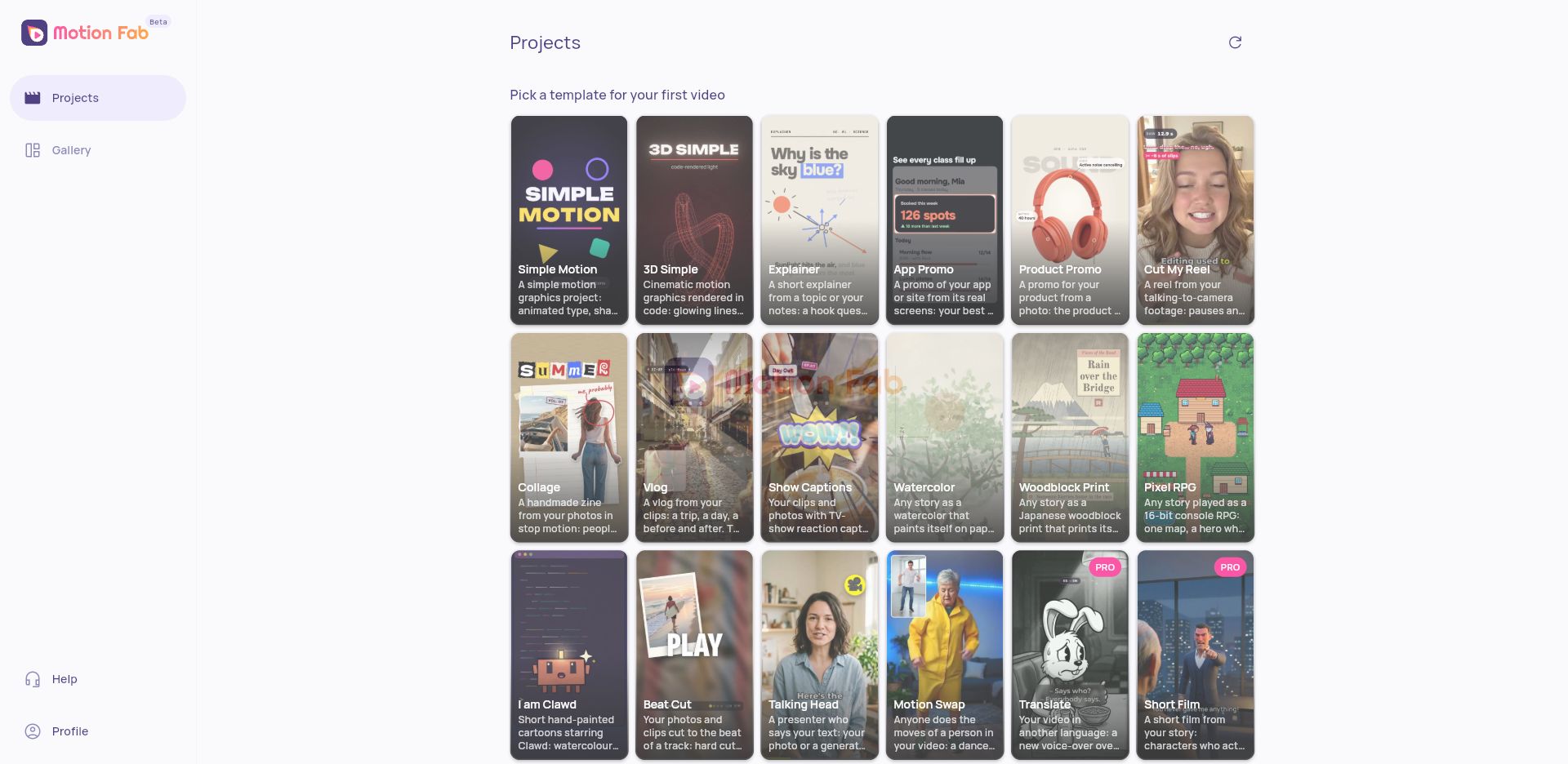
Motion Fab is an AI motion designer for creating short videos through a chat-style workflow. Describe a video and its agent animates it with kinetic typography, 3D effects, sound, a live preview, and MP4 export. The official workspace offers templates for simple motion graphics, 3D motion, explainers, app promos, product promos, reels, collages, vlogs, captions, watercolor and woodblock styles, pixel role-playing games, and short films. The product is in beta. Its free plan includes monthly credits and 1 GB of storage, while the paid Pro plan provides more monthly credits, 10 GB of storage, and access to Pro templates.

  • Chat-directed motion design
  • Template gallery
  • Live preview and MP4 export
Motion Fab official website preview
← Back to Oreate AI