Search
 Submit

 AMW GroupAn agency for public relations, SEO and AI search content, entertainment marketing, and practical AI implementation.
Alternatives to Modelflare
Explore tools compared with Modelflare across categories. Find what fits your workflow.
AMW GroupAn agency for public relations, SEO and AI search content, entertainment marketing, and practical AI implementation. Together AIRun and customize AI models with APIs and cloud compute
 BetterTouchToolCustomize gestures, shortcuts, and Stream Deck controls on your Mac.
Modelflare alternatives, explored
129 alternatives from real comparisons with Modelflare.
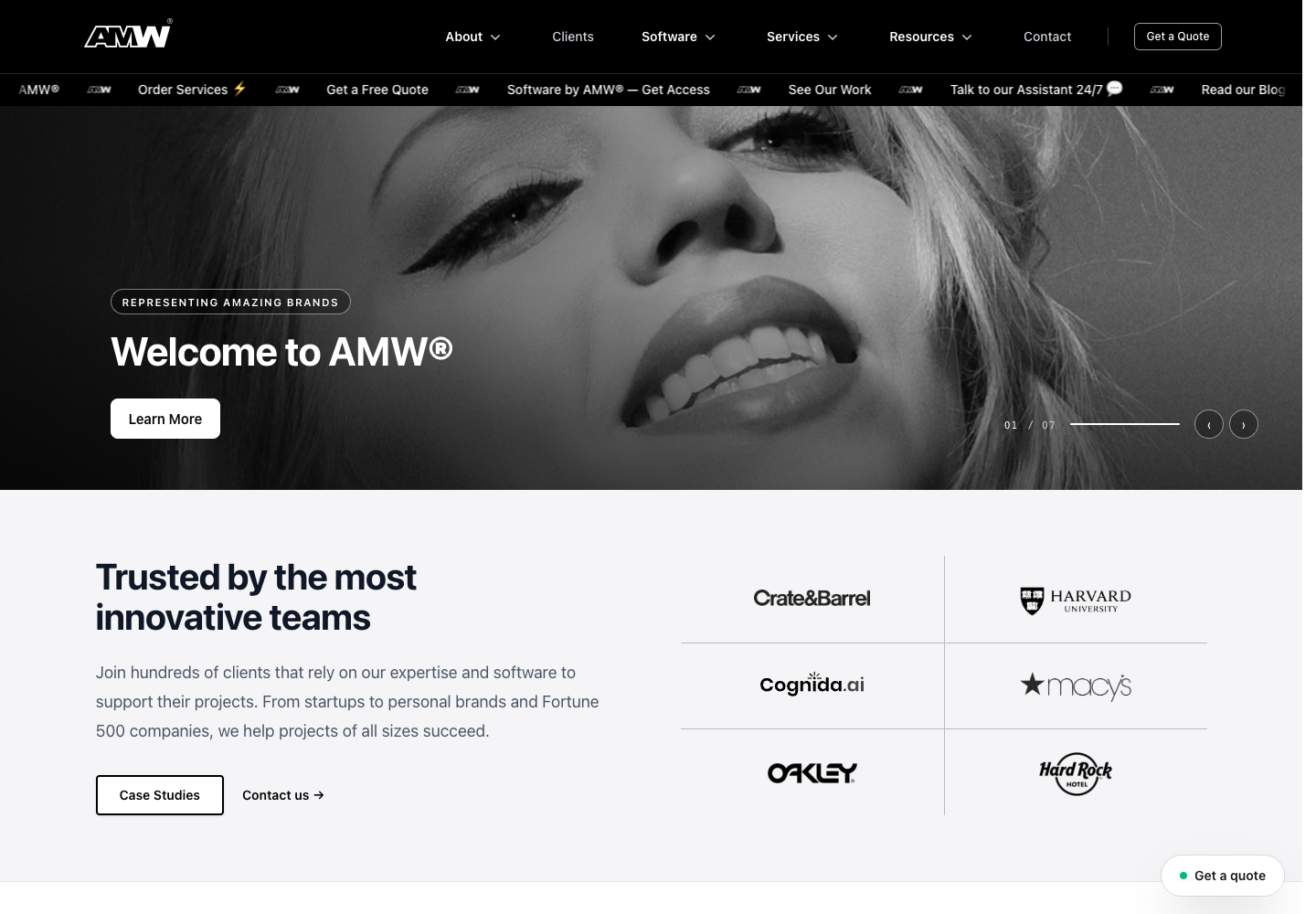
AMW Group is a marketing and communications agency for businesses, brands, and creators. It runs public relations campaigns, produces articles and short videos for search and social channels, and supports entertainment launches. Its AI for Business service measures repetitive work, pilots one task with a person approving the output, and evaluates the results before expanding. Organizations can start with one service and request a free written proposal with the scope, timing, and price.
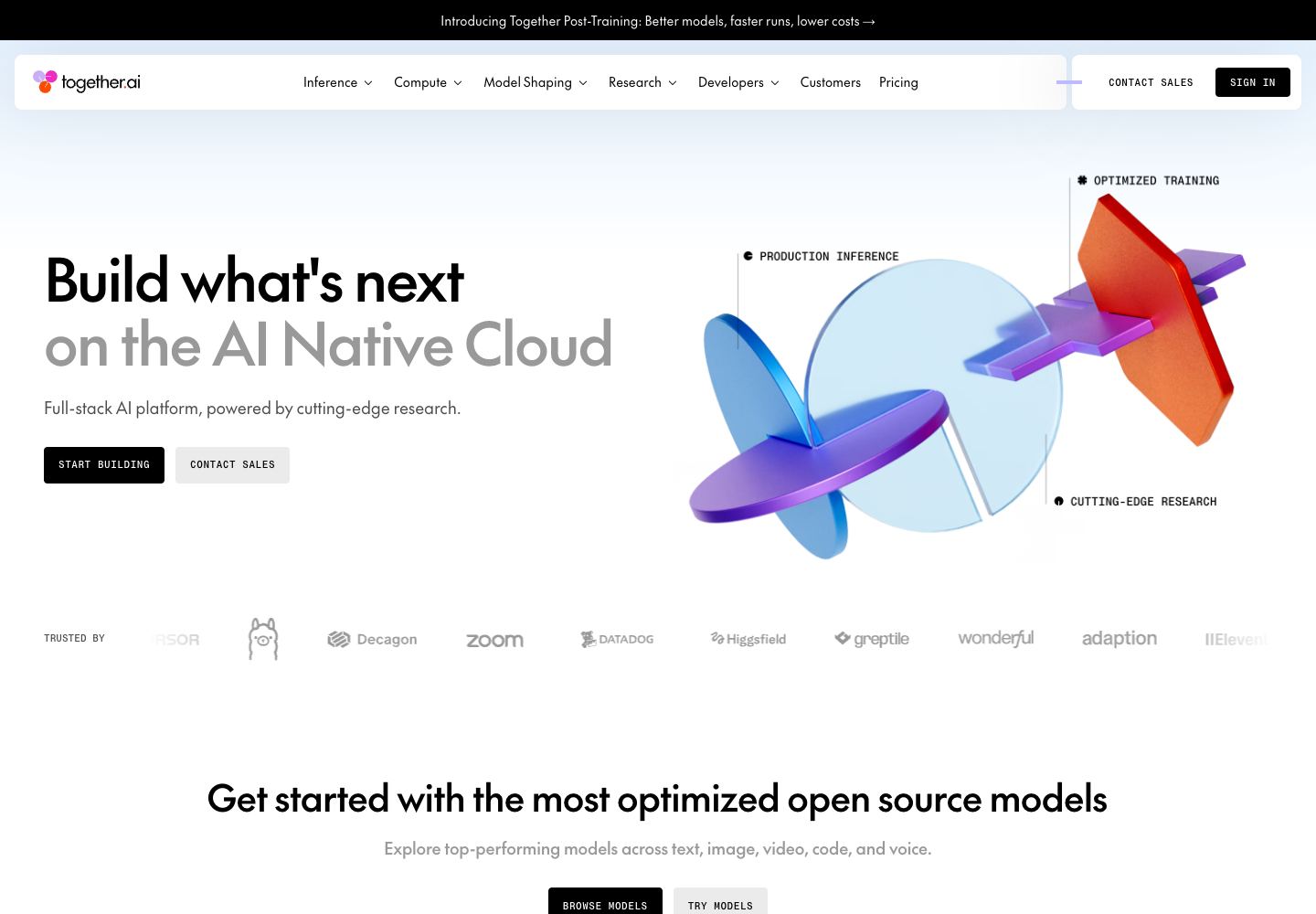
Together AI is an AI cloud platform operated by Together Computer, Inc. Developers can call hosted models through APIs, adapt supported models using their own data, and deploy inference or GPU compute for AI workloads. Its services cover serverless and dedicated inference, fine-tuning and post-training, and GPU clusters. The model catalog spans text, image, video, audio and other tasks. Availability and licensing depend on the model and service.
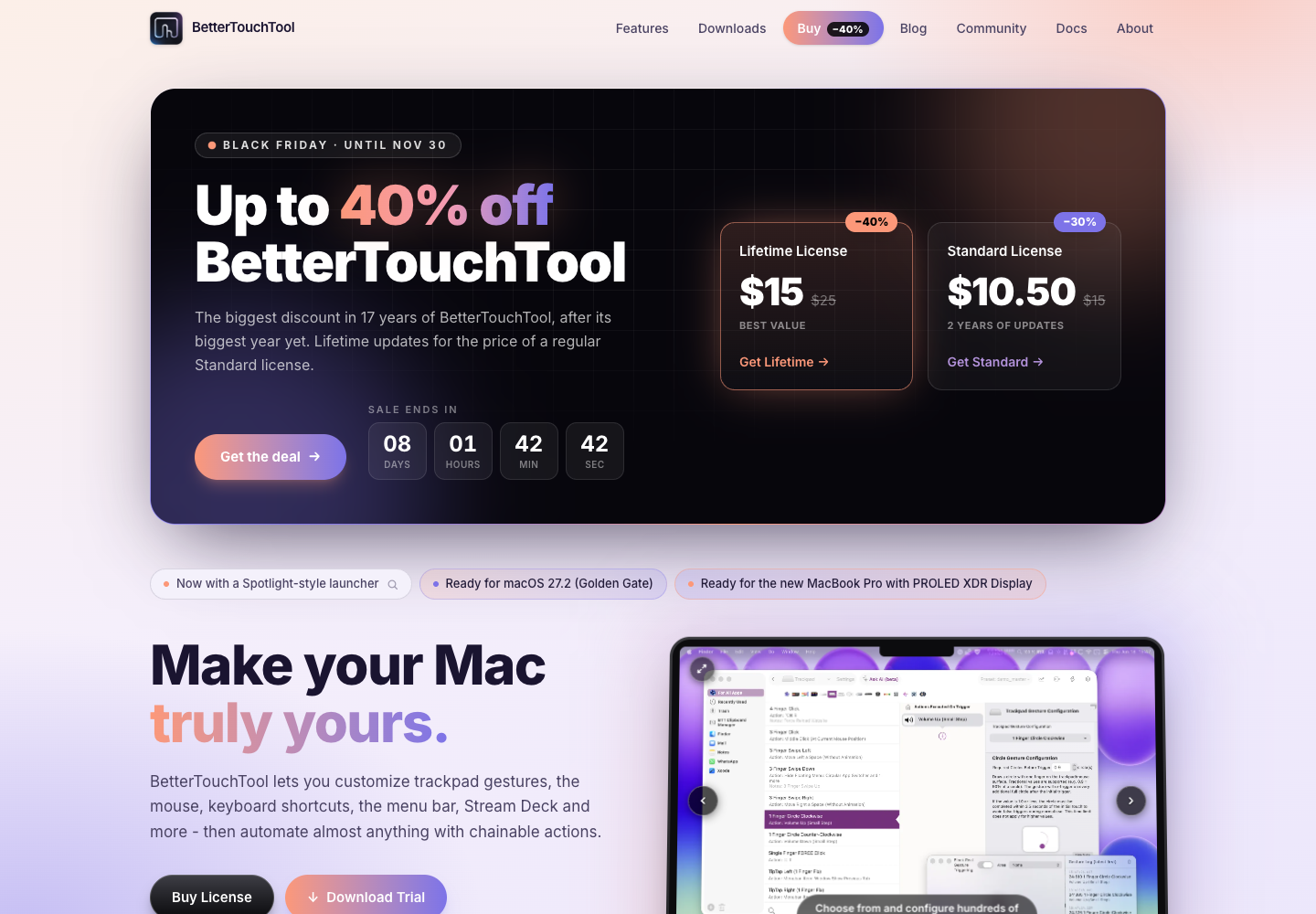
BetterTouchTool is a macOS utility for customizing input devices and automating actions. Choose a trigger, such as a trackpad gesture, mouse input, keyboard shortcut, or Stream Deck control, and assign an action or a sequence of actions. The app also offers window management and a clipboard manager. It requires macOS 12 or later and offers a 45-day unrestricted trial.

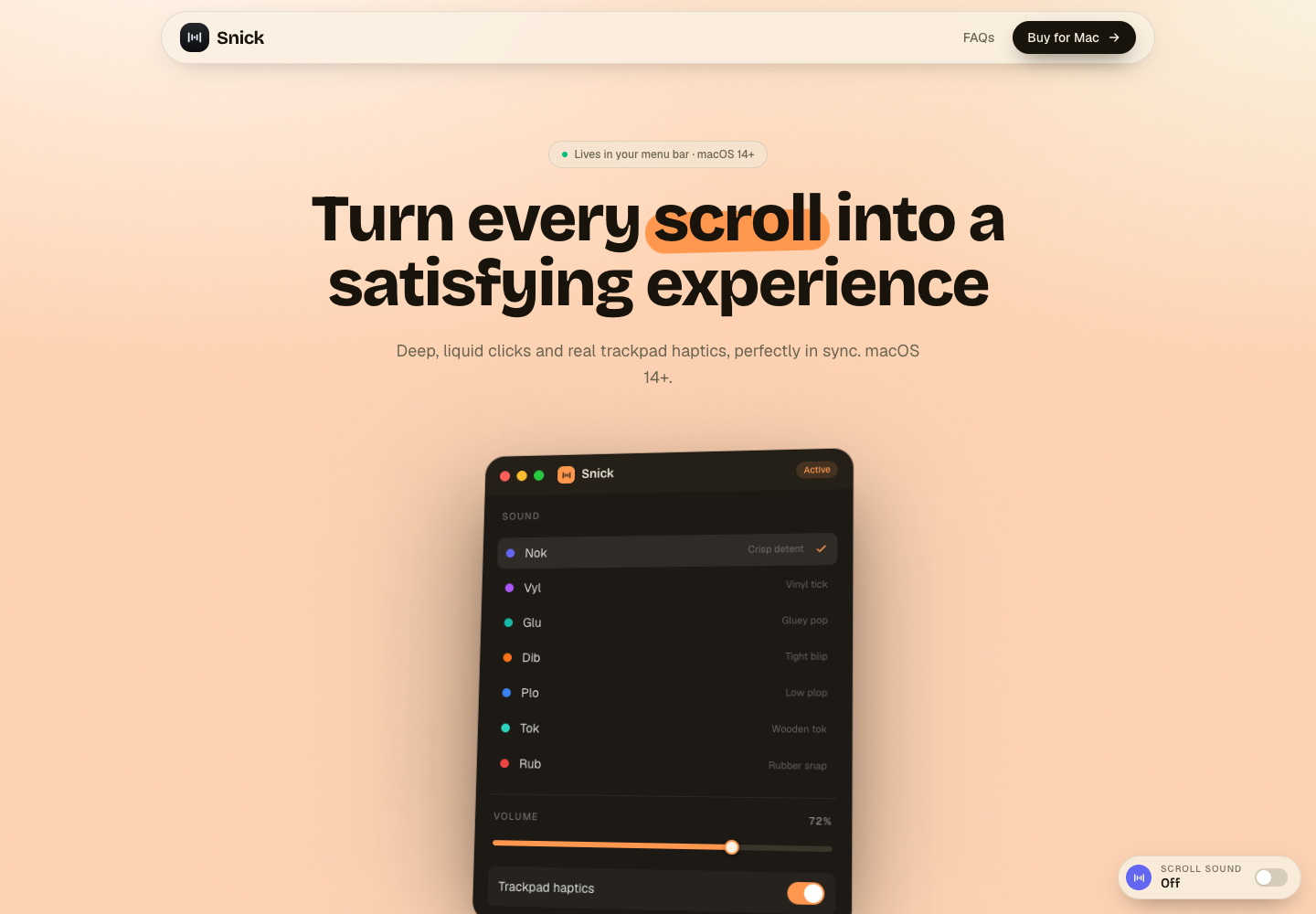
Snick is a macOS menu bar utility that plays mechanical click sounds as you scroll. Pick one of seven sounds, set its volume, and optionally turn on haptic feedback on a compatible Force Touch trackpad. The timing of each click changes with your scroll speed. Snick runs on Intel and Apple silicon Macs with macOS 14 or later and uses Accessibility permission to detect scrolling.

Talkie offers interactive AI character conversations powered by a library of user-created characters. Available on both web and mobile apps, it combines ongoing character chats with collectible AI cards.

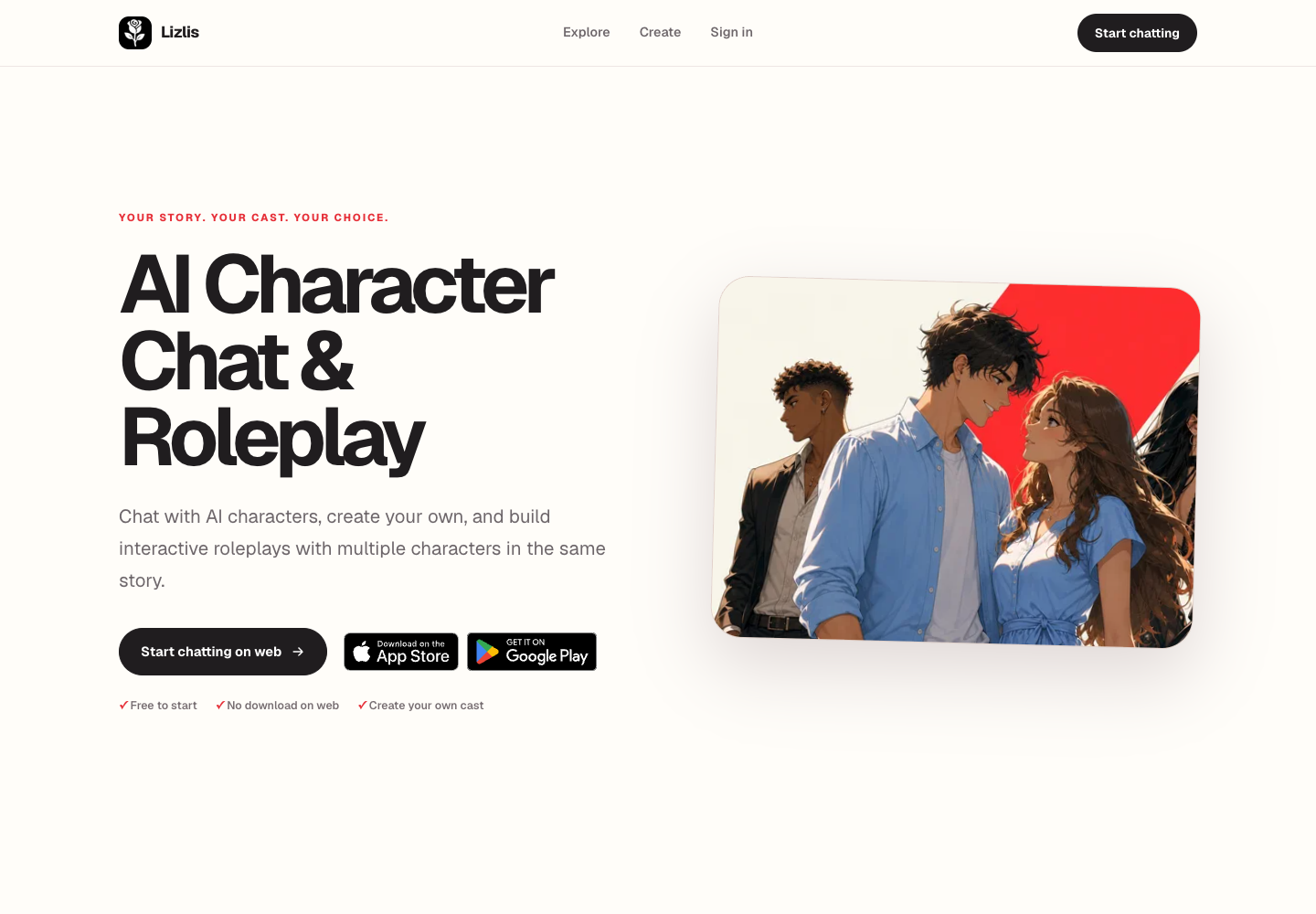
Lizlis is a character chat and roleplay platform designed for multi-character storytelling on browser and mobile. Up to 10 characters can interact in a single story, with support for custom personas, conversation branching, and creating and publishing stories.

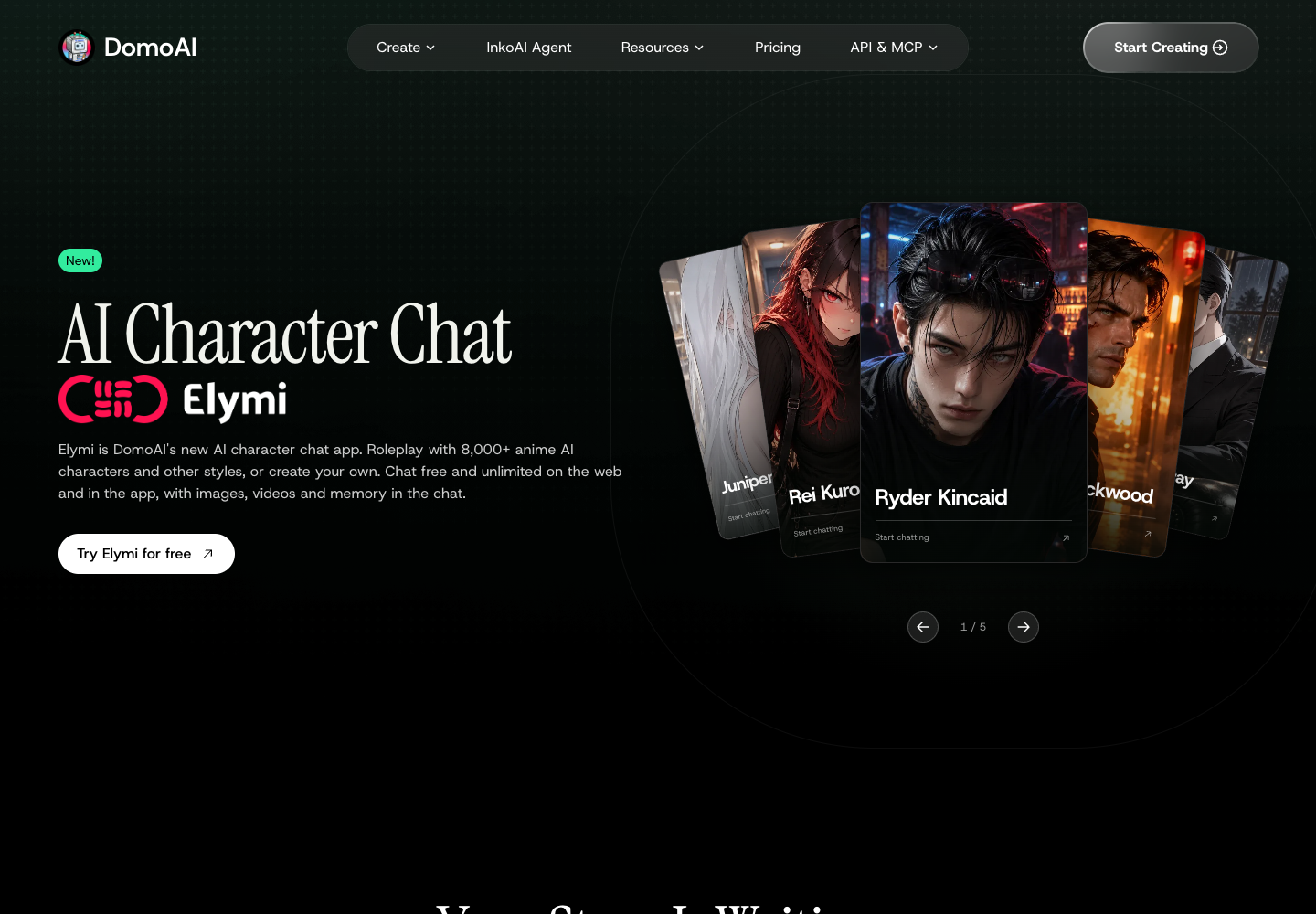
Elymi is DomoAI’s character chat app, separate from its visual creation platform. Choose or create characters and scenes, then continue a story through text conversation. Text chat is free and unlimited on the web and mobile apps. Image and short video generation uses Stars, and long-term memory can carry details between conversations but may miss them.

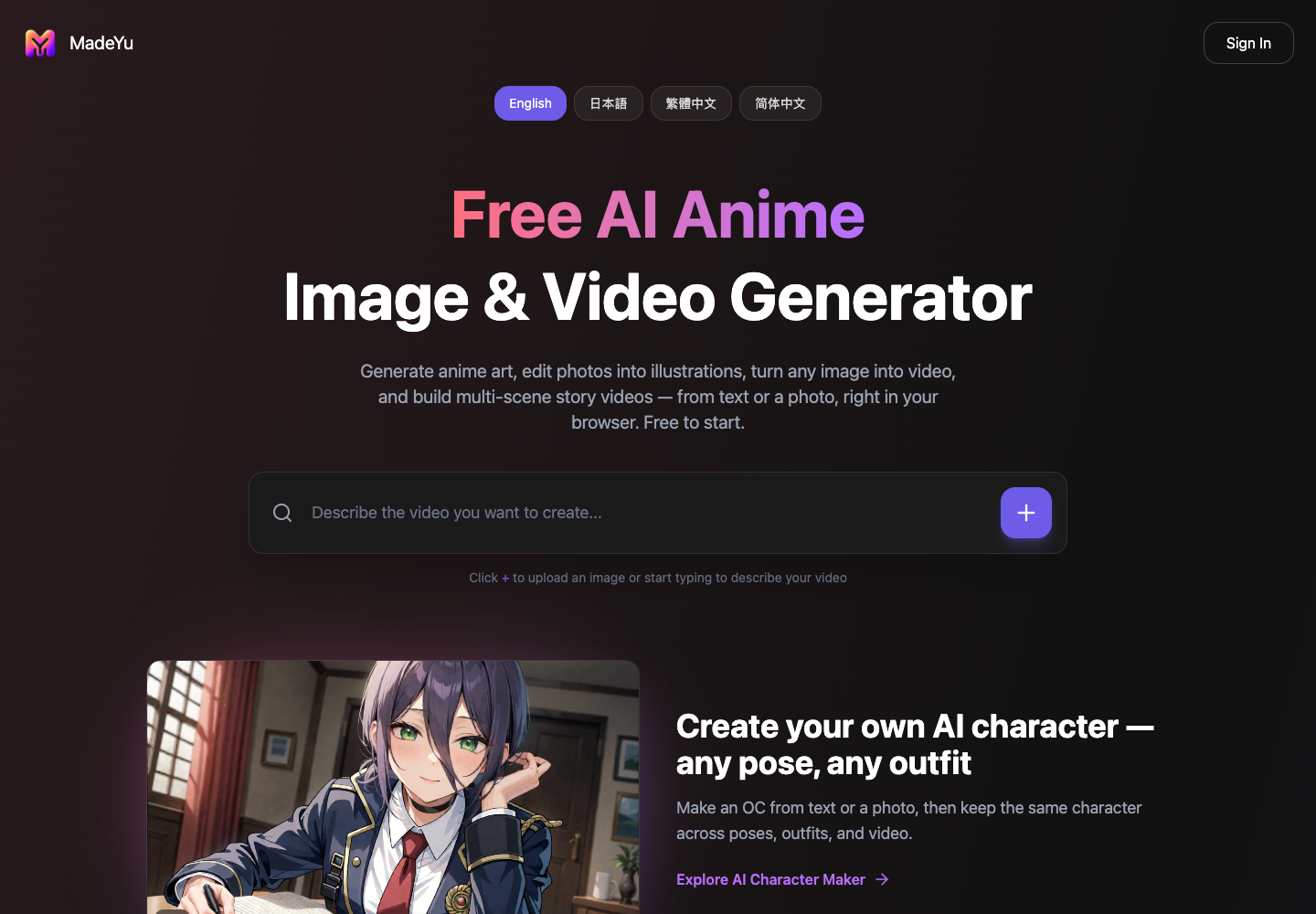
MadeYu AI is an anime image and video creation service for adults. Create a character from text or a photo, then reuse that character across poses, outfits, and scenes. Scene Director supports character chat with an image accompanying each reply, while images can be animated and characters can star in short films.

Course Hero is a study platform where students can search course-specific documents, ask questions, access textbook solutions, and seek expert tutor help. Its study tools include a grammar checker, paraphraser, proofreader, and spell checker. Premier Plus bundles QuillBot Premium writing tools and Symbolab with Course Hero study features.


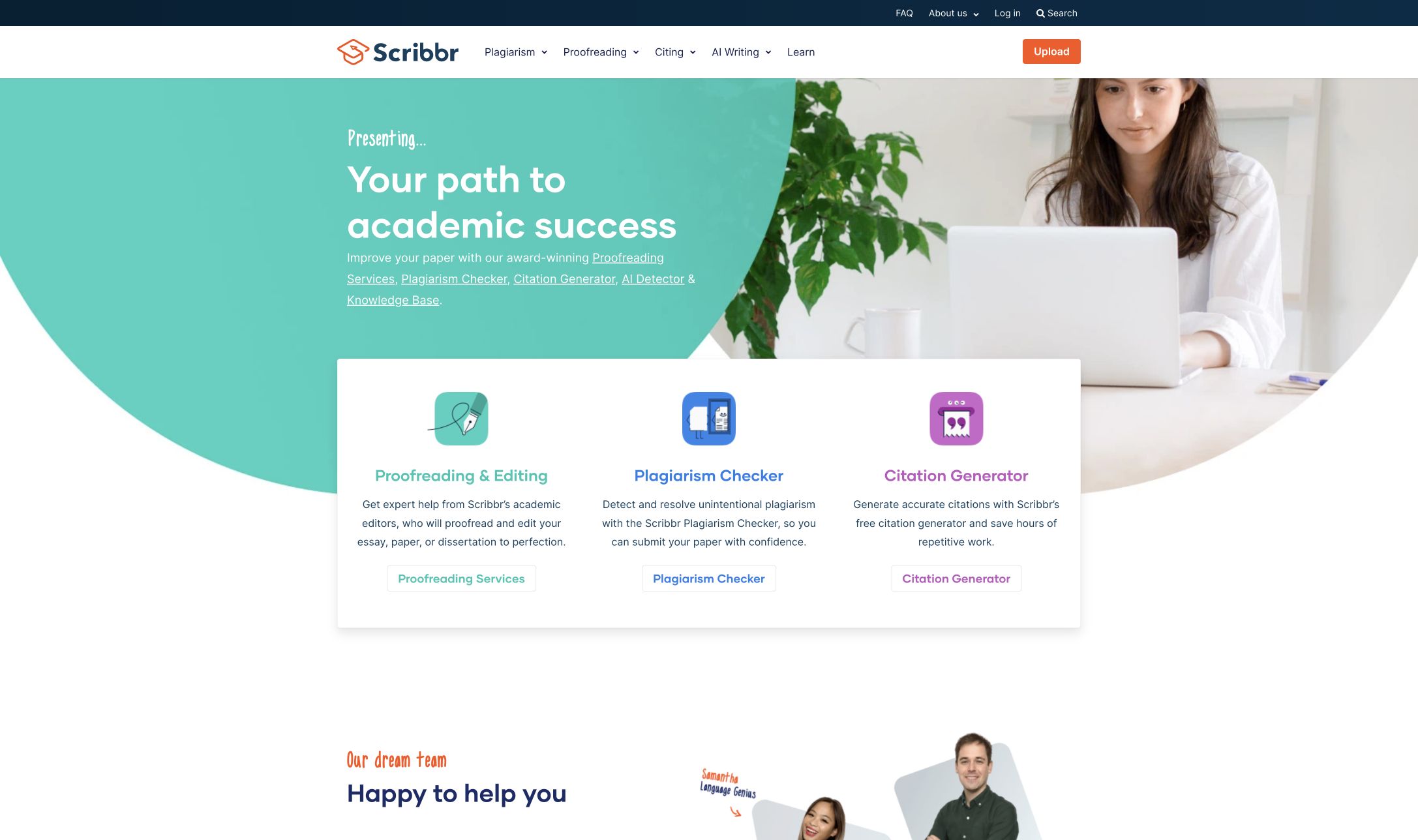
Scribbr is an academic writing platform for students and researchers. Users can generate citations, paraphrase or summarize text, check grammar, and review writing with AI tools. It also offers paid human proofreading and plagiarism checks for academic documents.

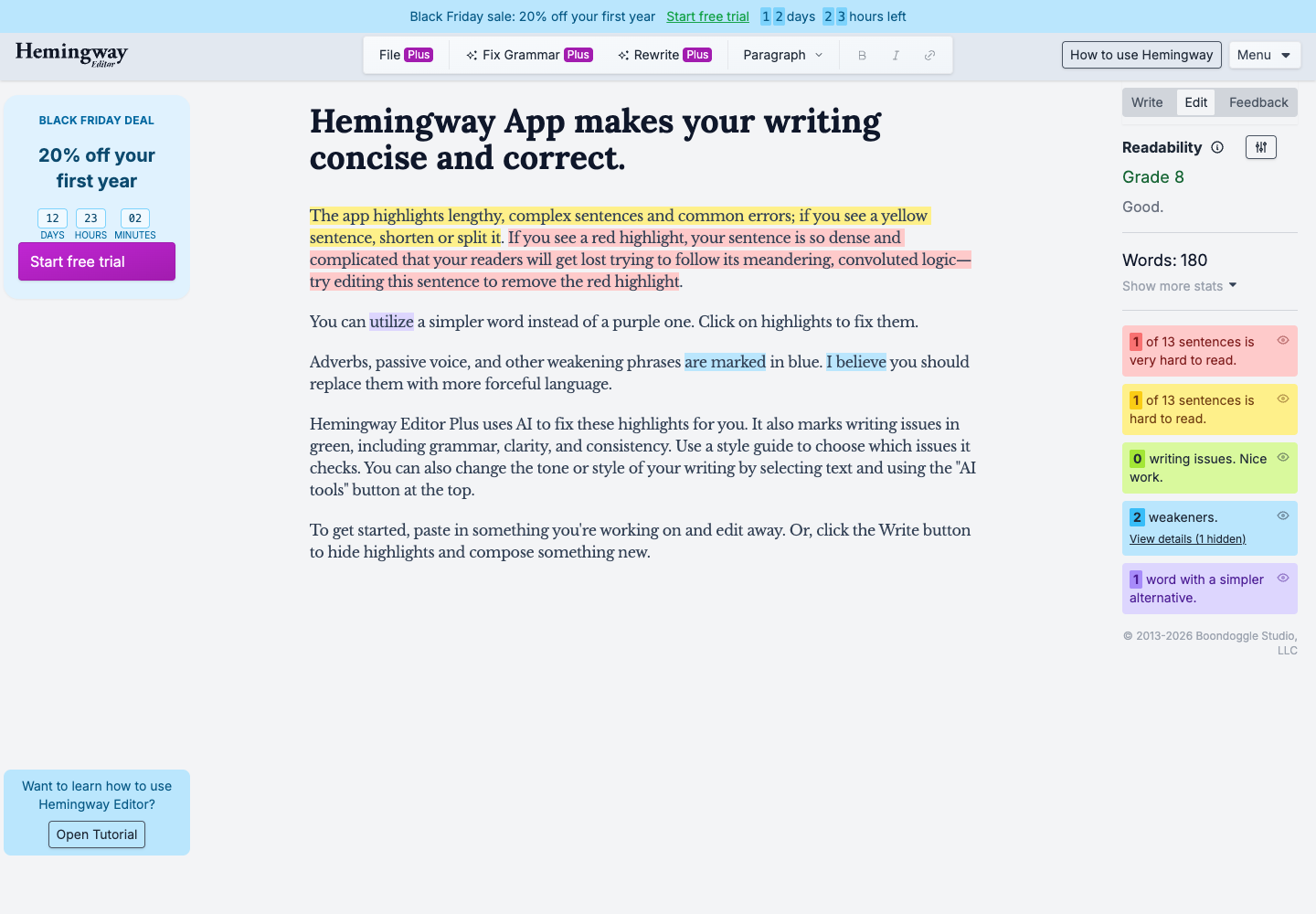
Hemingway Editor helps writers review the clarity and readability of their text. Paste or write in the editor to see highlighted complex sentences, weak language, and a readability grade. Hemingway Editor Plus adds AI suggestions for rewriting, grammar, tone, and style. Writers can review suggestions while editing their own work.

Toolsaday is an AI toolkit for text editing, story creation, and summarization. Its Word Pilot editor offers tools to autocomplete text, paraphrase writing, summarize content, translate text, and adjust tone. For fiction and narrative projects, Toolsaday includes story generators that use story elements to develop plots, create outlines, and draft chapters. The toolkit also provides dedicated text and story summarizers for condensing written material and narratives. These capabilities bring editing, story generation, and summarization into a single collection of writing tools for users working on different kinds of content.

ProWritingAid supports authors who are drafting and editing prose. Writers use it to check grammar, spelling, style, and readability across their drafts. Writing reports help authors examine text and identify areas to review and revise. When a sentence needs adjustment, writers can use rephrasing options to change its wording, length, or formality. ProWritingAid also helps writers develop stories with Story Canvas, and paid plans provide chapter critiques to support revision. Together, these tools cover story development, line editing, and feedback within a writing workflow.


Missive is a collaborative inbox for teams that work with email and other communication channels. Teammates can discuss conversations internally, draft replies together, assign work, and use shared inboxes. Its AI features support drafting, translation, and conversation summaries using Missive AI credits or a connected provider key. Teams can manage their work alongside the messages that provide its context.


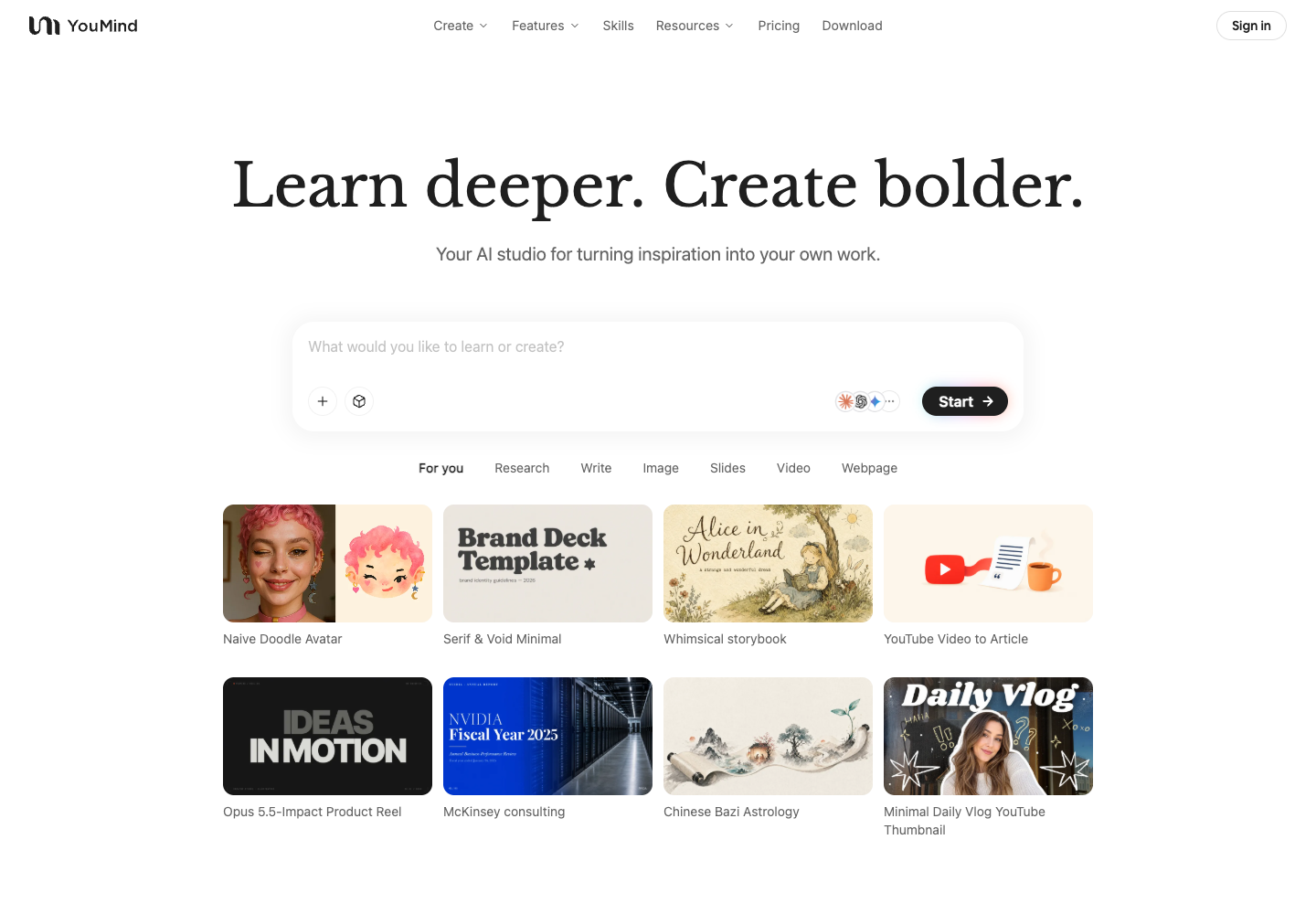
YouMind helps you collect webpages, PDFs, videos, and notes, and turn them into structured writing with AI. After gathering materials, users can ask AI to summarize content and create an editable outline or article. While editing a draft, they can rewrite specific passages and review changes before finalizing text. For video sources, captioned YouTube videos can become timestamped summaries, making it easier to reference key parts. By bringing together material collection, AI summarization, editable drafting, and passage rewriting with change review, YouMind supports a workflow from research materials to a finished piece.

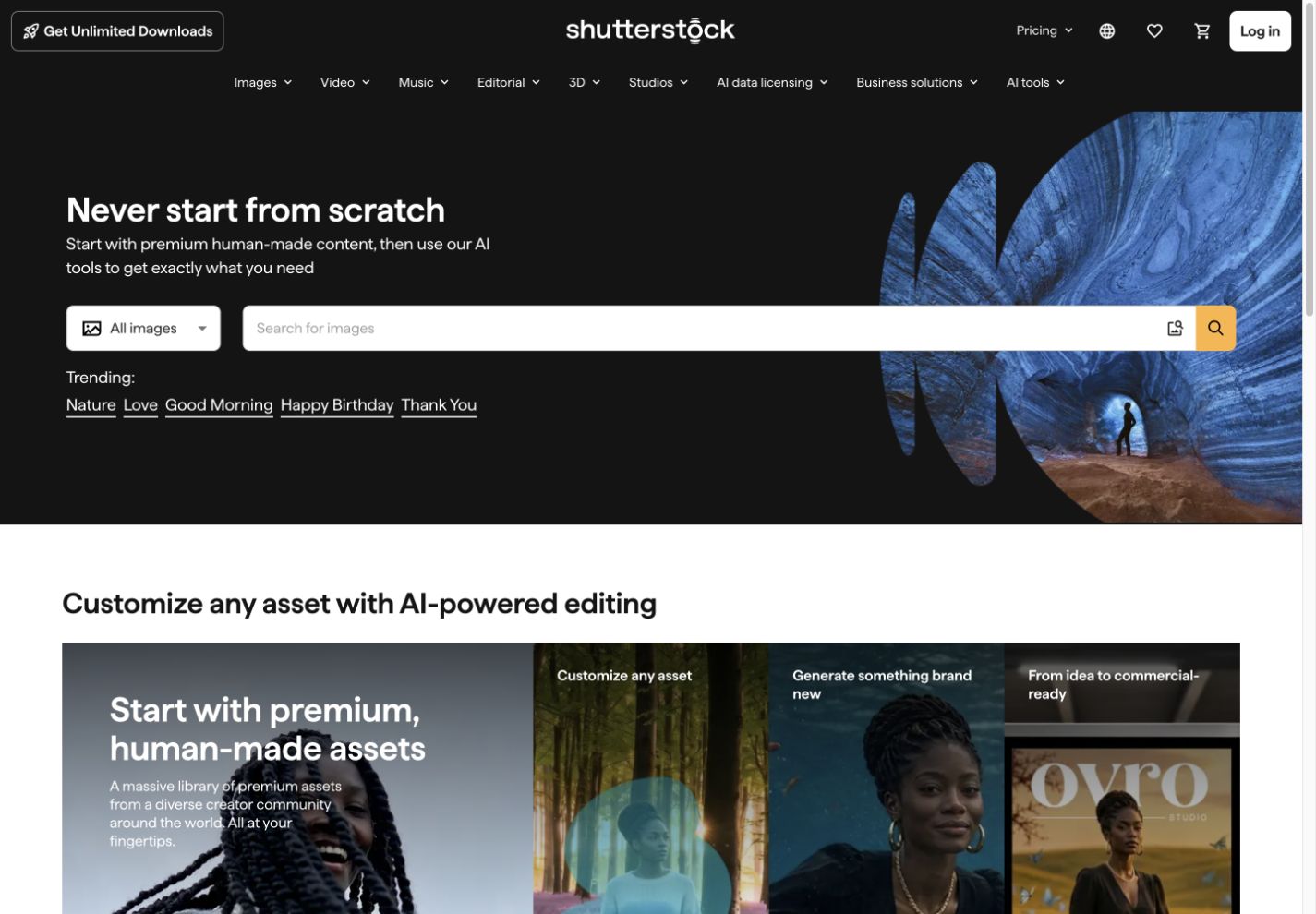
What it is Operated by Shutterstock, Inc. in New York, NY, Shutterstock is a global creative platform that pairs a royalty-free library of photos, vectors, illustrations, videos, music, sound effects, and editorial imagery with an integrated generative AI suite. How it works Users can license human-created stock assets or open Shutterstock's AI tools (shutterstock.com/ai) to create visuals from text prompts, style presets, or reference images via Content Reference. Multi-model access and Model Match routing let users send prompts manually or automatically to supported image and video engines—including GPT Image, Gemini Pro Image, Imagen, Flux, DALL·E 3, Seedance, Runway, and Veo. Outputs & capabilities Beyond text-to-image and text-to-video generation, built-in AI editing tools expand aspect ratios, modify or remove backgrounds, and refine visuals. AI preview generation is separate from licensing: users license selected outputs under Standard or Enhanced commercial terms using their subscription or pack, while artists whose work trains Shutterstock's ethical AI datasets are compensated through the Contributor Fund. Scope & privacy Plans span individual subscriptions (with non-rollover monthly download allotments), Unlimited and Unlimited Plus tiers, 12-month On-Demand packs, and Team/Enterprise options—including GenAI Pro with SAML SSO, API/DAM integrations, private team generation, and human review. Standard Image Licenses cover unlimited digital use, up to 500,000 print copies, and up to USD $10,000 in legal indemnification; Enhanced Licenses lift print caps, cover merchandise for resale, and raise indemnification to USD $250,000. Shutterstock does not accept contributor uploads of externally generated AI content.

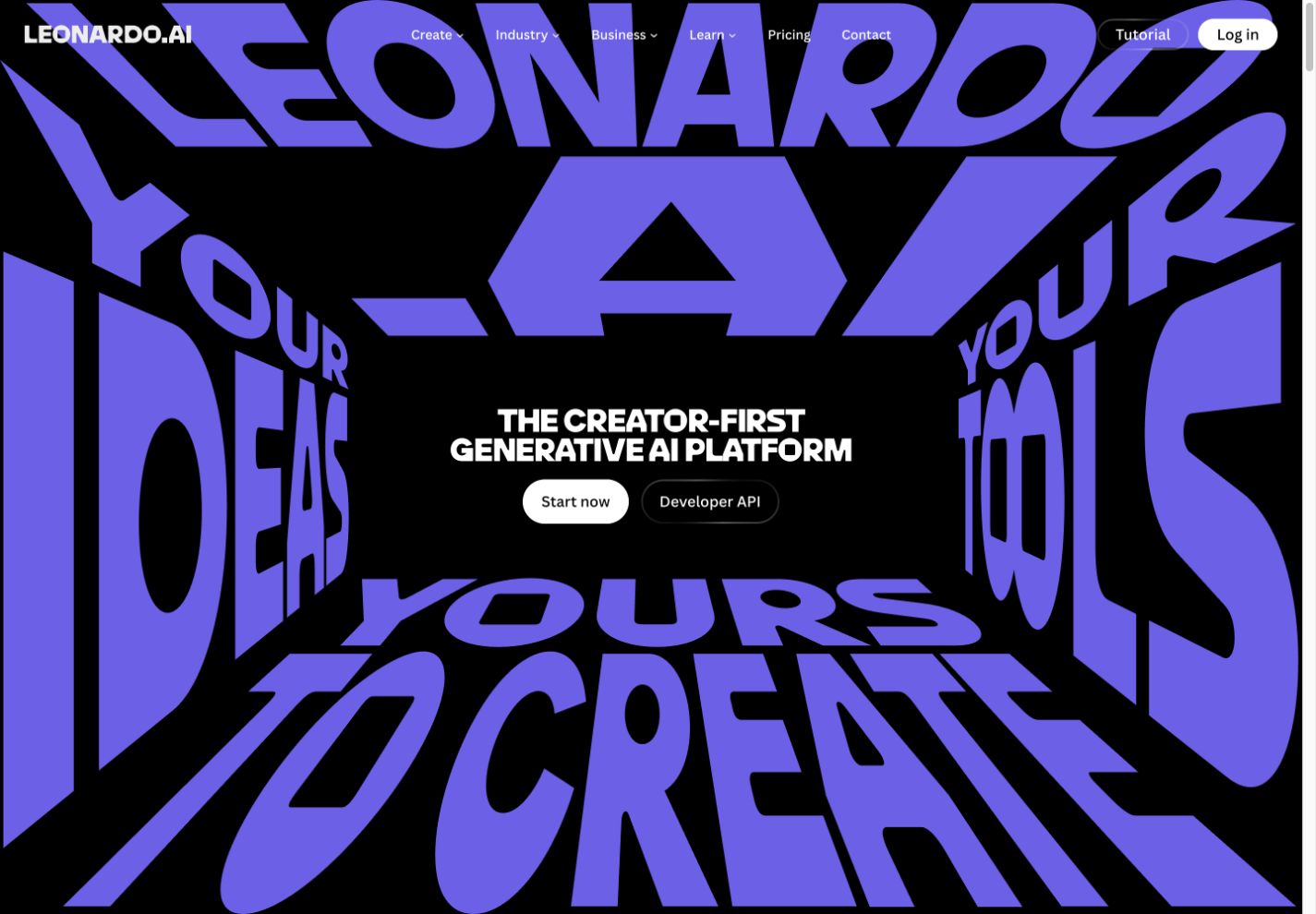
What it is Leonardo.Ai is a cloud-based generative AI creative platform operated by Leonardo Interactive Pty Ltd (ACN 662 209 485), a Canva brand. It brings together 80+ proprietary and third-party models—including Phoenix, Lucid Origin, Lucid Realism, FLUX Dev, FLUX Schnell, GPT Image 2, Nano Banana 2, Ideogram, Seedream, Kling, Veo 3.1, Seedance, Wan, and MiniMax Hailuo—across image, video, 3D, and audio creation. How it works Start from text prompts, up to 6 reference images, presets, Elements, or live sketches in Realtime Canvas and Realtime Generation. You can train personal AI models (10–50 per month on paid Solo plans), automate repeatable workflows with Blueprints and Leo Agent, or configure parameters visually in the web app and export ready-to-run REST API code—backed by official SDKs and an MCP server. Outputs & capabilities Core image tools cover text-to-image, image-to-image, inpainting, outpainting, precision editing, upscaling (Pro Upscaler Precise and Creative), and remove.bg background removal. Beyond still images, the platform supports text-to-video and image-to-video (with native synchronized audio on models such as Seedance 2.5, Kling 3.0 Turbo, MiniMax H3, and FLUX 3 Video), 3D generation (Meshy 7, Rodin V2, Tripo H3.1), and audio generation (Music v1, Sound Effects v2/v3, Eleven v4, Seed Audio 1.0). Scope & privacy Available on the web across Free ($0/month with 150 daily fast tokens and public outputs), Essential, Premium, Ultimate, and Team (Starter, Growth, Custom) plans, alongside Pay-As-You-Go and Custom API plans billed in USD. Under the Terms of Service (updated January 19, 2026), paid subscribers retain IP ownership of their outputs and can keep creations private—excluding them from AI model training without express written consent—while free-tier outputs remain public with IP vesting in Leonardo Interactive Pty Ltd.

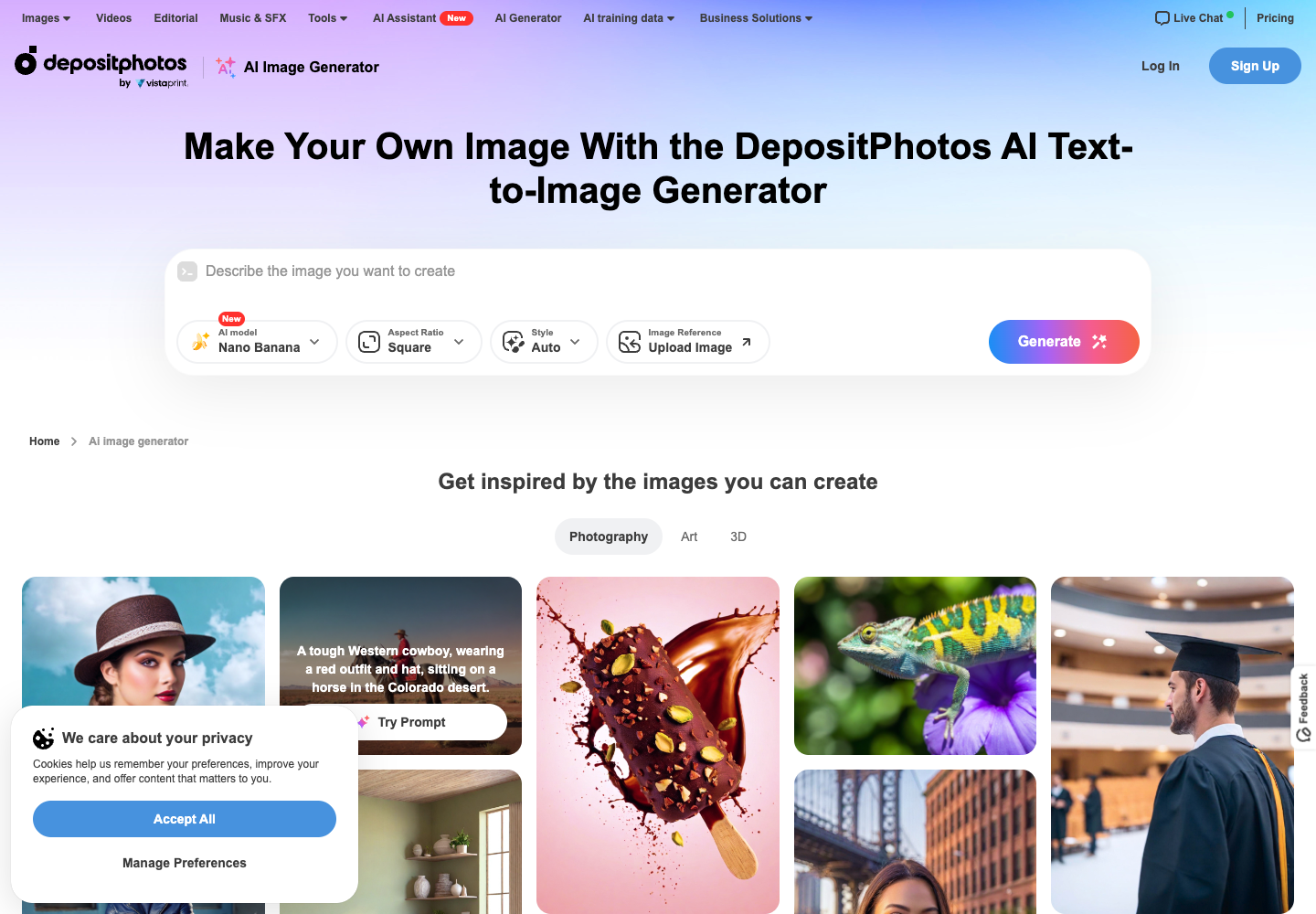
What it is DepositPhotos AI Image Generator is a browser-based text-to-image tool built into the DepositPhotos platform. Powered by Bria.ai and Google's Nano Banana model, it enables paid subscribers to create custom, commercially licensed visuals directly online. How it works Enter a text prompt, select an AI model (Bria or Nano Banana), and choose an aspect ratio (Square, 4:3, 3:4, or Wide) alongside a style preset (Auto, Art, or Photography)—with the option to upload a reference image. Each run produces four distinct variations that you can download individually or as a complete set. Outputs & capabilities Every prompt delivers four unique images covered by the DepositPhotos Standard License for personal and commercial use across print and digital media, including social ads, marketing campaigns, and web content. Prompts support multiple languages (with English recommended for best results), and generated visuals stay exclusive to the creator rather than entering the public stock library. Scope & privacy An active paid DepositPhotos subscription is required; free generation is not available. Paid plans include unlimited AI generations, while downloads draw from your standard download balance. Under DepositPhotos' Rules for Responsible AI Use, inputs may be shared with third-party AI model providers, outputs are provided as-is without human review, and users must not infringe third-party intellectual property or generate harmful content.

What it is chichi-pui (ちちぷい) is a Japanese AI art community and generation platform operated by Tokyo-based ccpp Inc. (株式会社ccpp). Launched in October 2022 and incorporated in December 2022, it provides a dedicated hub for AI-generated illustrations, photos, gravure, and manga. How it works Anyone can browse artworks and prompts for free, or create a free account to publish AI works with their prompts and negative prompts. To generate images in the browser without a local GPU, users enter text prompts, adjust parameters such as steps and scale, and spend in-site "pui" points earned via daily login bonuses or purchased through the service. Outputs & capabilities Alongside community posting and prompt discovery, chichi-pui offers browser-based image generation (including standard and UL modes), video generation entry points, and anime or realistic base models. Creators can also monetize via coin-priced monthly memberships and sell physical goods or digital content through the integrated chichi-pui shop. Scope & privacy Operated primarily in Japanese on desktop and mobile web browsers, chichi-pui enforces content zoning (including R-15 and R-18 filters with mandatory mosaic/censoring rules) and prohibits non-AI submissions or false prompt details. Under Article 10 of its Terms of Service, images created with chichi-pui's generation feature may be used for personal and commercial purposes, subject to third-party rights and underlying AI model terms.


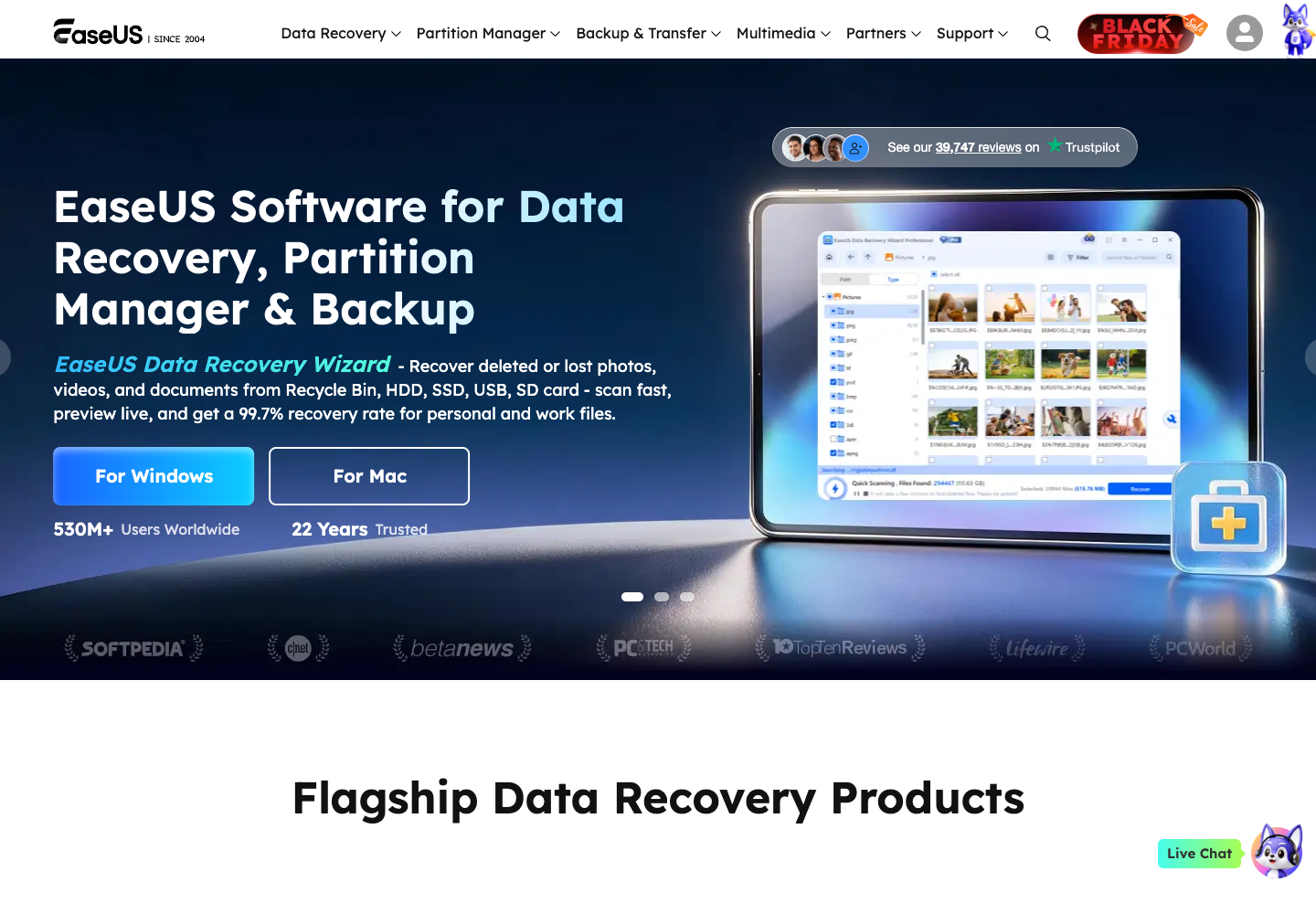
What it is EaseUS is a software brand operated by CHENGDU Yiwo Tech Development Co., Ltd. (founded in 2004), offering data recovery, partition management, system backup, PC transfer, and AI media tools across Windows, Mac, iOS, and the web. How it works Users install desktop apps for Windows and Mac—including Data Recovery Wizard, Partition Master, Todo Backup, Fixo, and VoiceWave—or use browser-based tools such as Fixo Online, EaseMate AI, and EaseMuse. Outputs & capabilities Core capabilities include recovering deleted or lost files from HDDs, SSDs, USB drives, SD cards, and iOS devices; resizing partitions, cloning disks, and converting MBR to GPT; backing up systems and migrating PC data; repairing corrupted videos, photos, and Office or PDF files with Fixo; and generating or editing images, video, and audio via EaseMate AI, VoiceWave, and EaseMuse. Scope & privacy EaseUS offers free editions and trials alongside monthly, annual, perpetual, and lifetime licenses, backed by a 30-day money-back guarantee on qualifying direct purchases. Under the EaseUS Privacy Policy, EaseUS.com collects submitted personal information for purchases, support, and updates, and uses cookies and analytics. EaseMate AI states that user data is encrypted and not used to train AI models.