BetterAI.toolsBetterAI.toolsSearch
Submit

Alternatives to Meta AI

Explore tools in the same categories. Find what fits your workflow.

AI AssistantUse AIAccess third-party AI models for search, research, and image generation.AI AssistantChatbox AIMulti-model AI client with knowledge base, web search, and Work Mode.AI AssistantQwenA free-to-use assistant powered by Qwen models, available on the web and in apps.

Meta AI alternatives, explored

33 alternatives sharing at least one category. Listed by publication date, newest first.

Use AI logo

21. Use AI

freemium

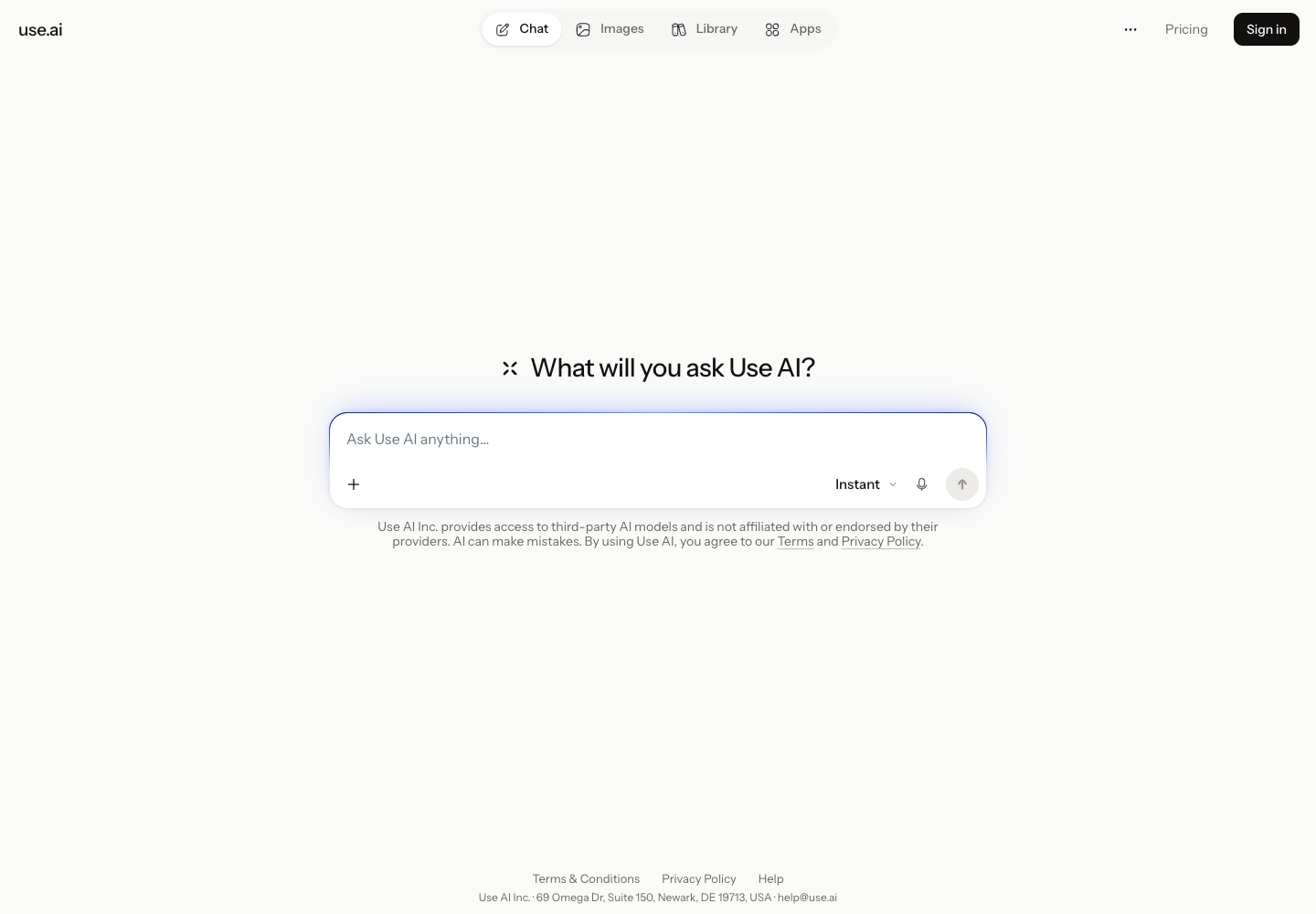
Use AI brings third-party models into a single chat workspace. Start with a quick question in Instant, or use web search when the answer depends on current information. On a supported paid plan, you can switch models mid-conversation, group source material in a project, and turn the work into a document, slide deck, or spreadsheet. Access to premium models, research, and media tools follows the limits of your Use AI plan.
  • Try another model in the same conversation
  • Integrated Web Search
  • Built-In Image Generation
  • Turn research into a working file
Use AI official website preview

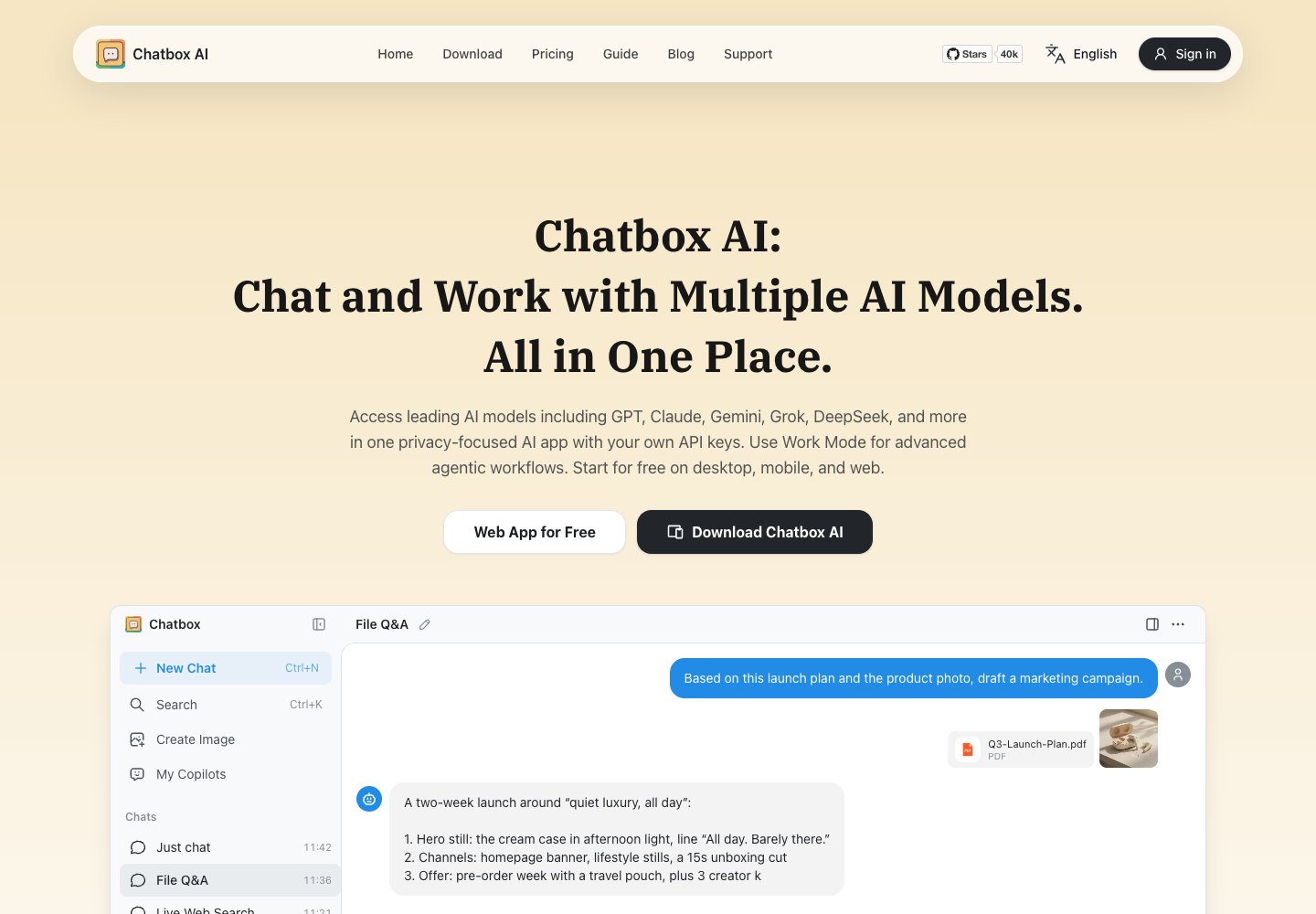
Chatbox AI is a cross-platform AI client available on web, desktop, and mobile that connects users to multiple language models through either a hosted subscription or their own API keys. Inside one workspace, users can chat with files and images, run real-time web searches, generate code with live previews, create images, and render Markdown, LaTeX, and Mermaid diagrams. Its desktop app also includes a locally stored Knowledge Base, while Work Mode enables multi-step agentic tasks.

  • Hosted or BYOK Model Access
  • File Q&A and Local Knowledge Base
  • Agentic Work Mode
  • Code Preview and Rich Rendering
Chatbox AI official website preview

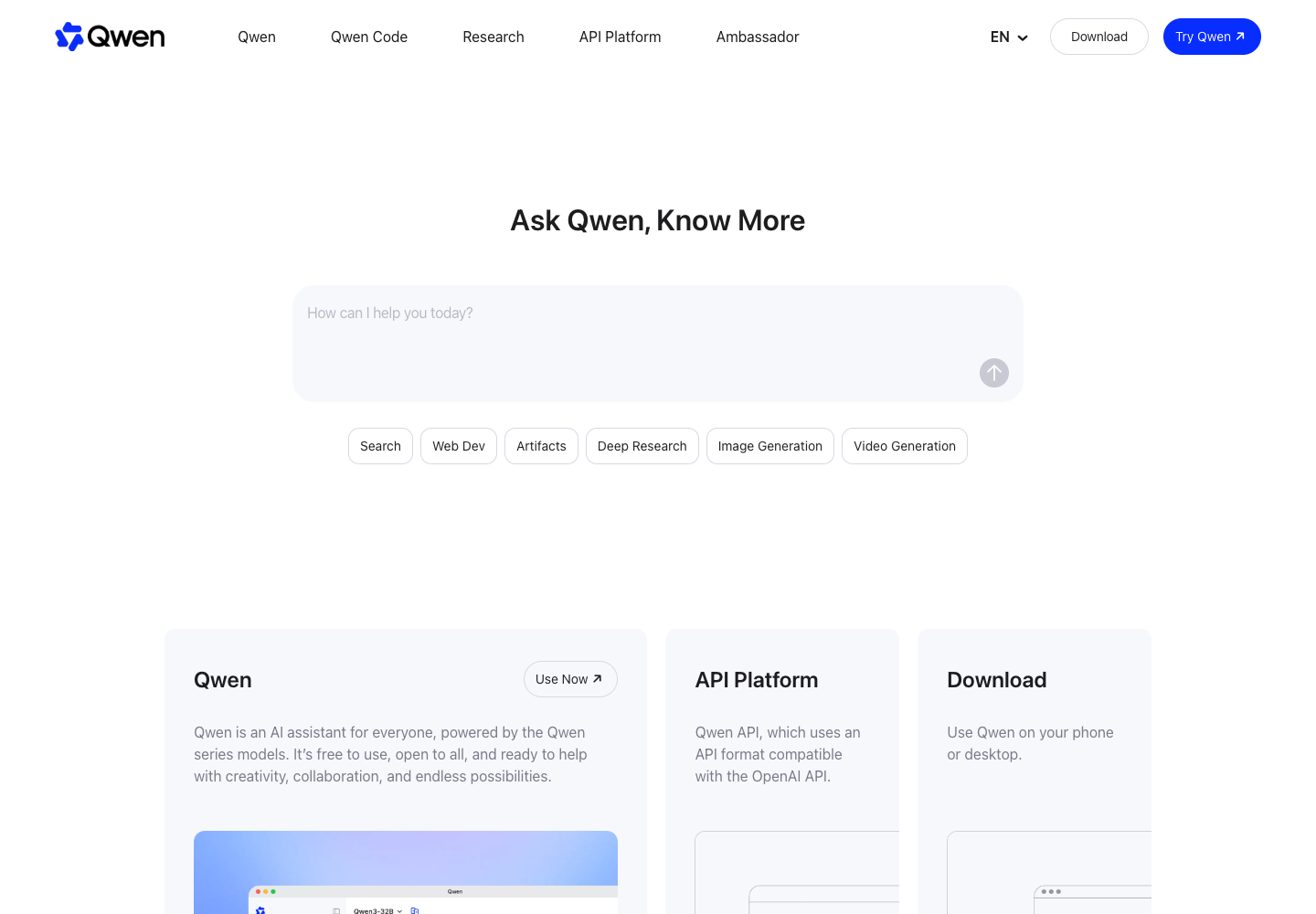
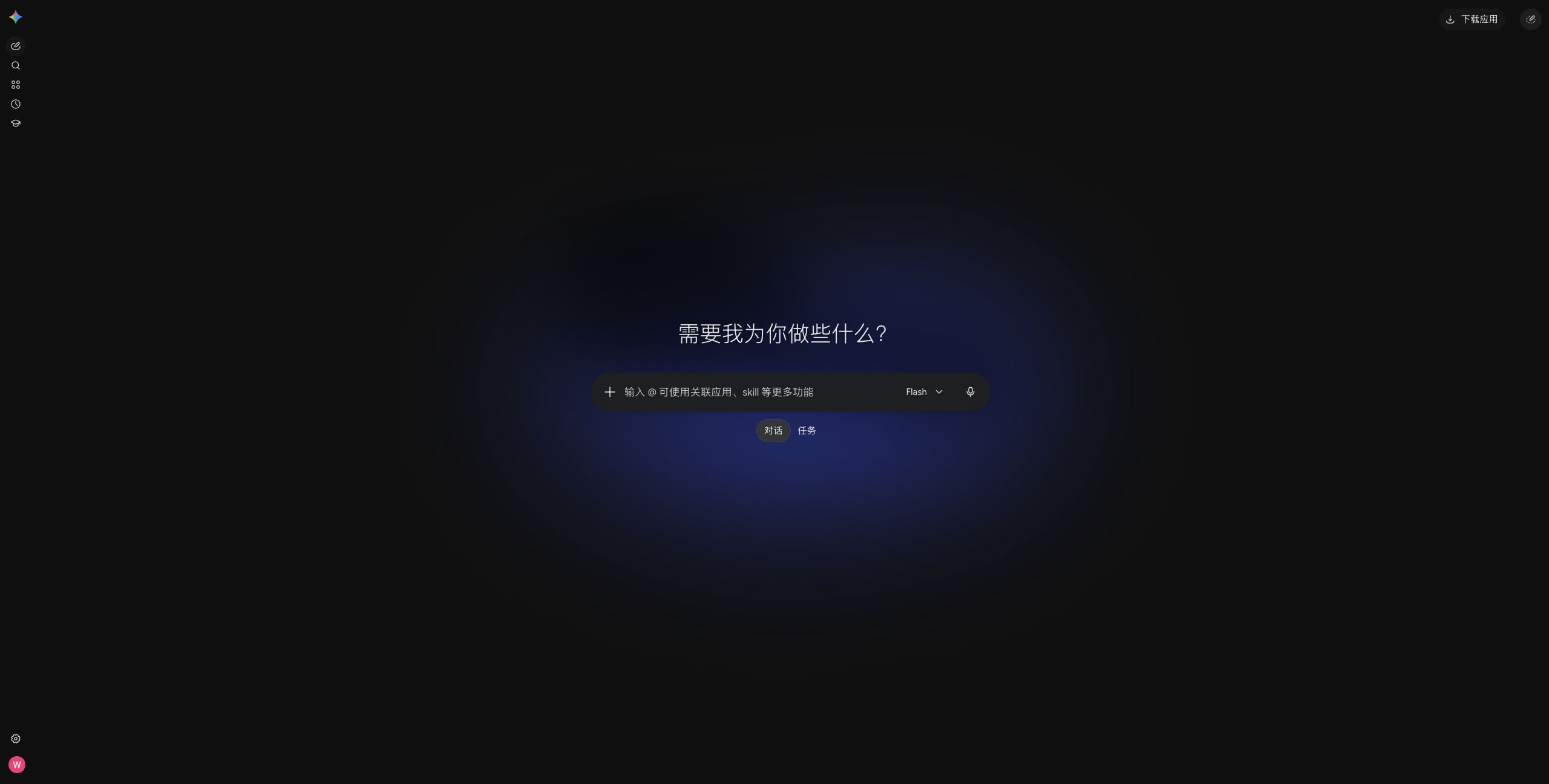
Qwen is a free-to-use AI assistant powered by Alibaba Cloud's Qwen models, available on the web and as downloadable apps for iOS, Android, macOS, and Windows. Users ask questions, run filtered web searches, conduct multi-step Deep Research reports, build webpages via Web Dev, and generate images or videos. It also processes text, images, audio, and video inputs for multimodal analysis. Alongside the consumer assistant, Alibaba Cloud offers an OpenAI-compatible API platform for developers.

  • Investigate a question across several sources
  • Build a webpage from a brief
  • Revise the visual direction of an image
  • Multimodal Input Analysis
Qwen official website preview
Muse logo

24. Muse

freemium

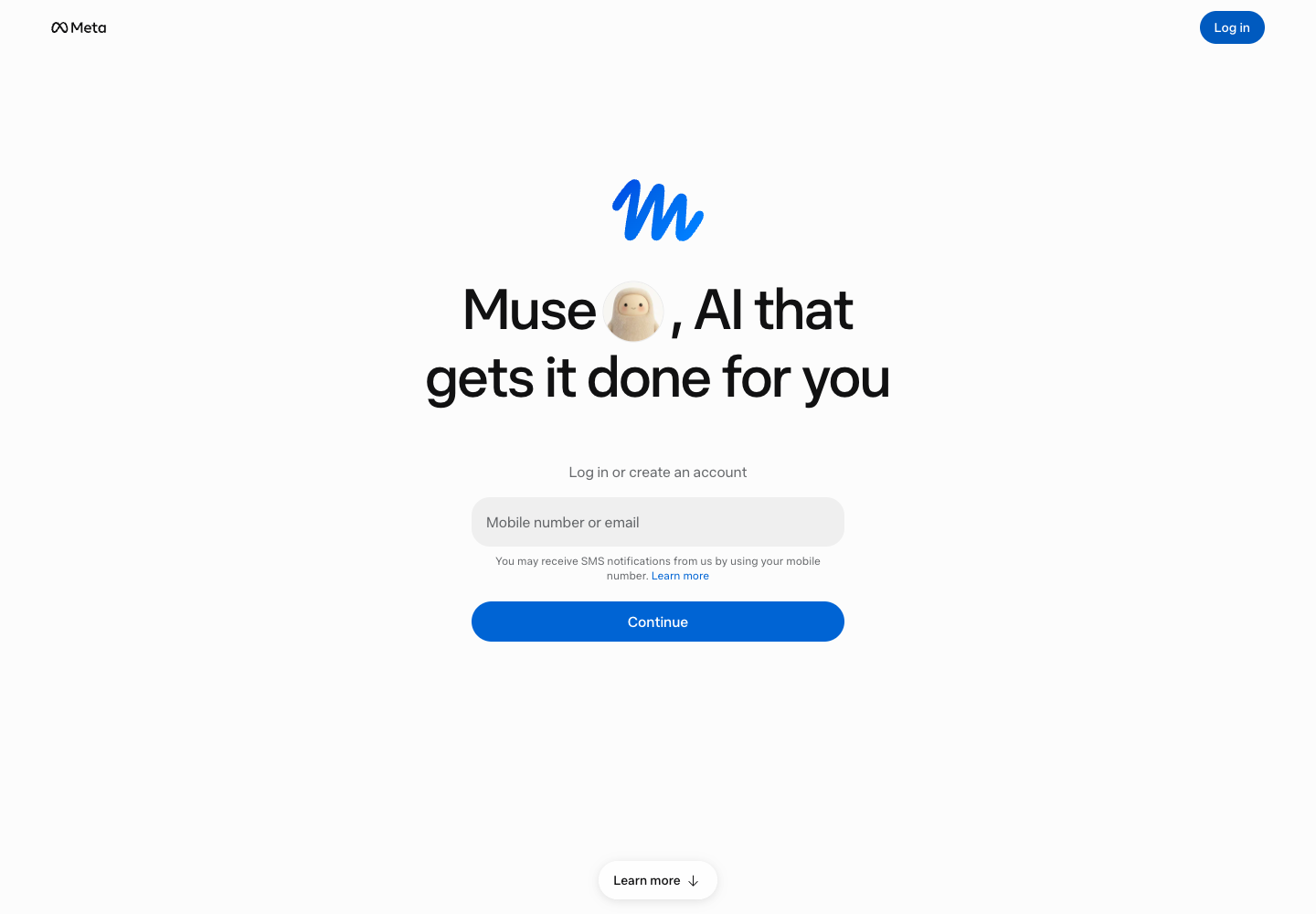
Muse is a personal AI agent from Meta that helps users work through everyday tasks and longer-term goals. A user can describe an objective, and Muse can build an action plan, track progress, set reminders and suggest next steps. It can browse the web, create documents and work with connected apps such as email and calendar when access is granted. Users can also ask for help with reservations or shopping; Meta says Muse asks for approval before completing a purchase. The agent combines chat with work across connected services, while the user controls permissions and reviews actions.

  • Browse and create documents
  • Connect email and calendar
  • Track goals and reminders
  • Review actions
Muse official website preview
Manus logo

25. Manus

freemium

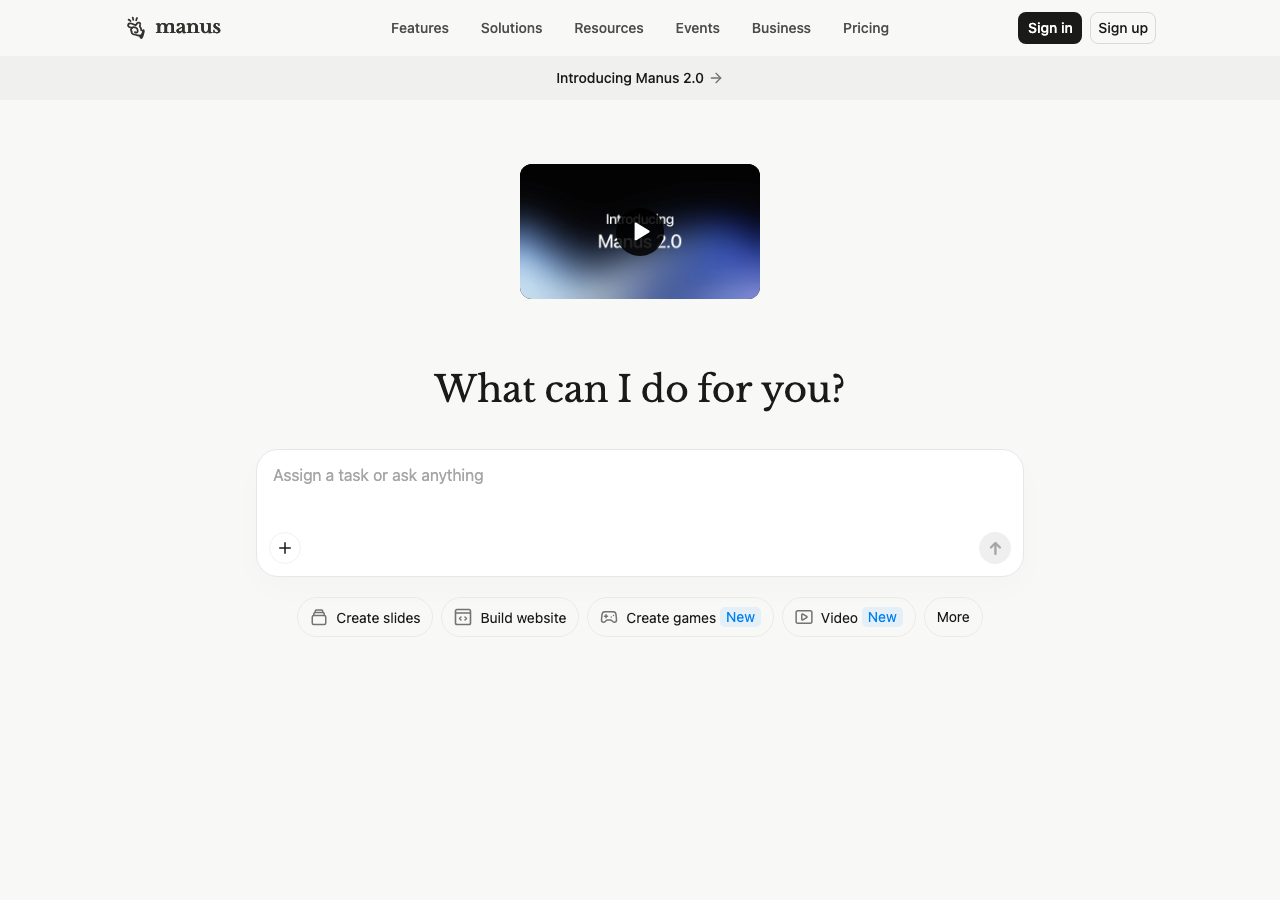
Manus is a hosted AI agent for tasks that end in a deliverable, such as a website, presentation, or research dataset. Give Wide Research a list of vendors and a set of questions, for example, and it assigns separate agents to investigate the entries before collecting their findings. The same workspace can turn a product brief into a first draft of a site or slides for a meeting.

  • Split lists with Wide Research
  • Build a website from a brief
  • Trigger tasks from Slack or desktop
  • Draft a presentation from a brief
Manus official website preview

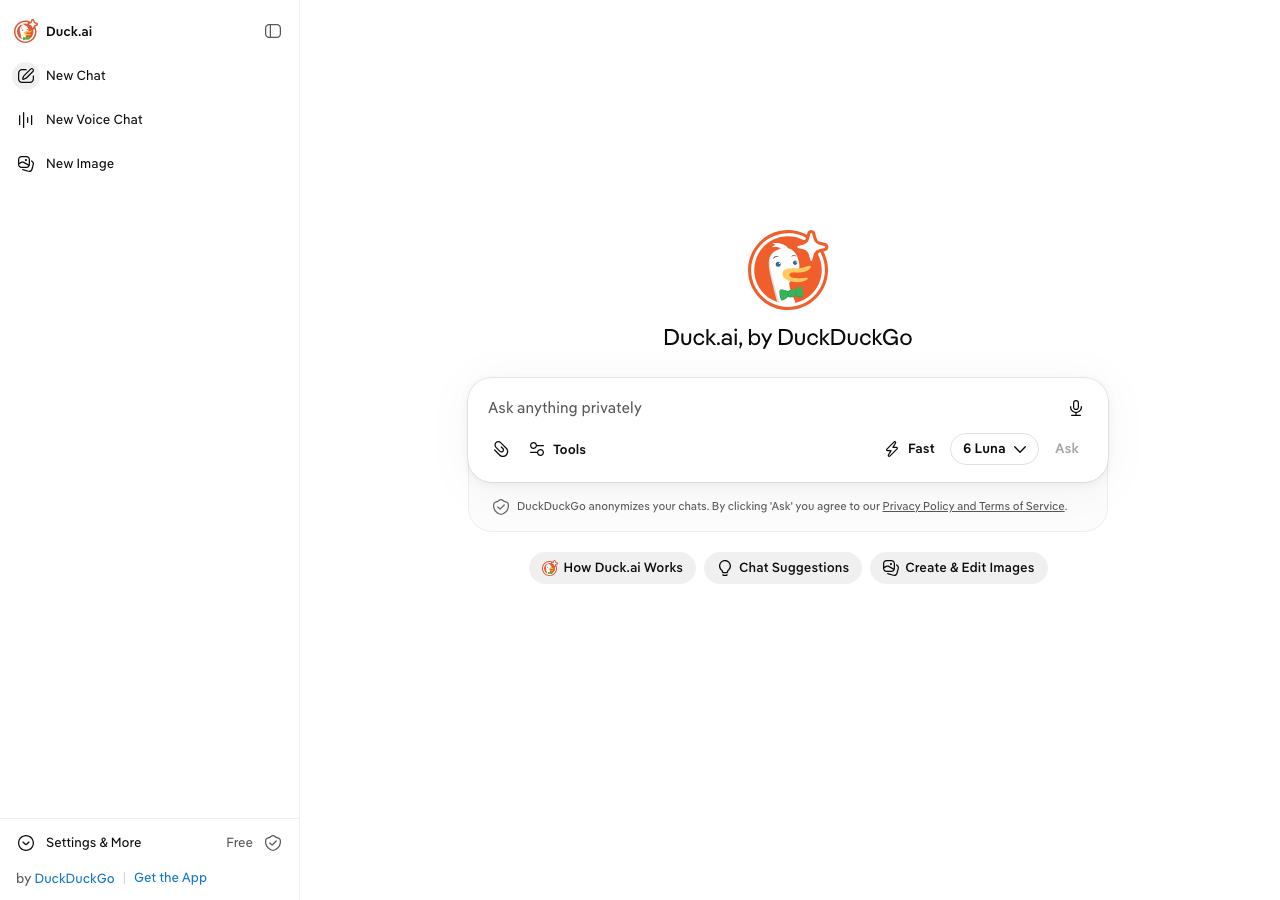
Duck.ai is DuckDuckGo's private AI chat interface. It offers a chat composer with model selection and tools for voice chat and image creation. DuckDuckGo states that it anonymizes chats, and the interface provides a free plan for people who want to ask questions privately.

  • Private AI chat
  • Voice and image tools
Duck.ai by DuckDuckGo official website preview
Notion logo

27. Notion

freemium

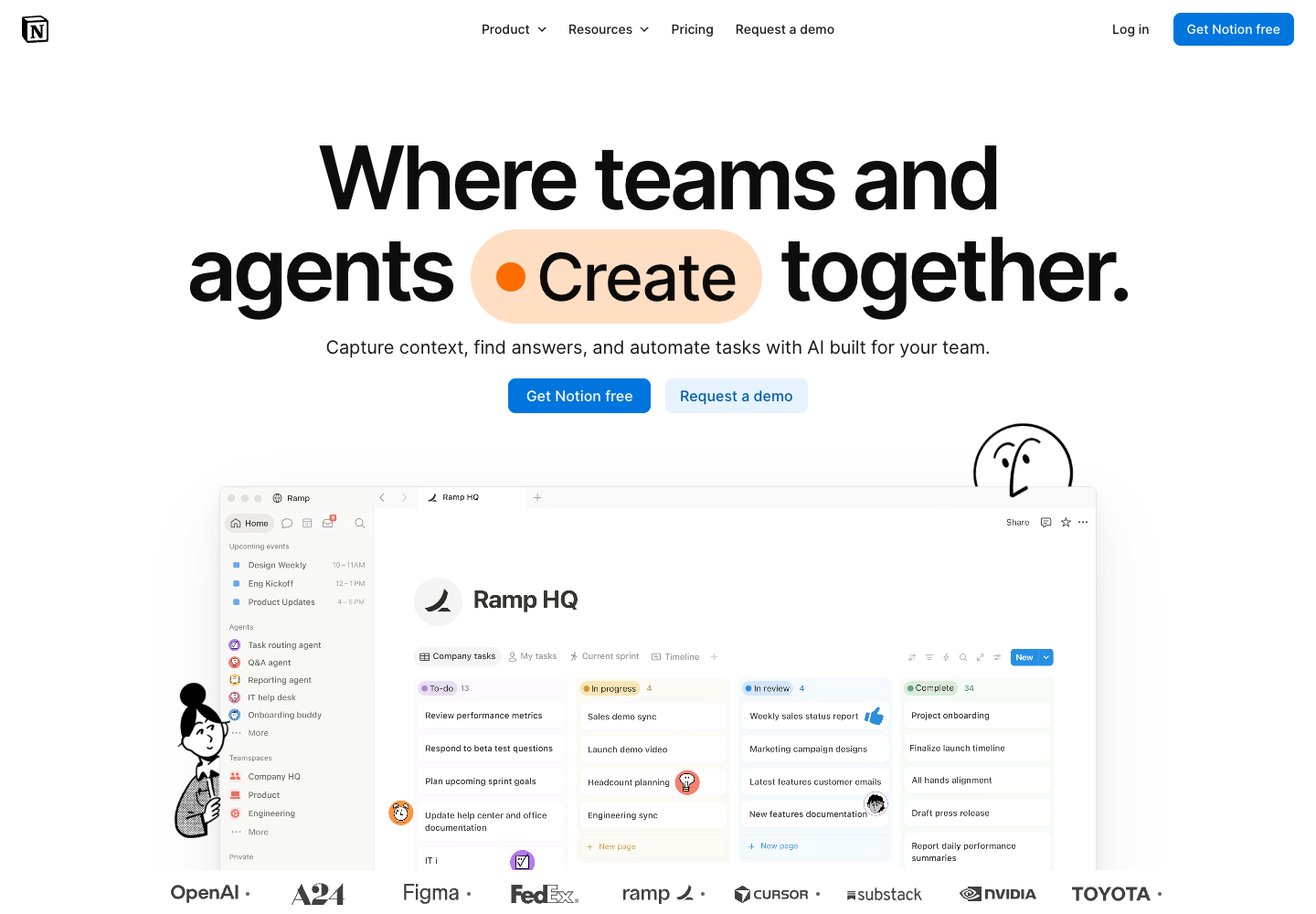
Notion is a collaborative workspace for documents and projects with built-in Notion AI capabilities. Teams and individuals input pages, project records, meeting discussions, writing prompts, and queries across connected applications. Based on those inputs, the workspace generates drafted or edited text, structured meeting notes, search responses drawn from workspace and connected app content, and automated outputs from configurable agents. Available context depends on workspace content, user instructions, connected applications and permissions. For example, a team can ask Notion Agent to find decisions in meeting notes or update a project page. Free and Plus plans offer limited AI trials, while Business and Enterprise include broader AI access subject to usage allowances.

  • Collaborative Docs and Projects
  • Connected App Search
  • AI Writing and Meeting Notes
  • Built-in AI Agents
Notion official website preview
Grok logo

28. Grok

freemium

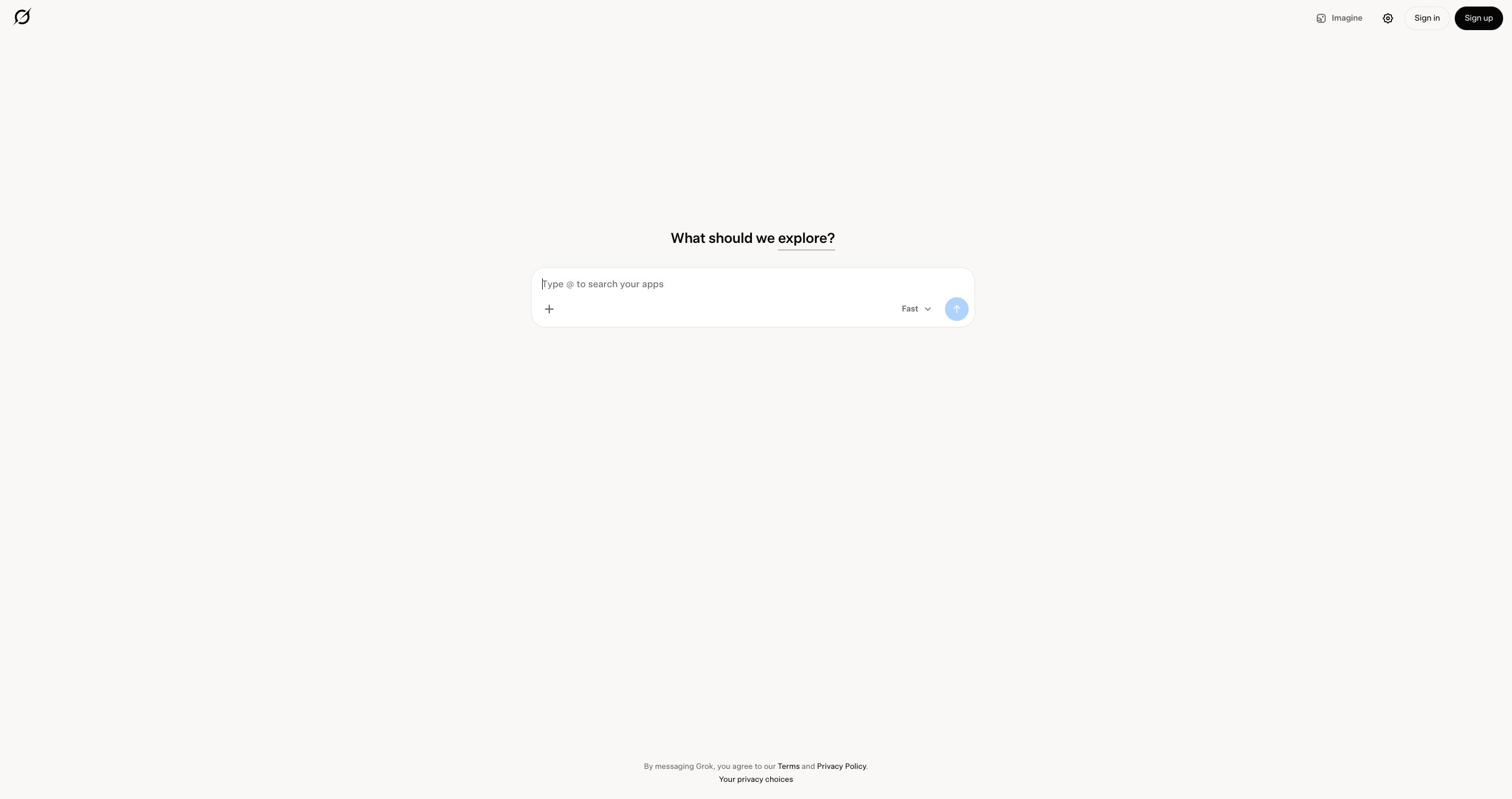
Grok is a conversational assistant on the web, iOS, and Android that works with questions, files, and visual media. A chat can start with a spreadsheet or PDF: ask for the figures behind a claim, then follow up on an unexpected result. Grok can also search for current information, take spoken questions, and generate images and video. With a supported account and the relevant connector enabled, it can draw on material in your email, files, or calendar.

  • Web and X Search
  • Image and Video Generation
  • Voice Mode and File Analysis
  • Prepare for a meeting from connected tools
Grok official website preview
Claude logo

29. Claude

freemium

Claude is Anthropic’s conversational assistant for working with source material and producing files. Give it a report, ask it to check a recent development on the web, then work through revisions to a brief or slide deck in the same conversation. Artifacts let you develop a document or prototype alongside the chat. The web, desktop, and mobile apps support everyday conversations, while tools such as Projects, Claude Code, and scheduled tasks depend on the plan.

  • Web Search and Analysis
  • Artifacts and Document Creation
  • Code Execution and Claude Code
  • App Connectors and Scheduled Tasks
Claude official website preview

Google Gemini is an AI assistant for answering questions, developing ideas and working across text, voice and visual tasks. A user can type a request or have a spoken conversation with Gemini Live, then ask follow-up questions as the work develops. Deep Research helps investigate a topic and produces organized findings, while Canvas provides a workspace for developing and revising projects. Gemini can also generate images from instructions or edit existing visuals. These capabilities bring conversational help, research and creative work into the same Google assistant; individual features and limits vary by plan and region.

  • Chat and write
  • Deep Research
  • Create and edit images
  • Gemini Live and Canvas
Google Gemini official website preview
DeepSeek logo

31. DeepSeek

freemium

DeepSeek provides AI models, a free assistant for conversations and everyday tasks, and developer APIs. Its official app helps users learn, create, and get things done. Developers can integrate its language models using APIs that support tool calls and structured JSON output, with model usage billed according to input and output tokens.

  • Free AI assistant
  • Developer API
  • Thinking modes
DeepSeek official website preview

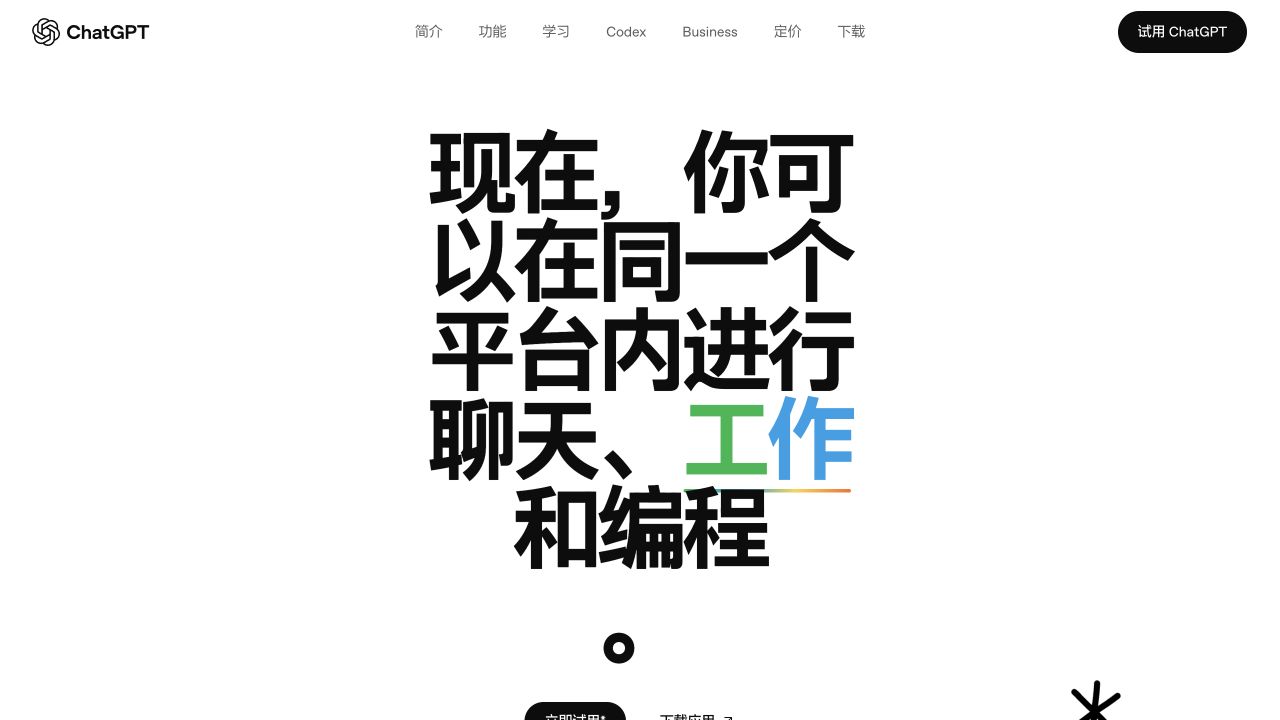
ChatGPT is OpenAI’s conversational AI assistant for exploring questions, creating content and working with information. Users can give it instructions in natural language, follow up in the same conversation, or upload supported documents and spreadsheets to summarize, compare or analyze. It can search the web when current information is needed and generate images from descriptions. For example, a user can upload a CSV, ask for a trend analysis and request a chart, or develop a draft through successive revisions. The available tools and usage limits depend on the account, plan and platform.

  • Draft and explain
  • Work with files
  • Search the web
  • Create images
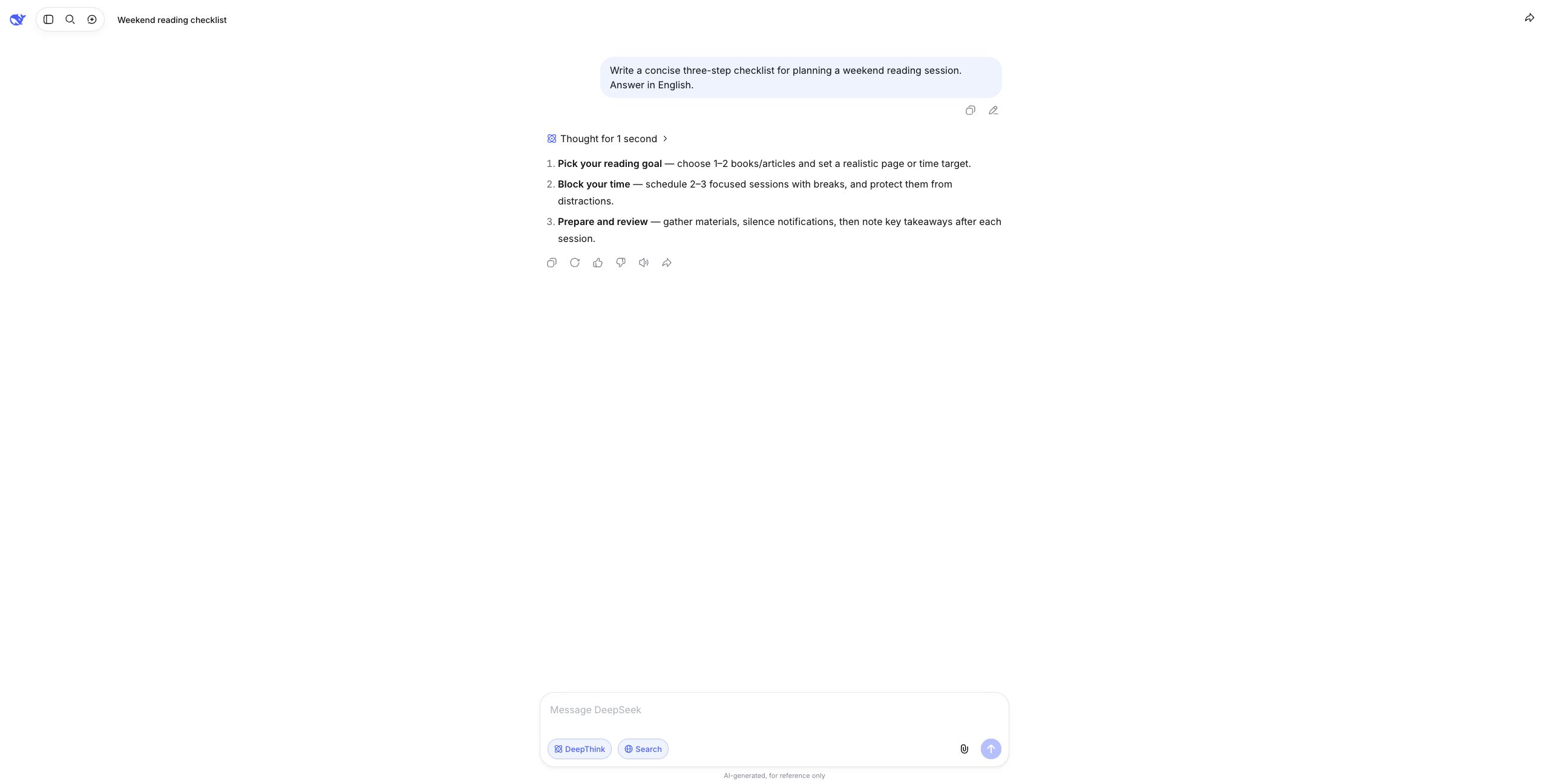
ChatGPT official website preview

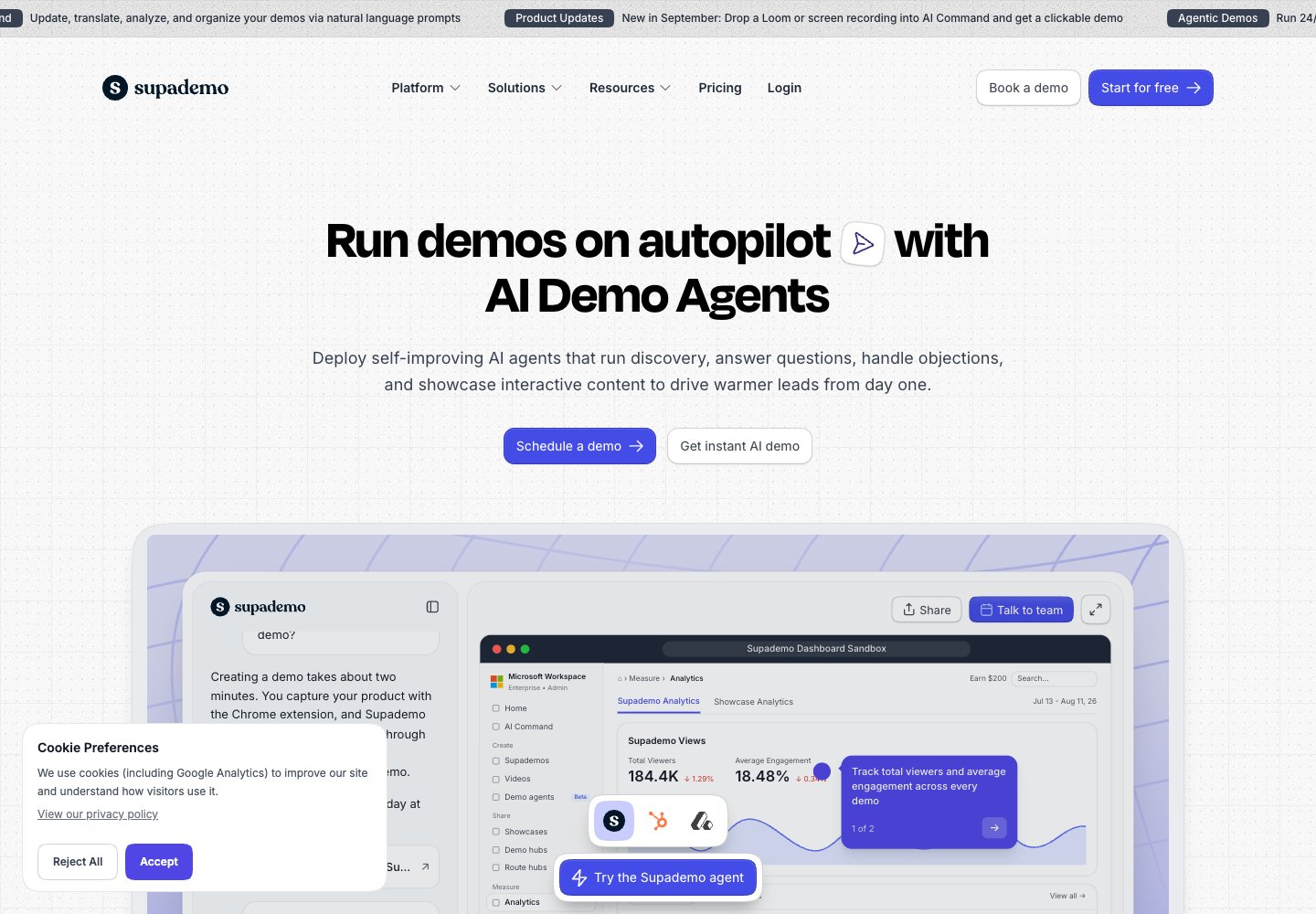
Supademo AI Demo Agent is a conversational product-demonstration feature for prospective buyers. It can guide an interactive walkthrough, answer questions using company-approved material such as demos, decks, pricing, case studies, and documentation, and qualify a prospect. Teams can set answer boundaries and escalation rules. The agent is available as a paid-plan add-on; each workspace receives 1,500 non-expiring starter credits.

  • Discovery and qualification
  • Grounding in approved sales content
  • Personalized interactive demonstrations
  • Conversation summaries and routing

5,782 active referring domains

Supademo official website preview
← Back to Meta AI